



P: exclude files and folders from Navigator
I have photos organized in Windows under the Picture directory. When I add new photos, I manually copy them into an appropriate folder and then use Import in Add mode to add them to the catalog. I really want Lightroom Classic to only show in the Navigator files from the Pictures directory, and in fact only files from selected folders within it, the ones I have explicitly imported.
What I see is that Lightroom is somehow importing files from directories that are in the same Drive, but under Documents or another same-level folder in the drive, not Pictures. I never manually imported any of these files. Most are icons that are associated with an installed program and are not photos I took. These completely pollute the Navigator window, as shown below:
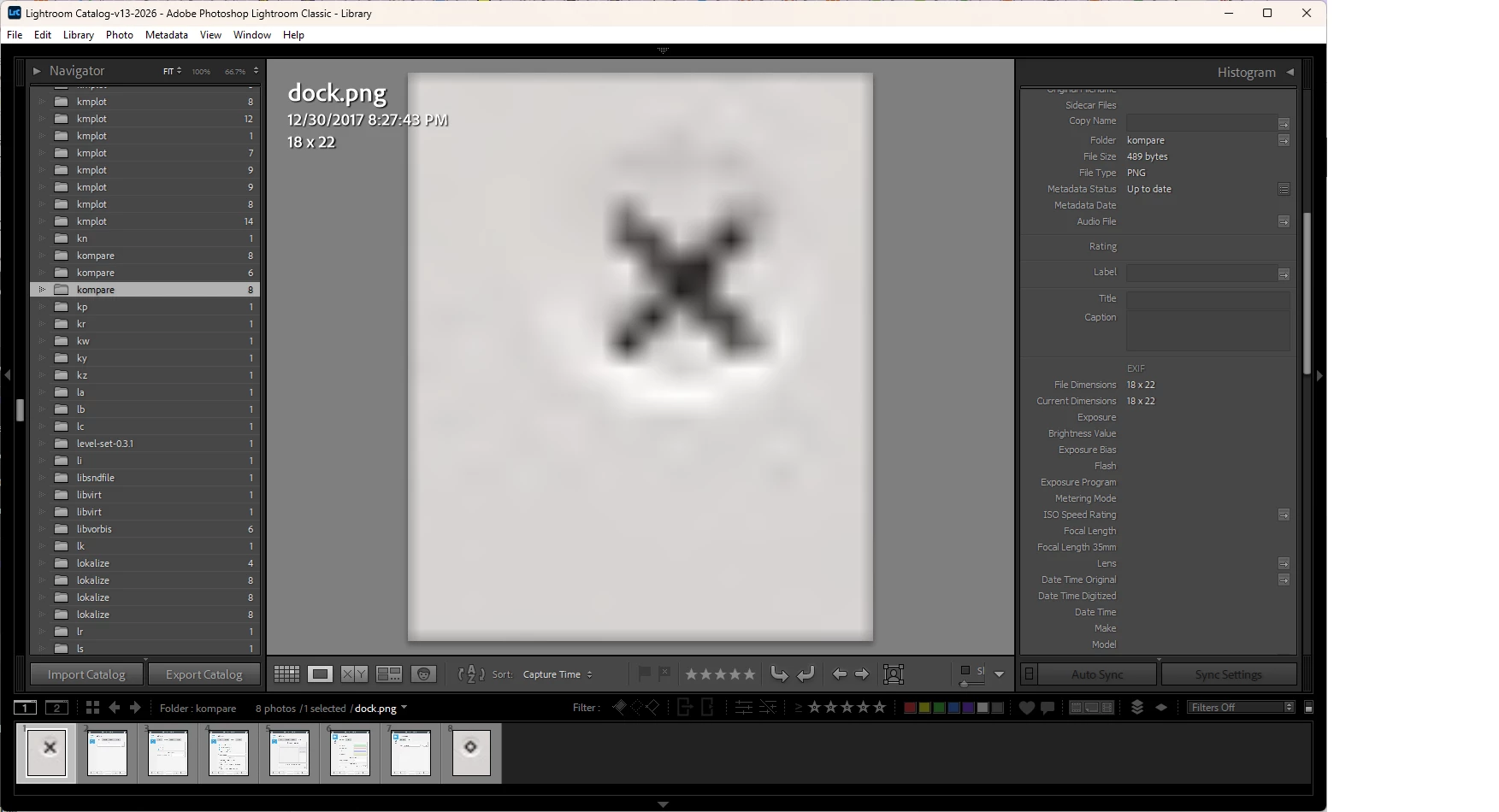
I don’t know whether this is a bug or whether it is functioning as designed. But in any case, I would like LIghtroom Classic to allow me to have my preferred workflow in which only photos and folders I have added via the Import dialog are ever shown in the Navigator.
 AdChoices