



P: Implement Copy and Paste Global Curve to Masking Local Curve (and vice versa)
- Please allow to copy Global Point Curve and paste it in a Local Point Curve in Masking.
Use Case
1. User edits Point Curve in Tone Curve or Masking (e.g I did it in Tone Curve)
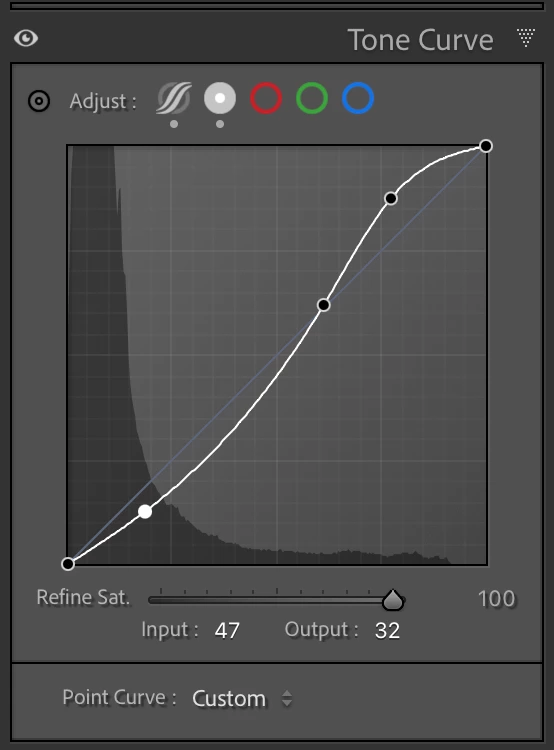
2. Users wants to reuse the existing curve and apply it to a Local Curve (in this case the Correction has the default Linear Curve)
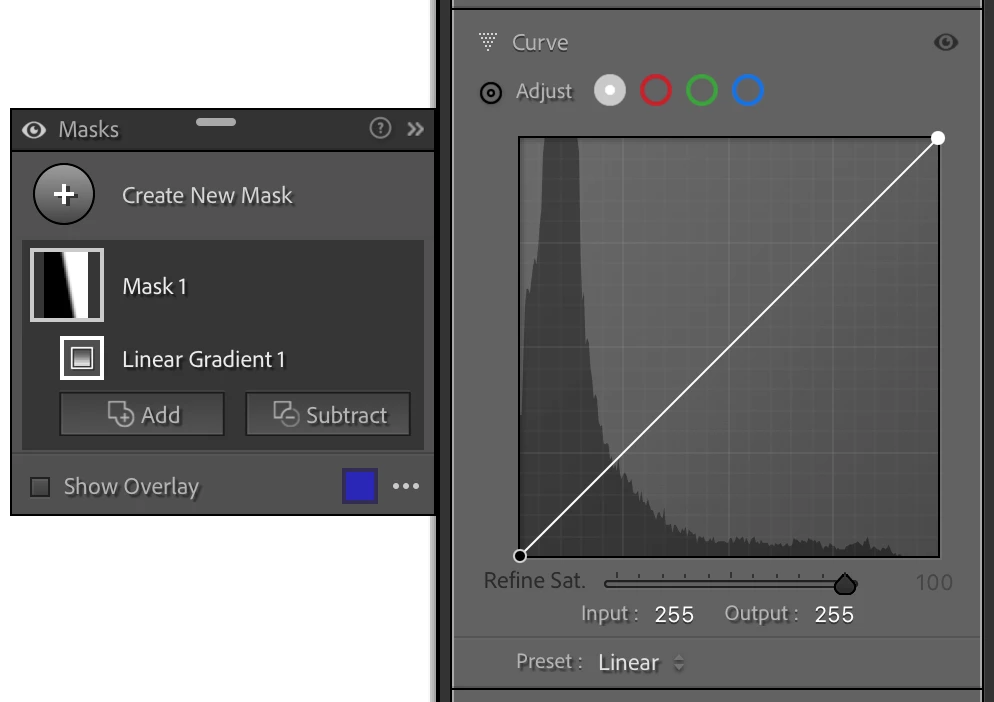
3 . User must:
A. save the curve as a "Curve Preset"
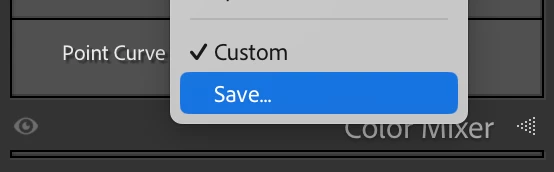
B. Go into Making or Tone Curve and apply that "Custom Curve Preset"
C. Delte the preset because it was meant for one use only.
Is a waste of time to do ABC for such a task.
It should be possible to Copy and Paste Global Point Curve and use it in Masking or vice versa.
Given the use case provided this is what happens at each step internally.
1. ToneCurvePV2012 =
[1] = 0,
[2] = 0,
[3] = 47,
[4] = 32,
[5] = 156,
[6] = 158,
[7] = 197,
[8] = 223,
[9] = 255,
[10] = 255},
2. ExtendedMainCurve (missing)
3. After "Copy and Paste" the Curve to slected Correction
ExtendedMainCurve =
[1] = "0,0",
[2] = "47,32",
[3] = "156,158",
[4] = "197,223",
[5] = "255,255"}
.
 AdChoices