



Open for Voting
P: Masking in combination with Remove
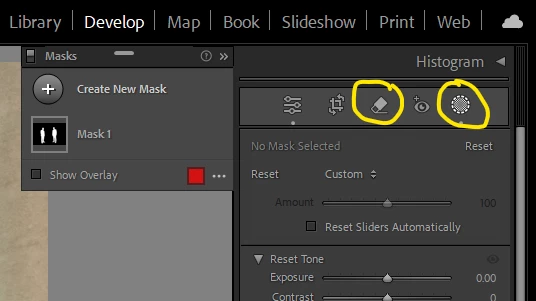
I'd like to enable Masking in combination with Remove (Generative AI). Masking features save a lot of time. Unfortunately, I was unable to use the masking (people, objects) while switching to Remove. Masking results are gone when switching to other tools. Remove is a powerful tool that might take a few tries to reach the result. Their combination could multiply the value added by both.
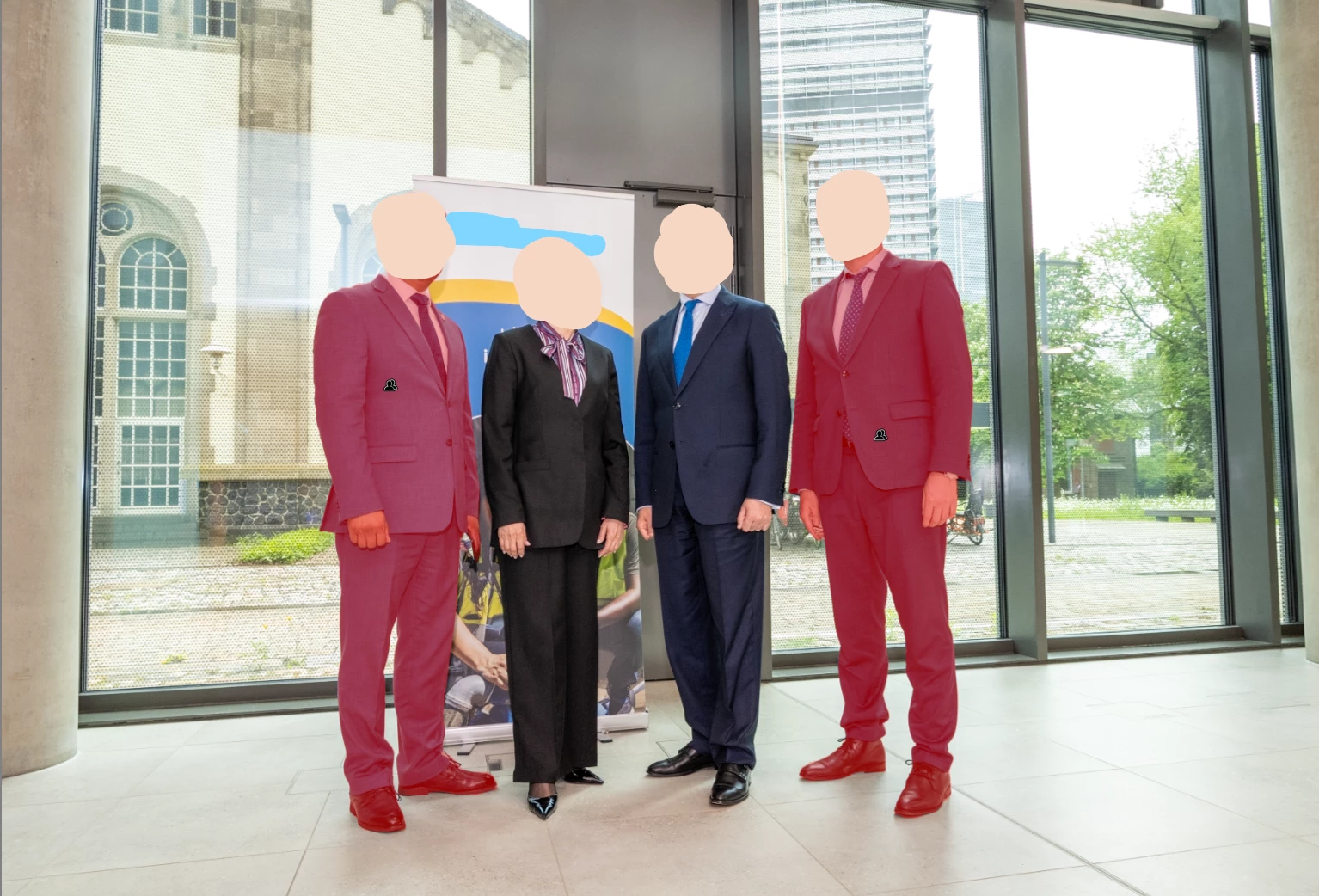
Example use cases
Corporate sector.
I have been asked to edit the photo by keeping the executives and removing the other staff for a publication.
I have been asked to remove a colleague who has moved to a different section from the team photo.
Individual customer.
My friend asked me to remove her former boyfriend from the group photo.
 AdChoices