



hellobrandonscott
Known Participant
July 13, 2023
Open for Voting

P: A subtle flag rating viewable when in full screen mode.

  • July 13, 2023
  • 5 replies
  • 440 views

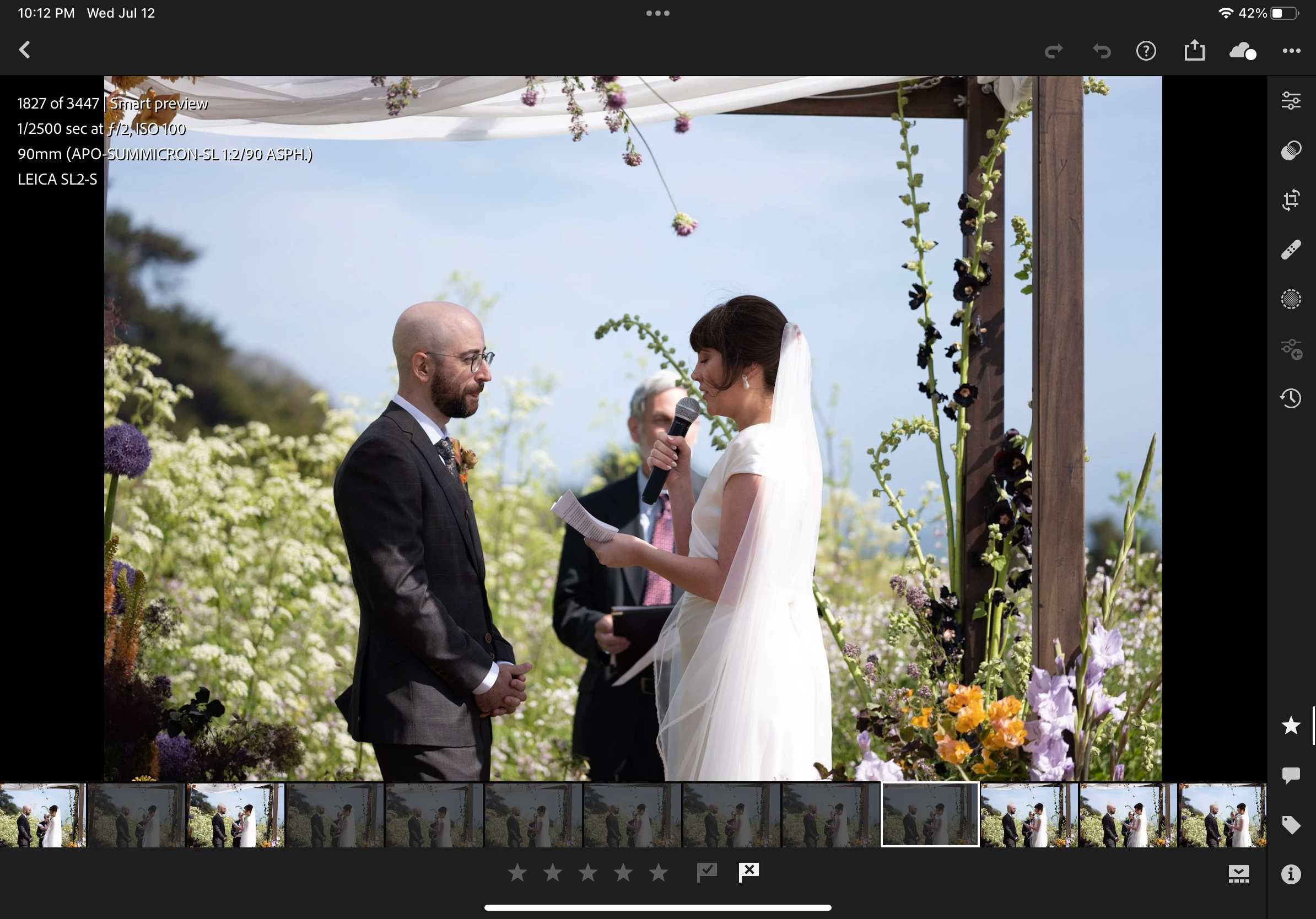
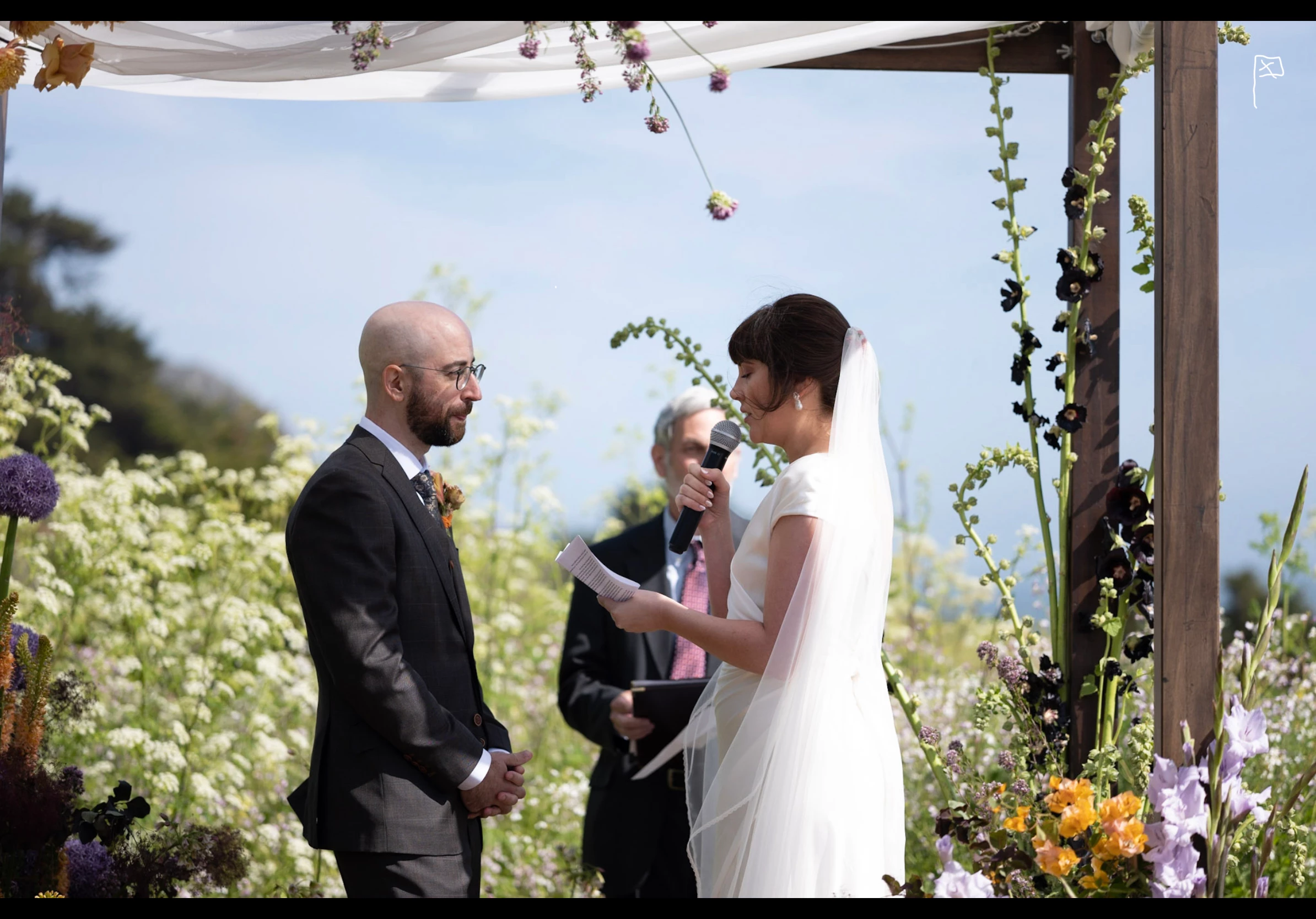
I use LR extensively for culling. The iPad form factor + Apple Pencil make it really great as a culling device for my workflow. Sometimes though the viewable area when in the normal view makes the image a bit too small on the 11" iPad. If it were possible to have just a subtle flag/rating indicator in the corner of a photo when in full screen, when in the rating mode, that would be SO helpful and enable me to stay in the full screen view during the culling session. Here's an example of what I'm talking about. First photo is the normal view in the rating mode as it is. Second photo is what I propose it looks like when in full screen mode.
 

5 replies

Community Manager
July 19, 2023

Sorry... Yes, I do get your point -- true full screen mode.  What I showed is the best the app can do now, and your suggestion remains a good one!

hellobrandonscott
Known Participant
July 19, 2023

That's still not the full screen mode I'm referring to. To get there, go to the rate/review mode, and then single-tap the photo. The film strip should go away and the photo should be the only thing on the screen. It's *there* I'd like to see a discrete marker of it's rating status. 

Community Manager
July 19, 2023

Hi @hellobrandonscott 

Yep, I understood you.  The same 2-finger tap does display the info I mentioned while in full image browsing mode.

see my own screenshot:

hellobrandonscott
Known Participant
July 19, 2023

I'm talking about when in full screen view, not the image browsing view. See example photos in my first post.

Community Manager
July 19, 2023

Hi @hellobrandonscott 

While in that image browsing view, tap on the screen with two fingers, and the info shown at the top left should change to show flags and ratings.


It sounds like you already know how to use swipe gestures in full screen 'i' Info view to applt flags and ratings.