gabrielsubtil
Participant
December 27, 2023
Open for Voting

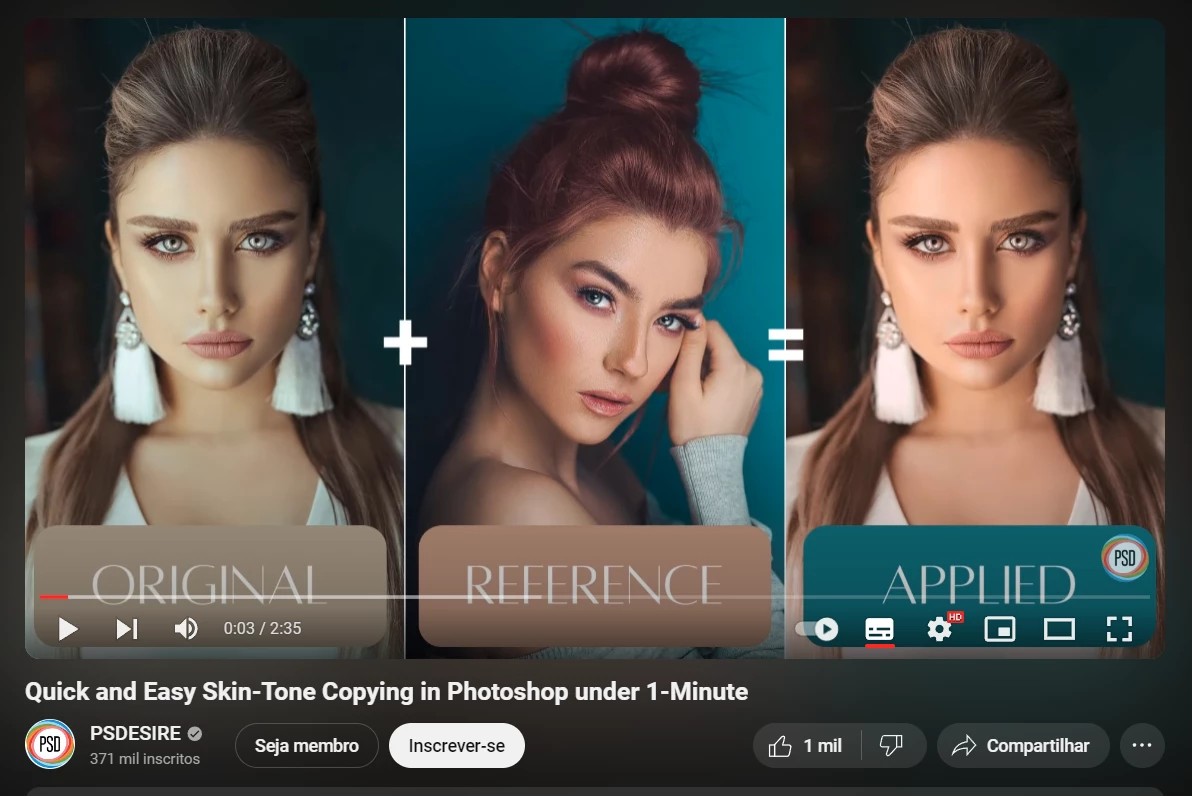
P: "Combination of Skin Tone with other photos or 'Reference Image'

  • December 27, 2023
  • 6 replies
  • 606 views

I can't find or there isn't a 'copy' Tones feature in the Lightroom ecosystem (Cloud-based).


I've been trying to correct skin tones, but in the Lightroom ecosystem (Cloud-based), RGB curves can only be used separately, without the possibility of using a reference image.


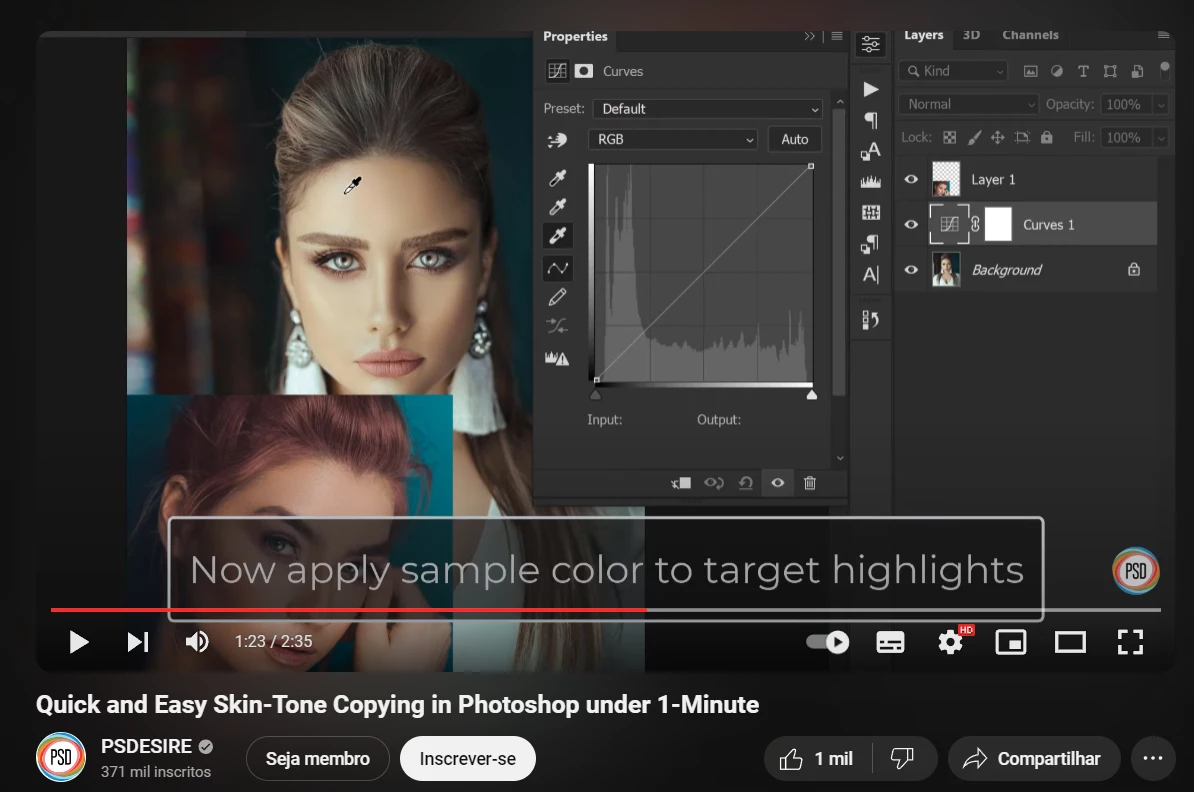
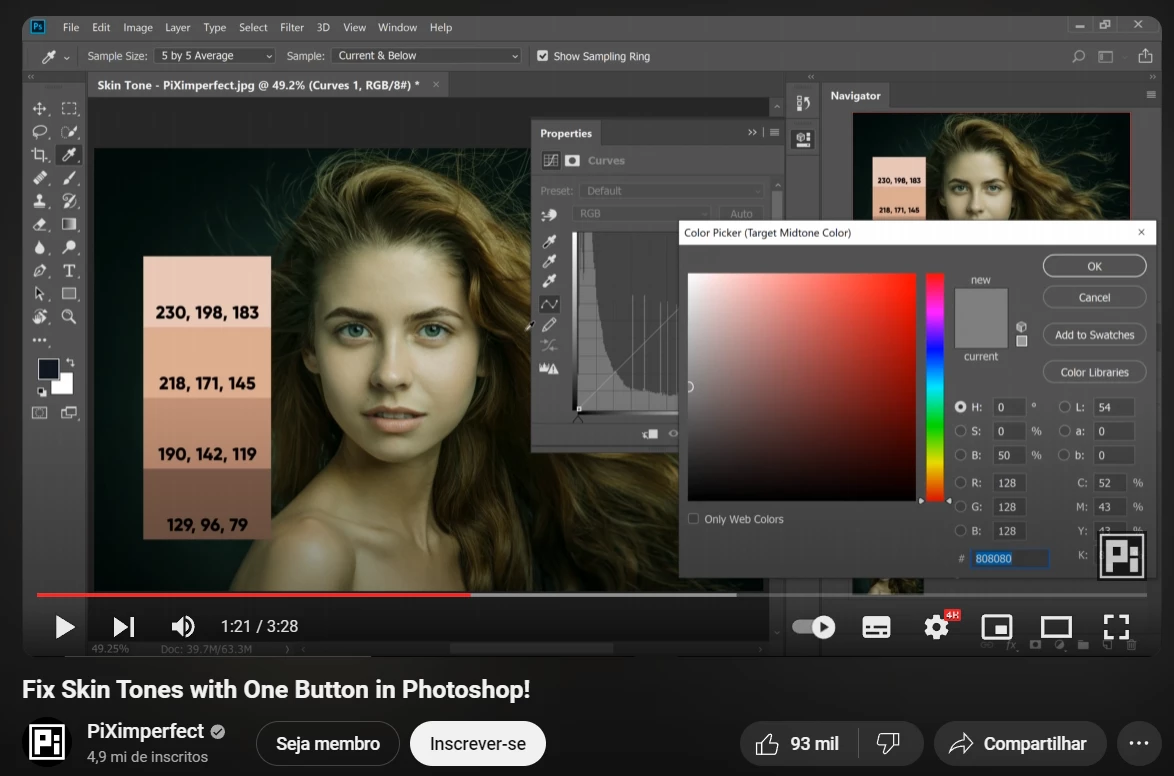
I would like to use a dropper tool on an image, copy the RGB values, and easily insert them into another image. We can do this easily in LrC or Photoshop, but in the Lightroom ecosystem (Cloud-based), RGB values are not displayed below the histogram."


The best I can do is venture into the comparison view (Alt + C) and try to visually guess the best RGB values to match.


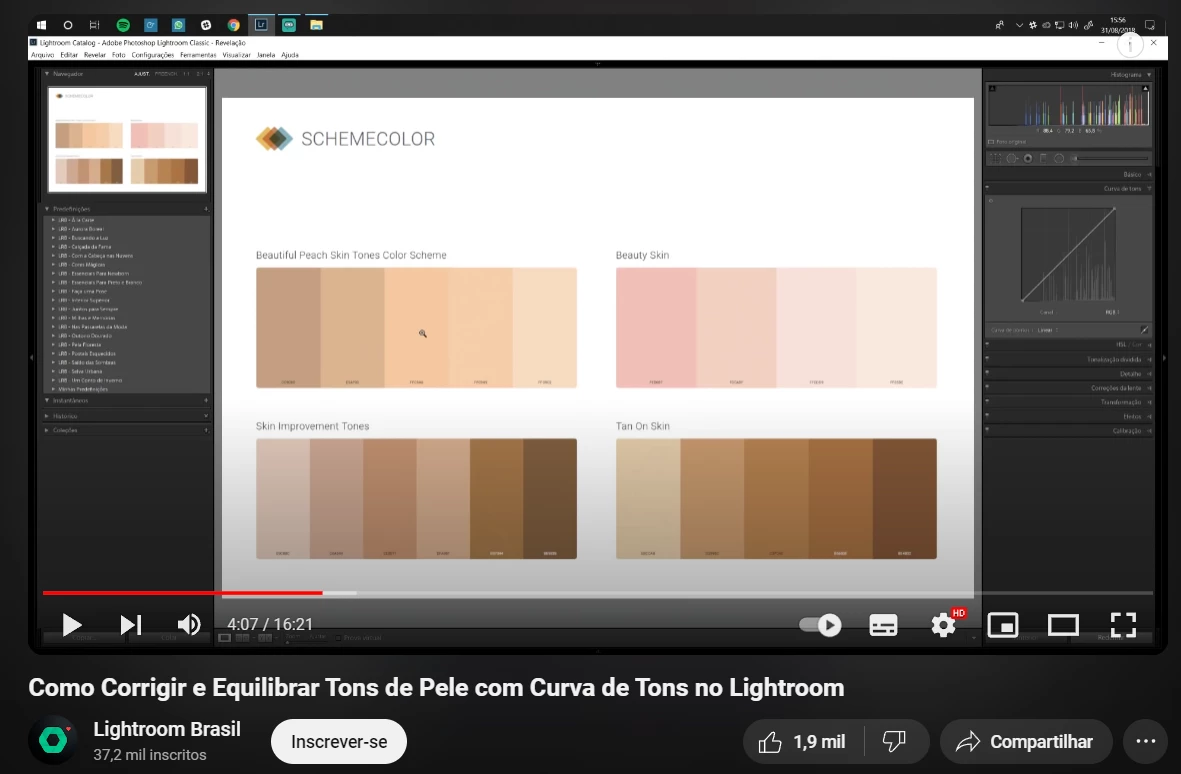
So that you understand me, here are examples:
 

6 replies

gabrielsubtil
Participant
January 1, 2024

It seems so simple to me; I don't understand why this isn't available in this version.

Community Expert
December 31, 2023

Ah I misunderstood. Thought you were asking how to do this in Lightroom Cloudy but this is a feature request to bring it to Cloudy! Would be great if this was brought tothis version too indeed. It's a long standing feature request by the way to have RGB readout, reference mode, duel display support, etc. in cloudy too.

gabrielsubtil
Participant
December 31, 2023

Exactly, but my workflow today is entirely based on the Cloud Web version. I even do part of the work on the iPad and computer, and this seamless flow is ideal.

Community Expert
December 29, 2023

This cannot be done in the Cloudy version. You can do this in Classic easily because of the RGB values being displayed and you have reference view there which does not exist in Cloudy. 

gabrielsubtil
Participant
December 28, 2023

Friends, if anyone has any suggestions on how to do this using only the Lightroom (Cloud-based) workflow, please comment below.

Leticia Vieitas
Participant
December 28, 2023

Concordo