


P: Lightroom iOS -- allow Export with Borders to use large or original pixel dimensions
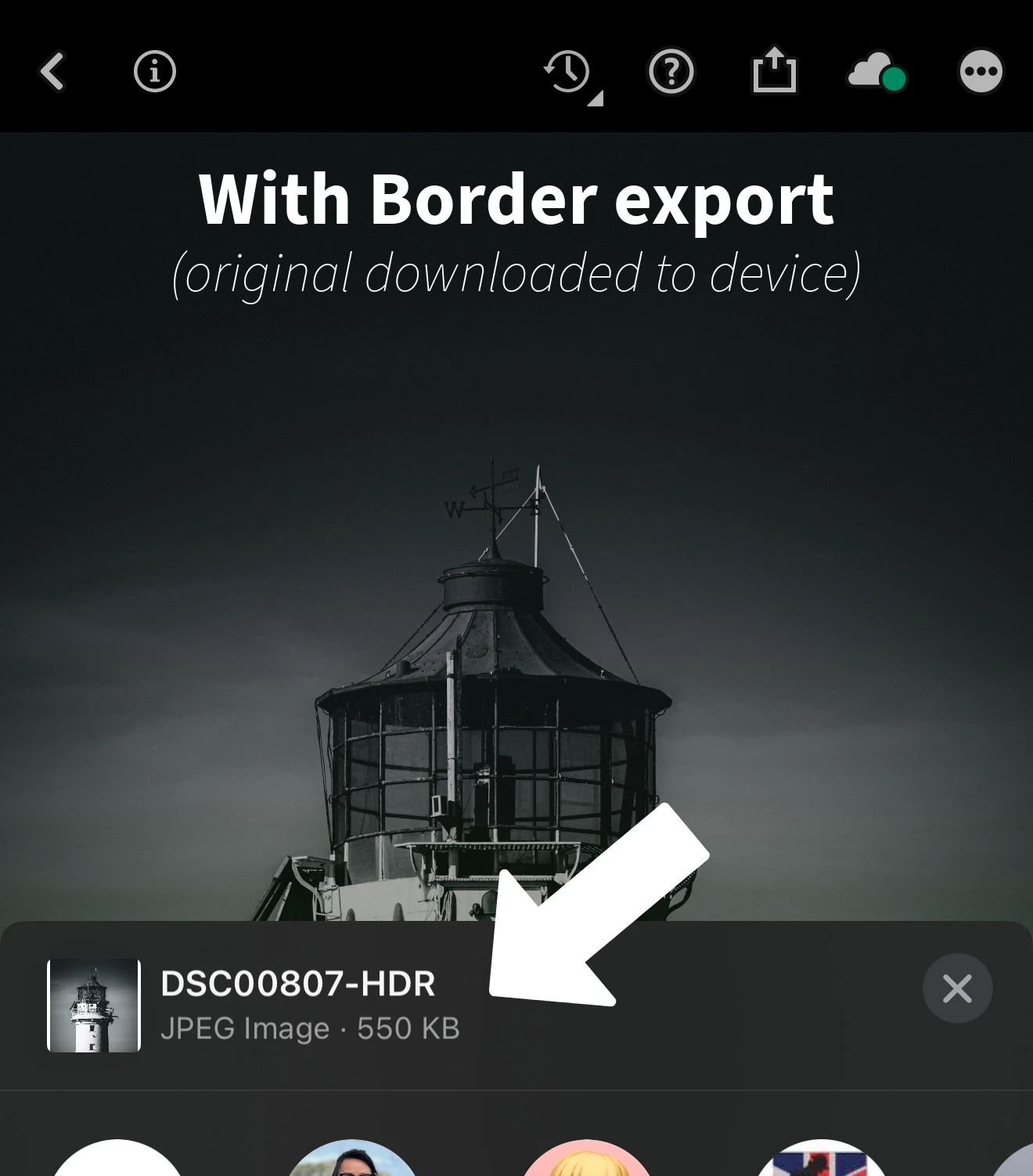
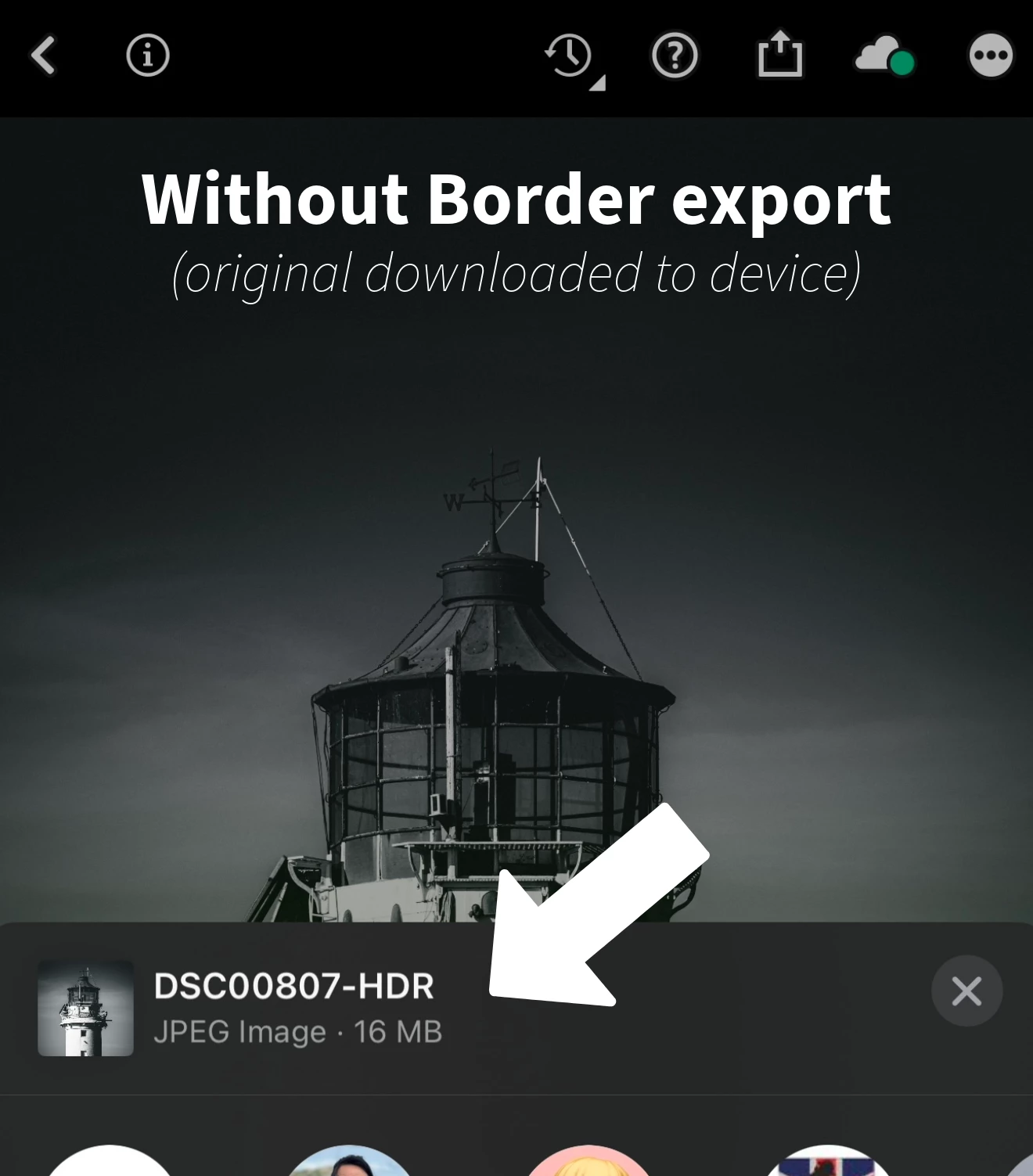
When exporting an original downloaded image from the lightroom iOS app with a border I always get a file with a size of less than 1MB. If I share or export without a border then the file size is as shot usually inexcess of 15MB+ (see images below)
There are no options to increase or change the image quality settings for border settings in the app. (tap on share - add border and share - tap blue share button - Save Image) no options or cog as you get with other share or download options.
How do I export with a border to my mobile device and have a decent quality file that doesn't pixelate when viewed on bigger screens?
I really don't want to have to export each image into Adobe Express or Photoshop Mobile just to add a border to images for some of my SM feeds.
 AdChoices