Participant
May 3, 2024
Open for Voting

Imagem RAW carregando dados das camadas dos ajustes de imagem

  • May 3, 2024
  • 3 replies
  • 291 views

Hello Community!

A suggestion is: when editing a CR2 image within Photoshop, it's beneficial to carry over the same treated information from the file, such as color changes, into the RAW format.

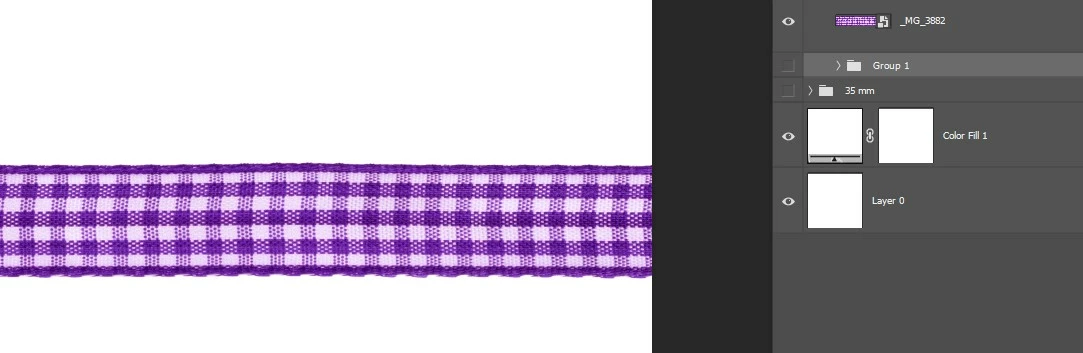
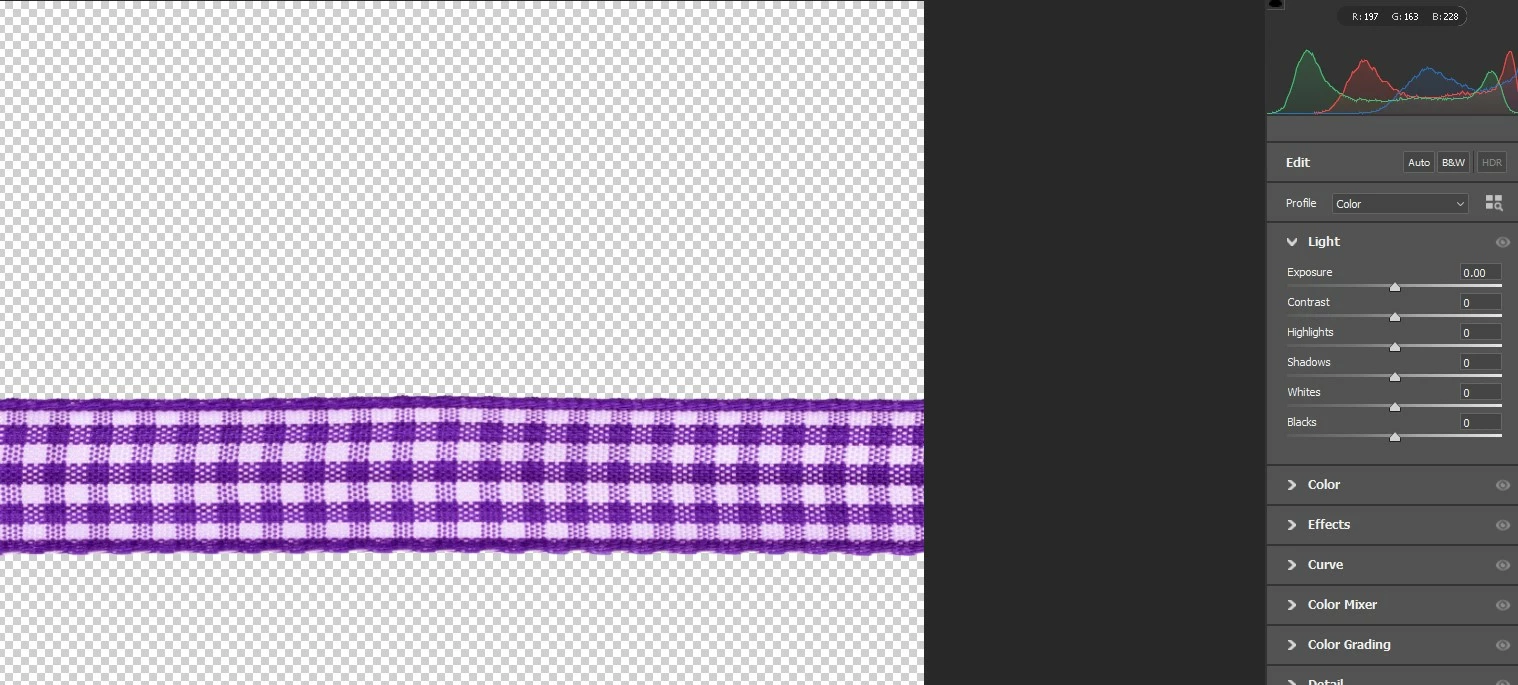
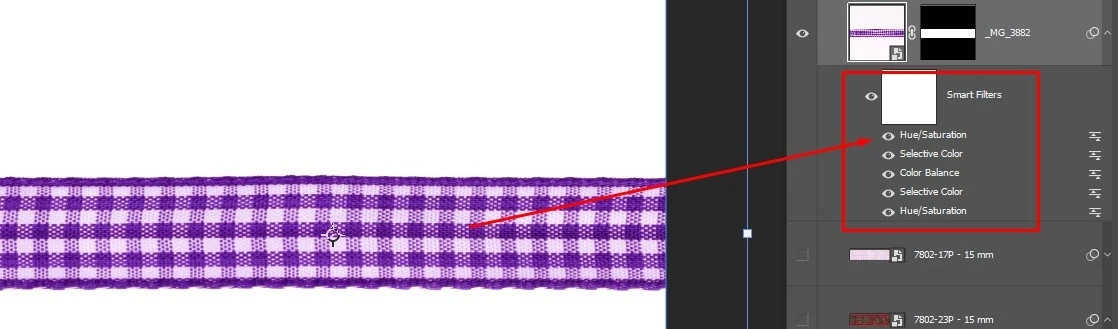
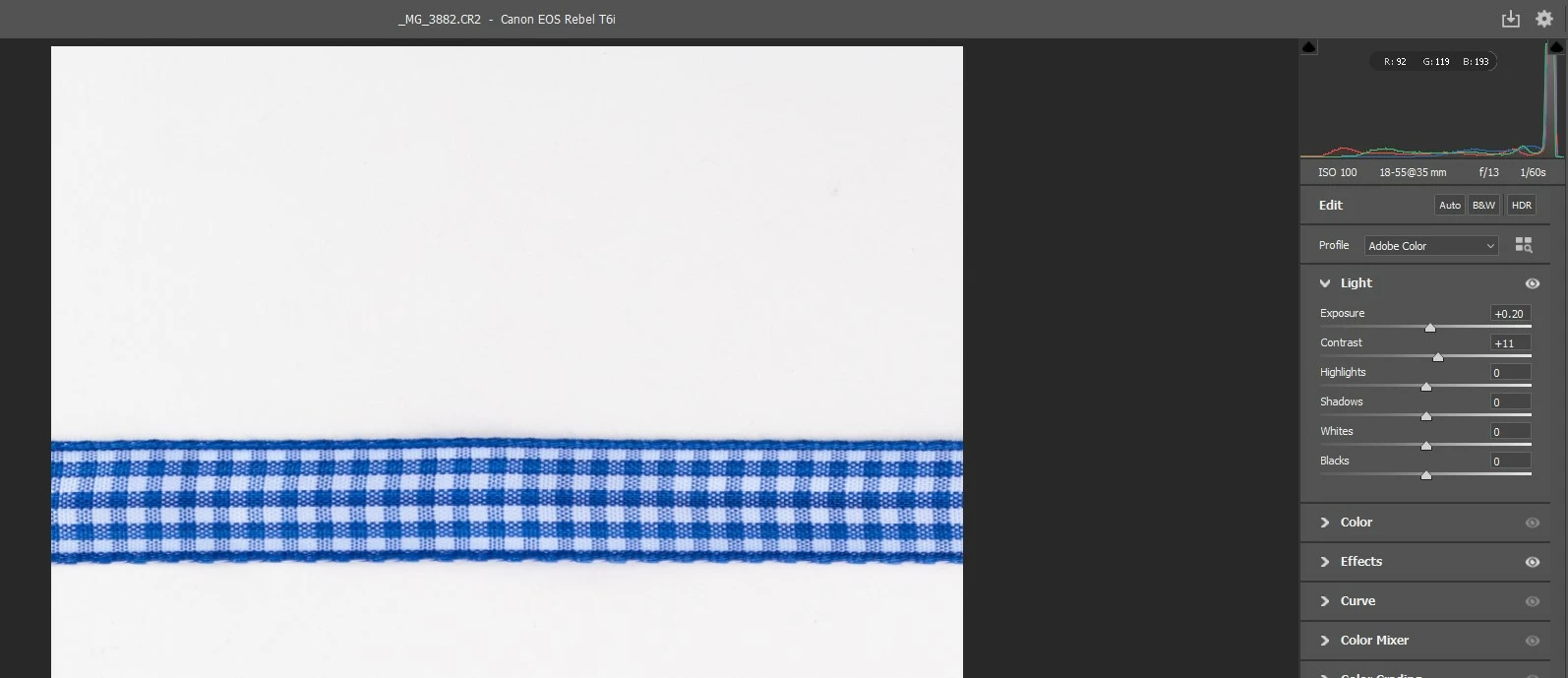
For example: in this image, I adjusted a checkered ribbon to purple using Hue/Saturation adjustments, but in the RAW file (CR2), it remains blue. It's a setback to have to convert it back to a Smart Object to then open Camera Raw and adjust the purple color with other color balance levels, for instance.


3 replies

D Fosse
Community Expert
Community Expert
May 4, 2024

I work as an emplyed photographer, this is what I have been doing 8 hours a day for almost 20 years. I have a lot of files to keep track of.


The one thing that keeps me sane in my job is knowing that raw files and master RGB files are strictly separate things. That makes it manageable. If the two started getting mixed up, I'd quit. Seriously.


The way you deal with this in practice, the way all professional photographers do it, is that you do as much as possible at the raw stage. A raw file contains more data than will be used in the finished RGB file, and the raw processing determines which data to keep and which to throw away. Once you've done that and rendered the file into an RGB file in Photoshop, you can't go back. That's irreversible. You only move to Photoshop when the options in Lr/ACR are exhausted.


You can open as smart object, but that just postpones the decisions. Sooner or later you have to rasterize it.


So even if this was technically possible, which I highly doubt given that that they don't speak the same language - it would be chaos.

darlangAuthor
Participant
May 3, 2024

In programming, all possibilities are open.

Implementing a solution where pixel data remains both united and separate simultaneously can be achieved with a simple button, offering this duality. This would significantly simplify the workflow, despite differences in rendering.

The crucial question is: to what extent could this solution impact the work of more experienced users, and to what extent would the Adobe team be willing to make this change?

D Fosse
Community Expert
Community Expert
May 3, 2024

Adjustments to a raw file and adjustments to an RGB file are not interchangeable. They operate on very different principles and do not speak the same language.


When you edit a raw file in Photoshop, what you get out is not the same file. It is now a rendered RGB file, an entirely new and separate file. In this new RGB file, all the ACR/Lightroom adjustments have been baked into the pixel data.


Opening as smart object lets you go back to the original raw file adjustments (by embedding a copy of the raw file). But any Photoshop adjustment layers or smart filters will still be stacked on top of the original raw file.