
Seán Duggan
Participant
March 4, 2026

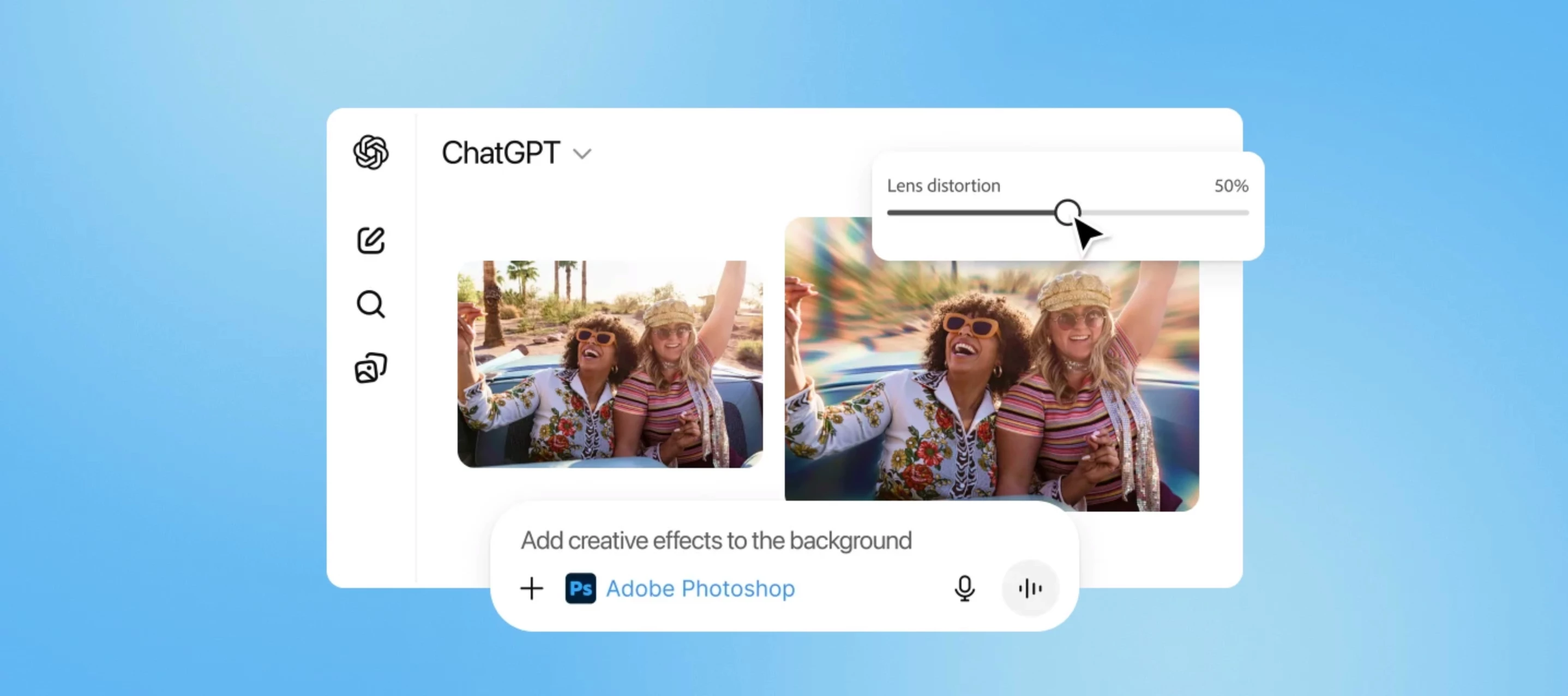
Get up to speed with Photoshop in ChatGPT
  • March 4, 2026
  • 2 replies
  • 51 views

Hi, I’m Seán Duggan and I work on the Adobe Learn team. I recently published a video covering the basics for getting started with Photoshop in ChatGPT. This capability lets people have a conversation with Photoshop and tell it what type of edits they want to make. 

It’s likely more relevant for people who don’t have a lot of Photoshop experience, but who want to tap into some of the possibilities it offers. 

If you’re curious about how this works, or about the integration between Photoshop in ChatGPT and Photoshop on the web, I’d love your feedback — and I’ll be here to answer any questions.
 

    2 replies

    Seán Duggan
    Participant
    March 6, 2026

    @jamesmite Have a look at the video and see what types of prompts I used there. That should give you a good idea how to get started. One thing to know is that once you have set up the app connection to Photoshop (as shown in the tutorial), you can start a chat with Photoshop simply by typing @  Photoshop (see attached), add your prompt, and then upload the photo you want to work with.


    Seán Duggan: Adobe Learn
    jamesmite
    Participating Frequently
    March 6, 2026

    Thanks for sharing, Seán! This integration between Photoshop and ChatGPT sounds really exciting, especially for beginners. I’m curious to try it out do you have any tips for getting the most out of conversational edits in Photoshop