



Illustrator 30.6 | Relink images quickly, Align & Distribute with Keyboard Shortcuts & Actions, bug fixes, and more

Hey all!
Illustrator 30.6 is a focused release aimed squarely at the workflows that quietly eat up time - swapping a linked image across a multi-artboard file, aligning and distributing objects you reach for dozens of times a day, and getting precise spacing right the first time. This update lets you relink every instance of an image in one step, assign keyboard shortcuts to Align and Distribute commands, record those commands as Actions, and preview spacing before you commit. It also ships a solid batch of bug fixes. For more details, check out the release notes.
Relink all instances of a linked image in a single step
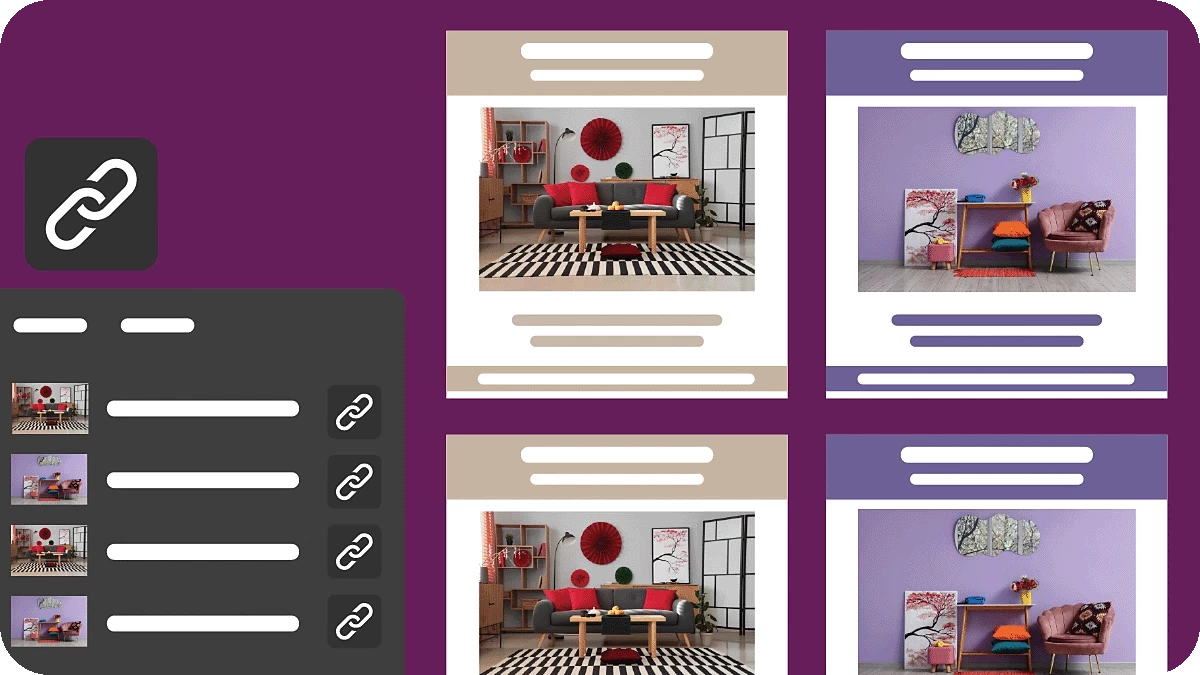
When you replace a linked image, you can now apply that change everywhere the image appears in your file , across multiple artboards and repeated layouts, in a single step. No more hunting down each placement one by one.
Learn how to relink images.
Keyboard shortcuts for Align and Distribute
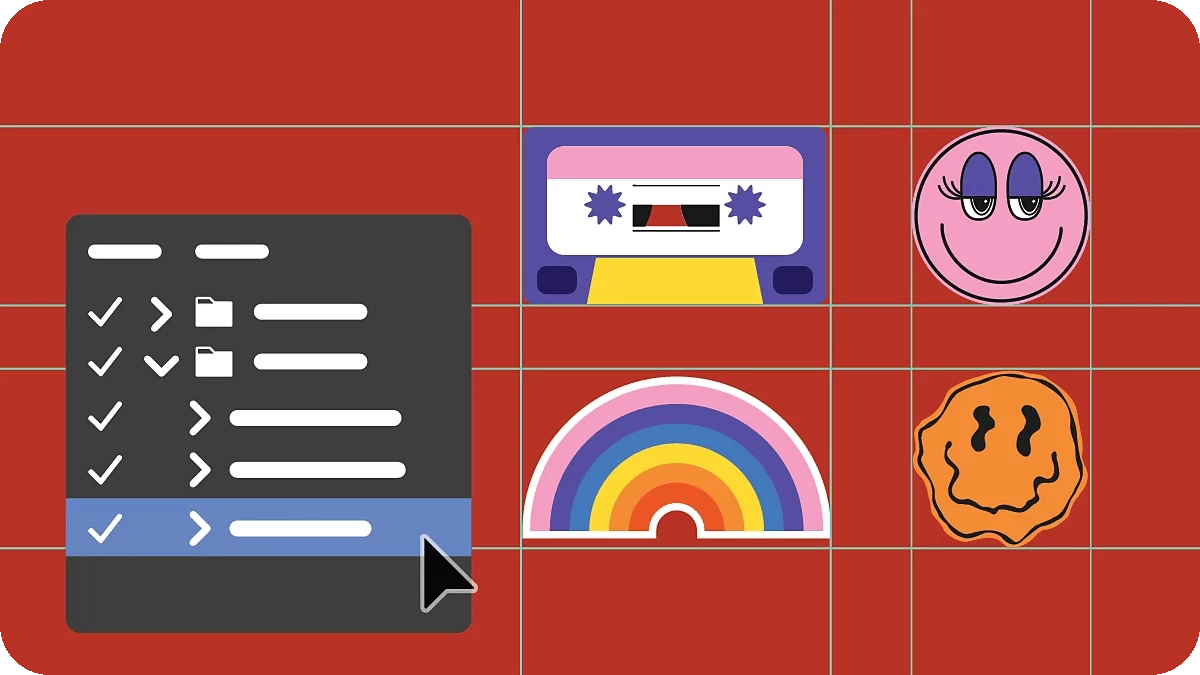
You can now assign custom keyboard shortcuts to Align and Distribute commands from Edit > Keyboard Shortcuts. The commands you use constantly are finally one keystroke away.
Learn how to align and distribute objects.
Record Align and Distribute as Actions
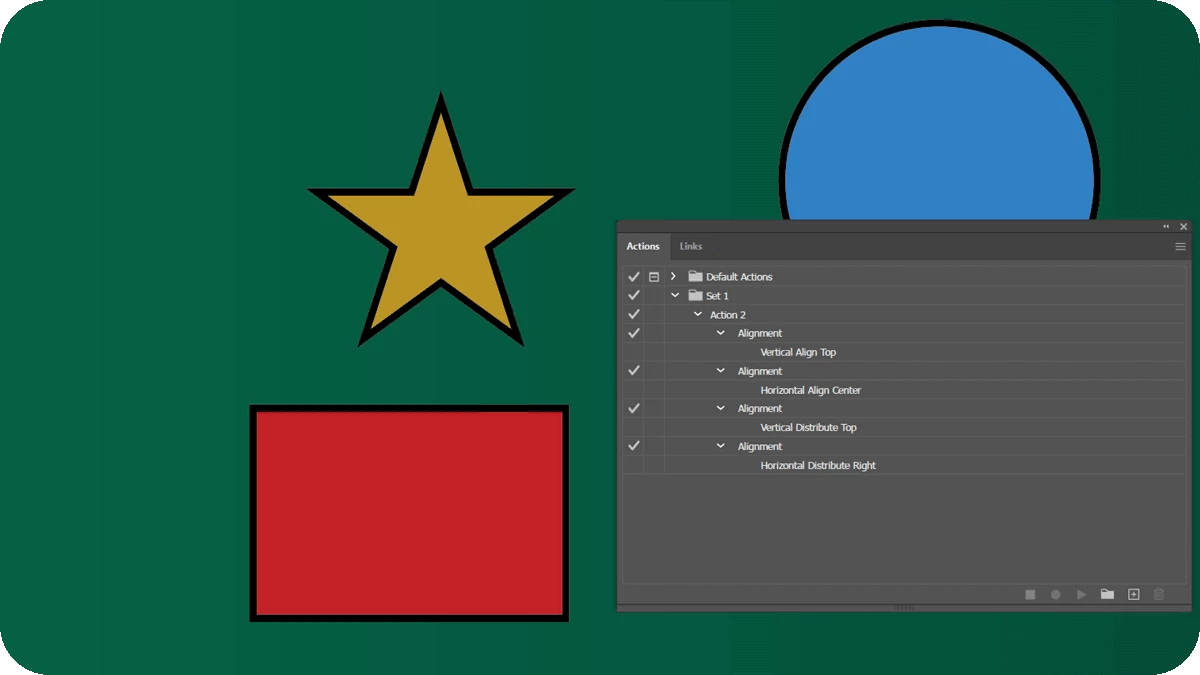
Align and Distribute commands can now be recorded as Actions and reused across recurring workflows. Build them once and reuse consistent alignment and spacing across your files.
Learn how to record and play Actions.
Preview spacing before you distribute
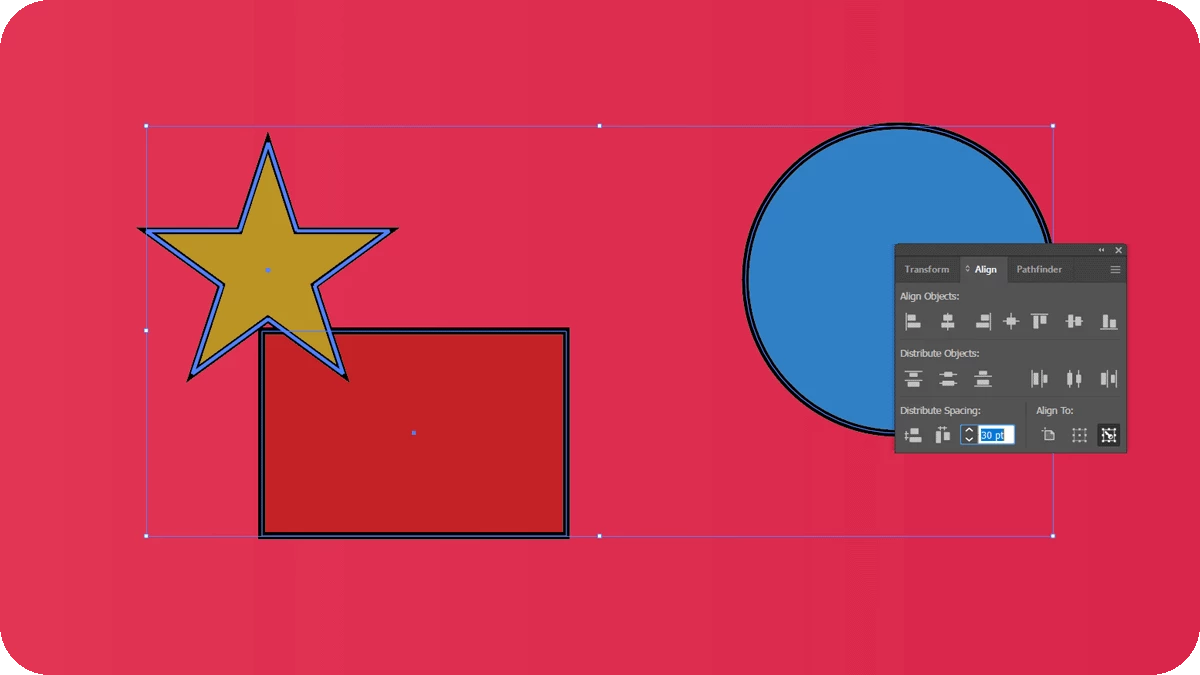
When distributing objects, you can now preview the spacing changes first, then apply them, fine-tune the value, and see how it affects your layout before committing.
Learn how to distribute objects by specific distances.
Fixed Issues
Illustrator 30.6 also resolves a range of issues reported by the community, including:
- Area Type Options incorrectly labeling vertical alignment as Center instead of Top.
- No overwrite warning when exporting a file with a name that already exists.
- The misspelled Spanish translation of "Flatten Transparency" in the View menu.
- The color sampling ring lagging when sampling colors for a gradient.
- Color Blindness Proof Preview disabling GPU rendering and causing performance issues.
- Spaces in numeric input fields not being ignored when entering values.
- Stacked dimensions responding slowly when working with artwork.
- Illustrator becoming unresponsive when opening files containing linked assets.
- The Open dialog appearing blank and opening duplicate windows.
- Illustrator no longer sharing color settings with other Adobe apps when saving.
- Width and Height values not staying linked when the link icon is active.
- Deselecting an artboard in the Artboards panel unexpectedly activating it.
For the full list with linked bug reports, see the release notes.
Get Started
Explore the latest updates and enhancements in Illustrator. Update to Illustrator 30.6 using this link or open the Creative Cloud desktop app and click Update next to Illustrator.
For step-by-step guidance, check out the detailed update instructions.
Share Your Feedback
We encourage you to try the new features in Illustrator 30.6 and share your feedback with the community. If you have questions or suggestions, please reply to this post or create a new post for any issues.
If you found this announcement helpful, click Like. Use Subscribe to stay informed about future updates. You may also share this post with others who might benefit from these enhancements.


 AdChoices