



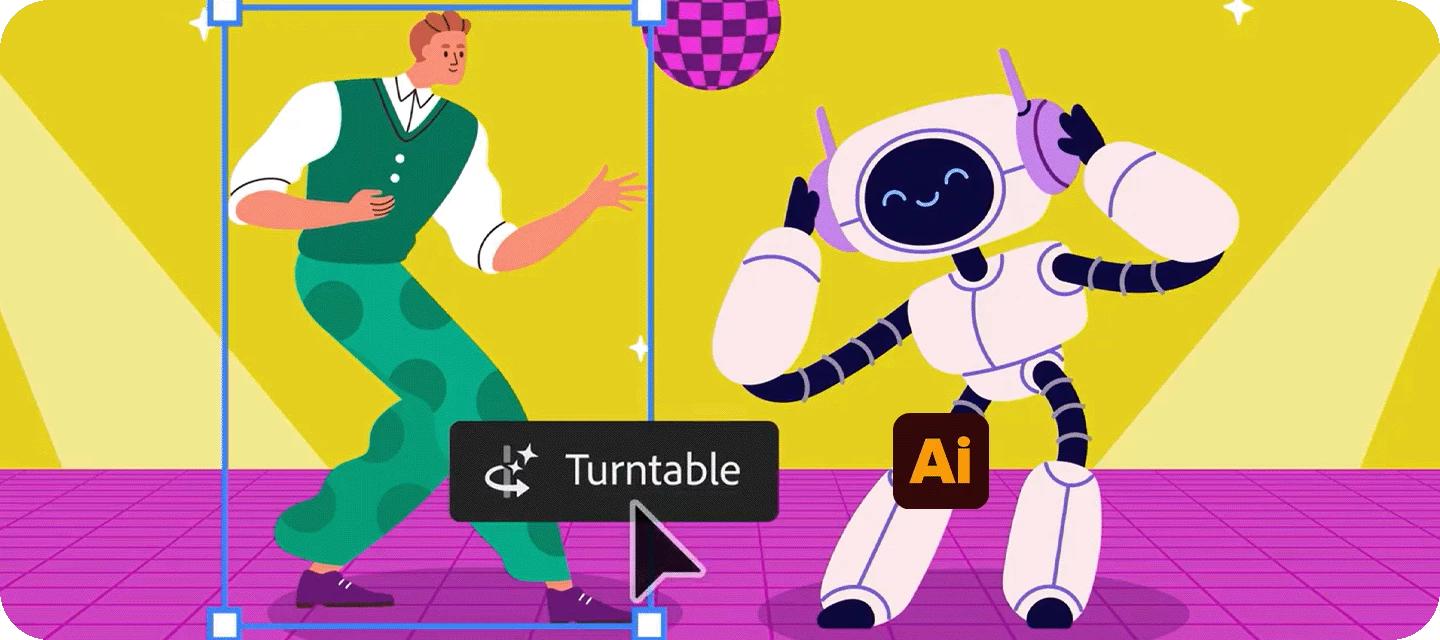






Hello everyone,Turntable, powered by Adobe Firefly, is now available in Illustrator. It takes your 2D object and generates multiple rotated views, so you can see it from different angles.You can smoothly slide between these views, pull out the ones you like, or export them as a GIF for a dynamic, rotating preview.Follow along with a sample file to explore the rotated views generated using Turntable. Try it in Illustrator! Generate multiple views Select the object you want multiple views for, then go to Object > Generative > Turntable. Illustrator will create a set of views and place them inside a Generative Object on your canvas, along with controls in the Contextual Task Bar. You’ll also see a grouped version in the Layers panel, plus a copy of your original object.You can also find Turntable in the Transform panel, Properties panel under the Transform section, Control panel, and the right-click menu.Note: Turntable works best with vector and raster objects without a background