

Pr 26.2.2 BUG: changing preview mode resets the folders in the project bin
Hi. I know this bug has been there for quite a while, but I have to bug-report it now since in the last project I had to deal with it a lot.
The bug: when you go through your videos in the List view:
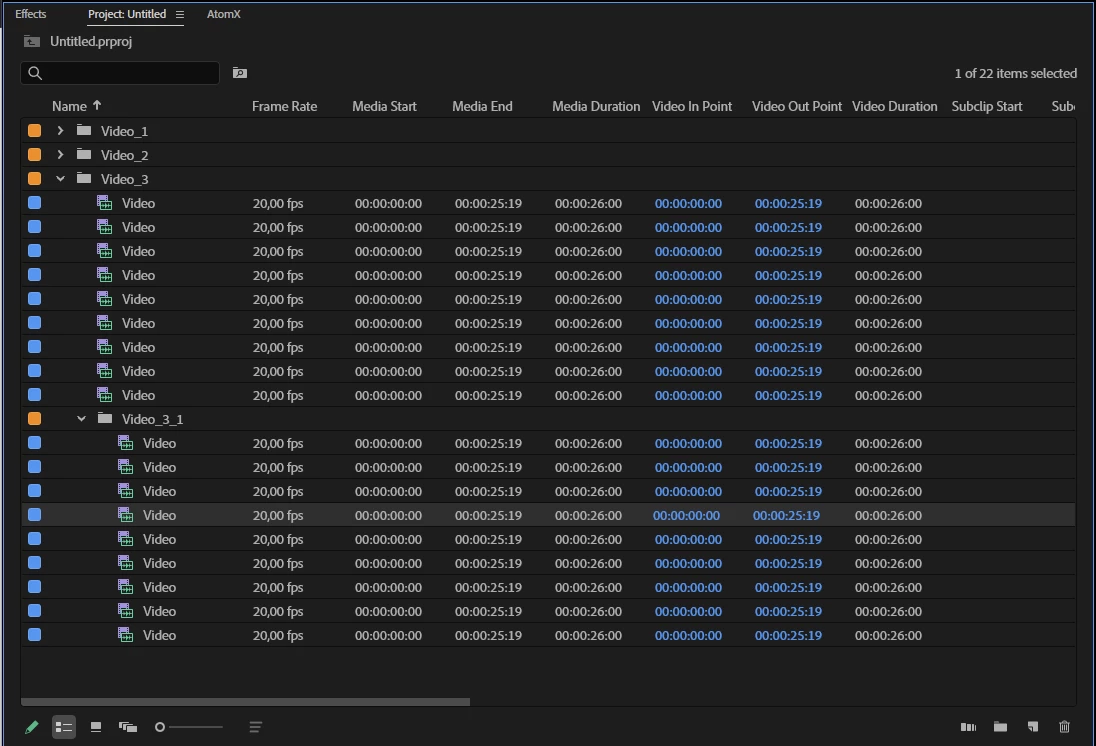
and then decide to switch to the Icon view, the current location resets to defaults and you find yourself in the root of the project bin:
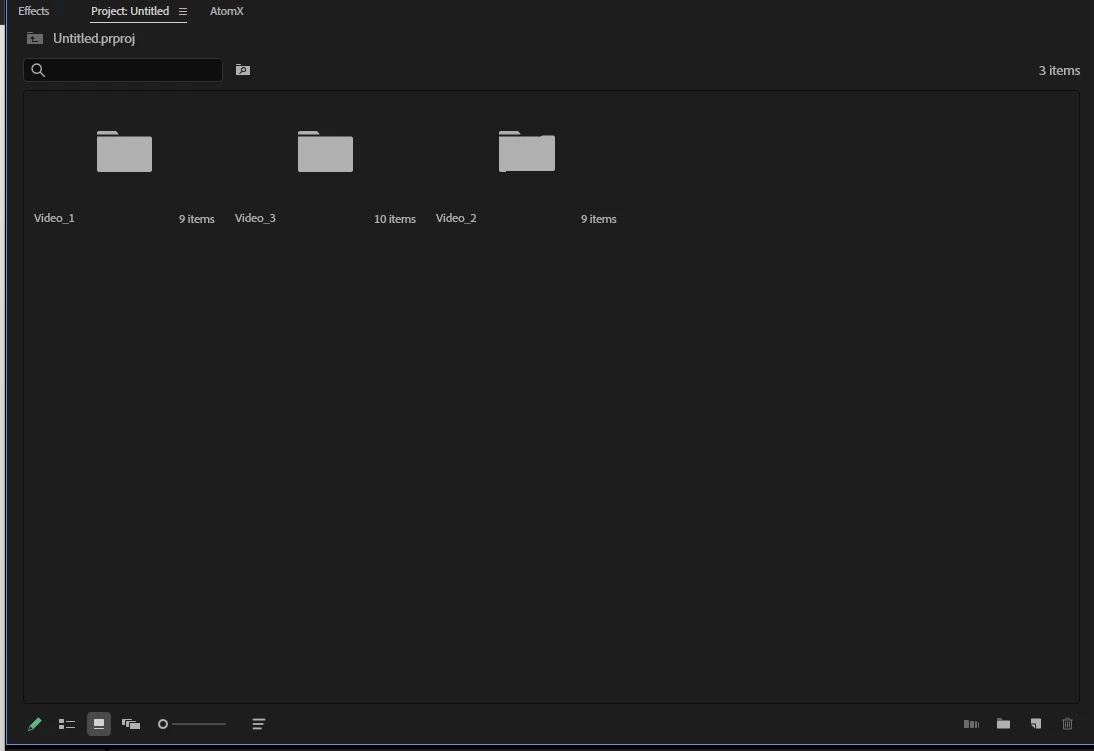
It cold not be a problem if you had a couple of files and folders, but when you are given like 50 folders with subfolders with subsubfolders with subsubsubfolders with a hundred of files in each it becomes a nightmare to sort materials or pick one for your project.
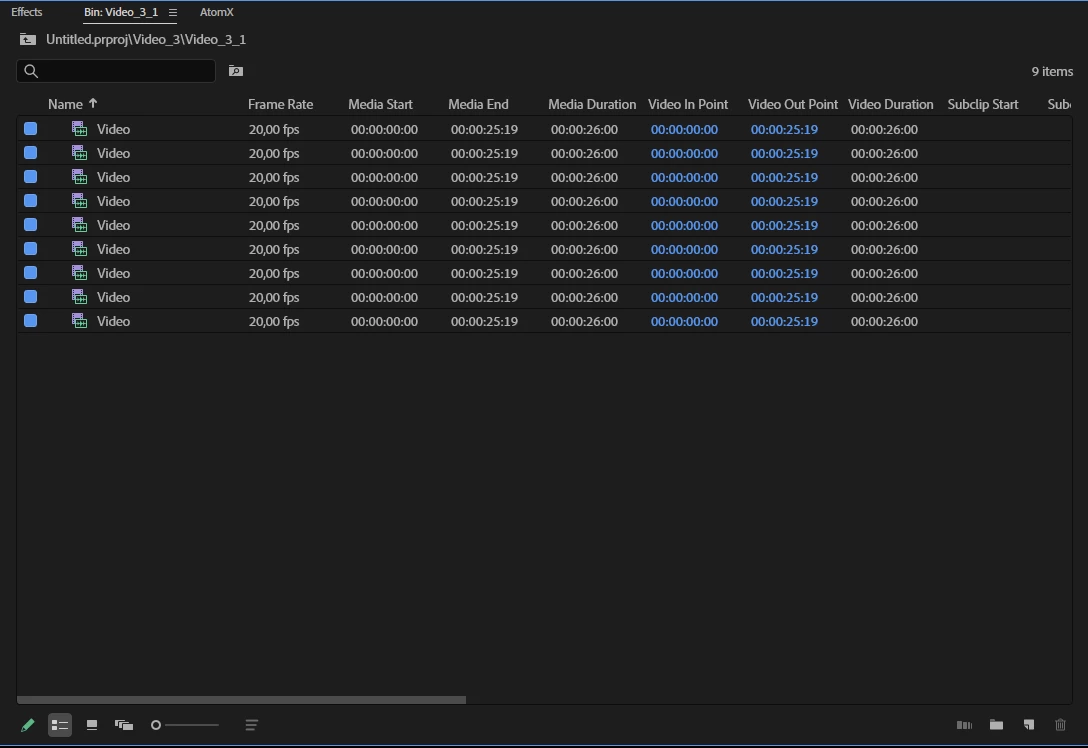
The strange thing is that in the opposite direction the project bin view switching works as it should - if you are in the icon view and you switch to the list view, you won’t be thrown in the root folder. But - there’s always a BUT - you’ll find yourself in one folder in the list view then without the whole folder hierarchy:


 AdChoices