


Participant
May 11, 2023
Question

HDR - the most scam technology ever

  • May 11, 2023
  • 1 reply
  • 1369 views

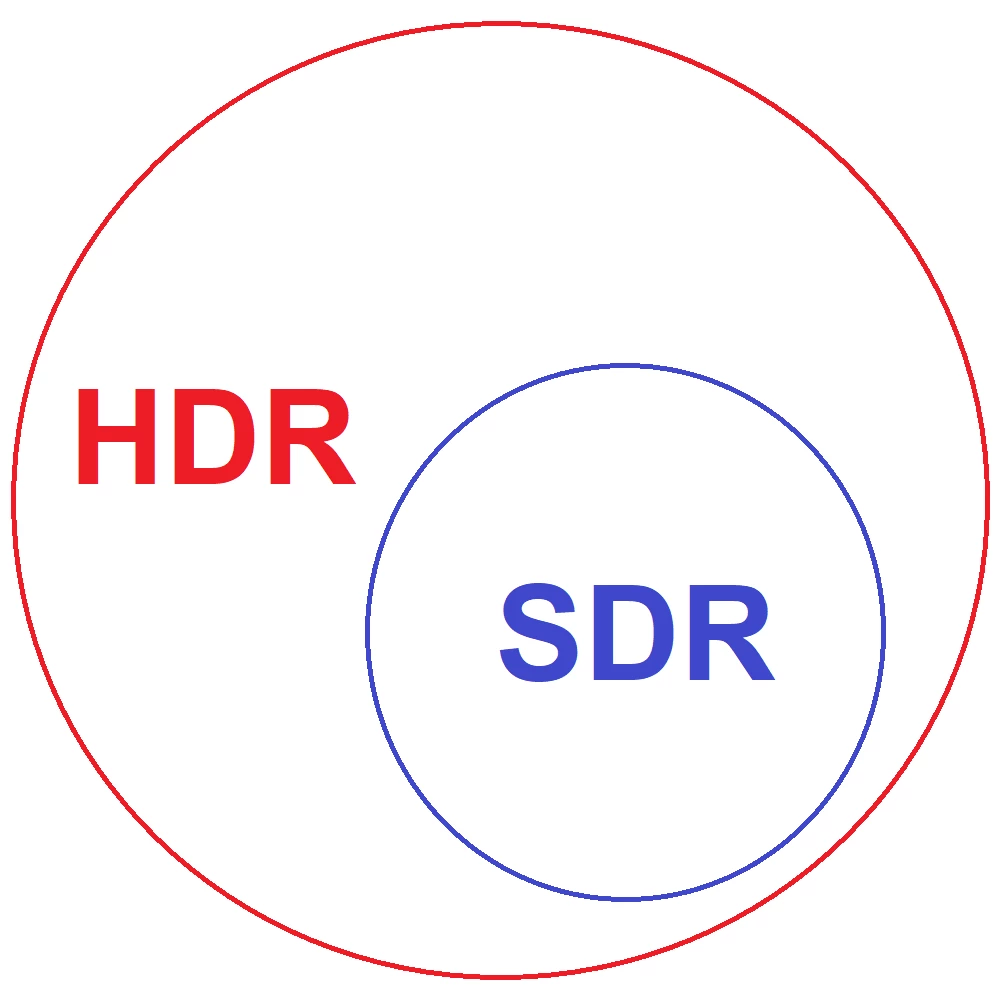
Talking about HDR, technobloggers claim that HDR is a revolutionary technology that dramatically increases the amount of colour available. The number of colours allegedly looks something like this:
 

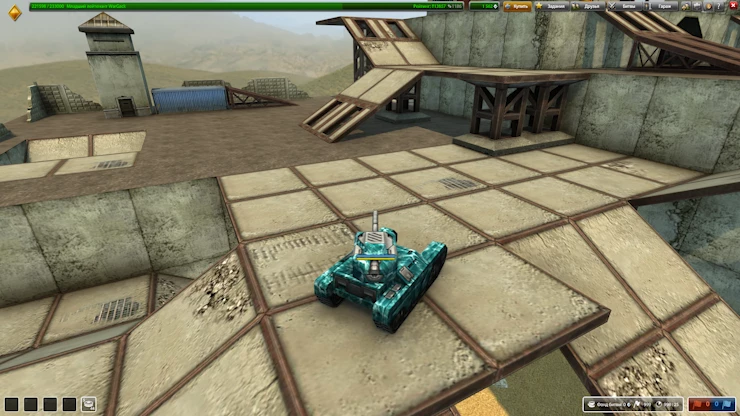
If you import an RGB24 screenshot into Adobe Premiere Pro, it will look correct. If you render it in SDR colour space (Rec. 709), it will still look correct.
 

However, if you change the colour space to HDR (Rec. 2100 HLG), the colours will degrade and the image will not look like the original.
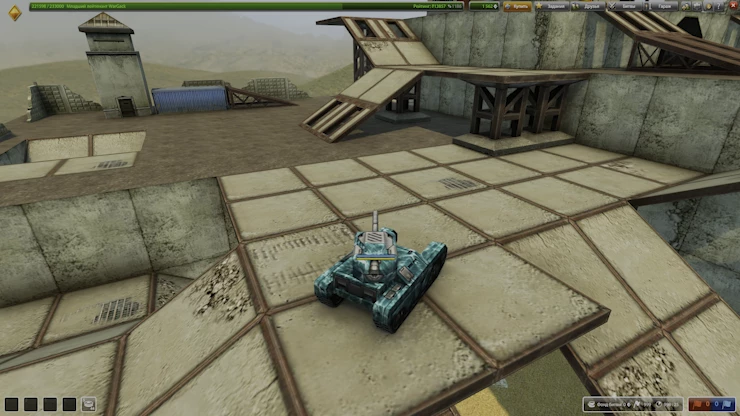
 

So HDR technology is a scam that should not be applied in the workplace. You don't in HDR video insert videos containing SDR content, as their colour will look hideous. Why is this the case when a set of HDR colours contains a set of SDR colours?

This topic has been closed for replies.

1 reply

Warren Heaton
Community Expert
Community Expert
May 15, 2023

An HDR workflow must be color managed from start to finish.

It's only just become standardized for broadcast: https://helpx.adobe.com/premiere-pro/using/hdr-workflows.html

The displays being used must support HDR as well as the file formats.  


Still formats must support 32 bits per channel for HDR.  A list of common graphic file formats that support 32 bits per channel can be seen by creating a new Photsohop document in RGB Color Mode with a bit depth of 32 Bits/Channel (available under Image > Mode).  The save dialog box will show formats that support 32 bits per channel.


PNG is supports up to 16 bits per channel, but is more commonly 8 bits per channel (millions of colors), sometimes 8 bits total (256 colors), and as such is not suitable for an HDR workflow.


Participant
May 16, 2023

I converted the original image to 32-bit

But after conversion, the image degraded and became too bright:


As a reminder, HDR still doesn't look like 'just increasing the colour palette available'. Because if it were, the image would look like the original, rather than becoming too bright.

This is my attempt at #63 to get HDR without colour degradation. The previous 62 attempts can be viewed on my YouTube channel: https://www.youtube.com/@decody5877/videos

Nevertheless, the topic is not closed. I would be grateful to anyone who tells me how to convert SDR to HDR without colour degradation.


Warren Heaton
Community Expert
Community Expert
May 16, 2023

Even though HDR has been around for about ten years, it still has a way to go as far as being standardized. 


Were you able to attend NAB? That's a great time to speak in person with those behind HDR at various companies.


https://amplify.nabshow.com/sessions/nabshow-promise-of-hdr-for-studios/


Is there a particular reason you're starting your HDR workflow with SDR source?  Typically, it would be HDR source, HDR edit, then HDR finish.