


May 18, 2017
Question

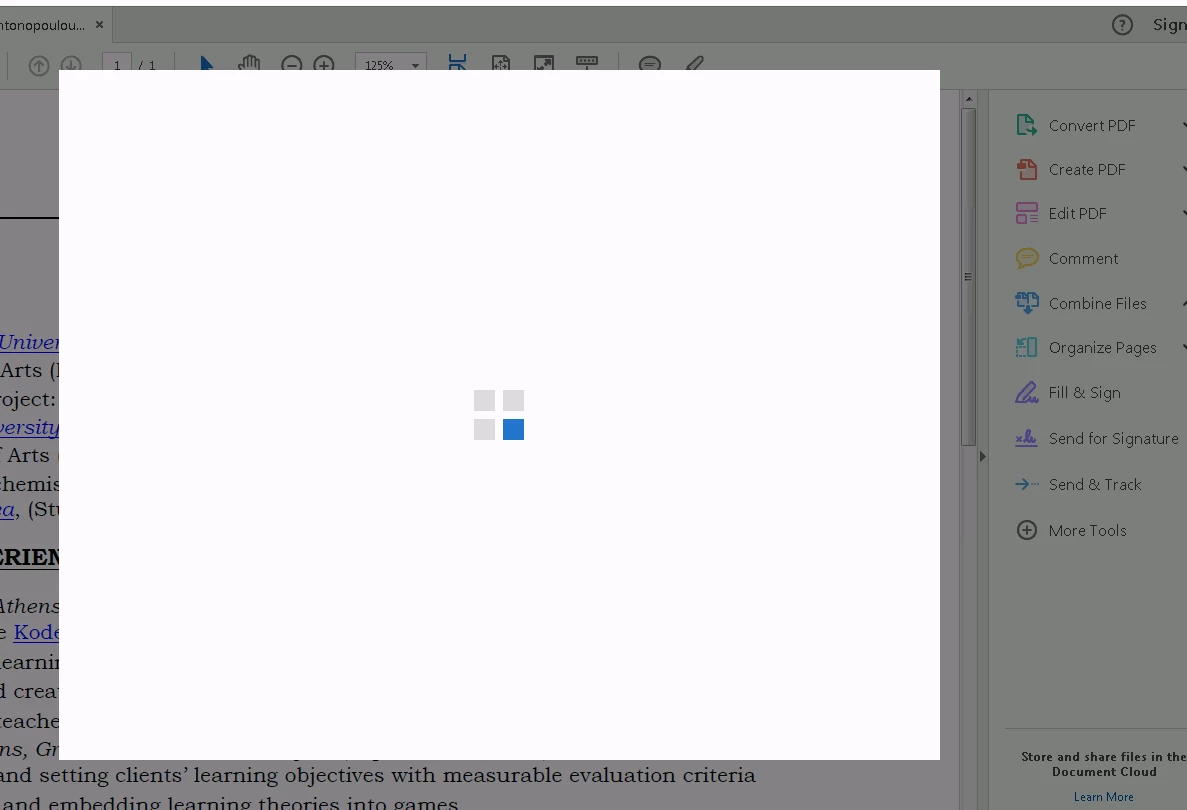
4 square loading scsreen

Everytime I open a PDF file in Acrobat Reader DC a loading screen pops up containing 4 squares. However nothing actually loads up and there is no information that describes what the popup is trying to load.

How can I stop this pop up?
This topic is closed to new replies. Start a new post to keep the conversation going.

1 reply

Meenakshi_Negi
Legend
May 18, 2017

Hi thatguy_jo,

Please try repairing the application. Go to Control panel and select Programmes and Features.

Now select the Adobe Acrobat Reader DC from the list and right click on it. Select Change > Repair. Restart your system after

Restart your system after repairing the application and check if you can open the PDF file.

Did you try to open application directly? If not, check if you get the same window when you open the application.

Do you experience this issue while opening a particular PDF? Try to open other PDs.

Could you please let us know the dot version of Adobe application and OS you are working on.

Have you tried any troubleshooting steps yet? If yes, please let us know.

Regards,

Meenakshi

Translate