



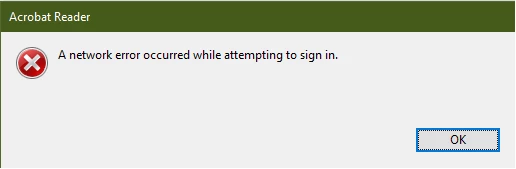
A network error occurred while attempting to sign in
Searching the forum, i've seen this topic several times and no fixed provided.
I've seen the topic as far back as 2015.
When I click sign-in, a white dialogue box pops up, goes away in half a second then the error pops up (see images below):
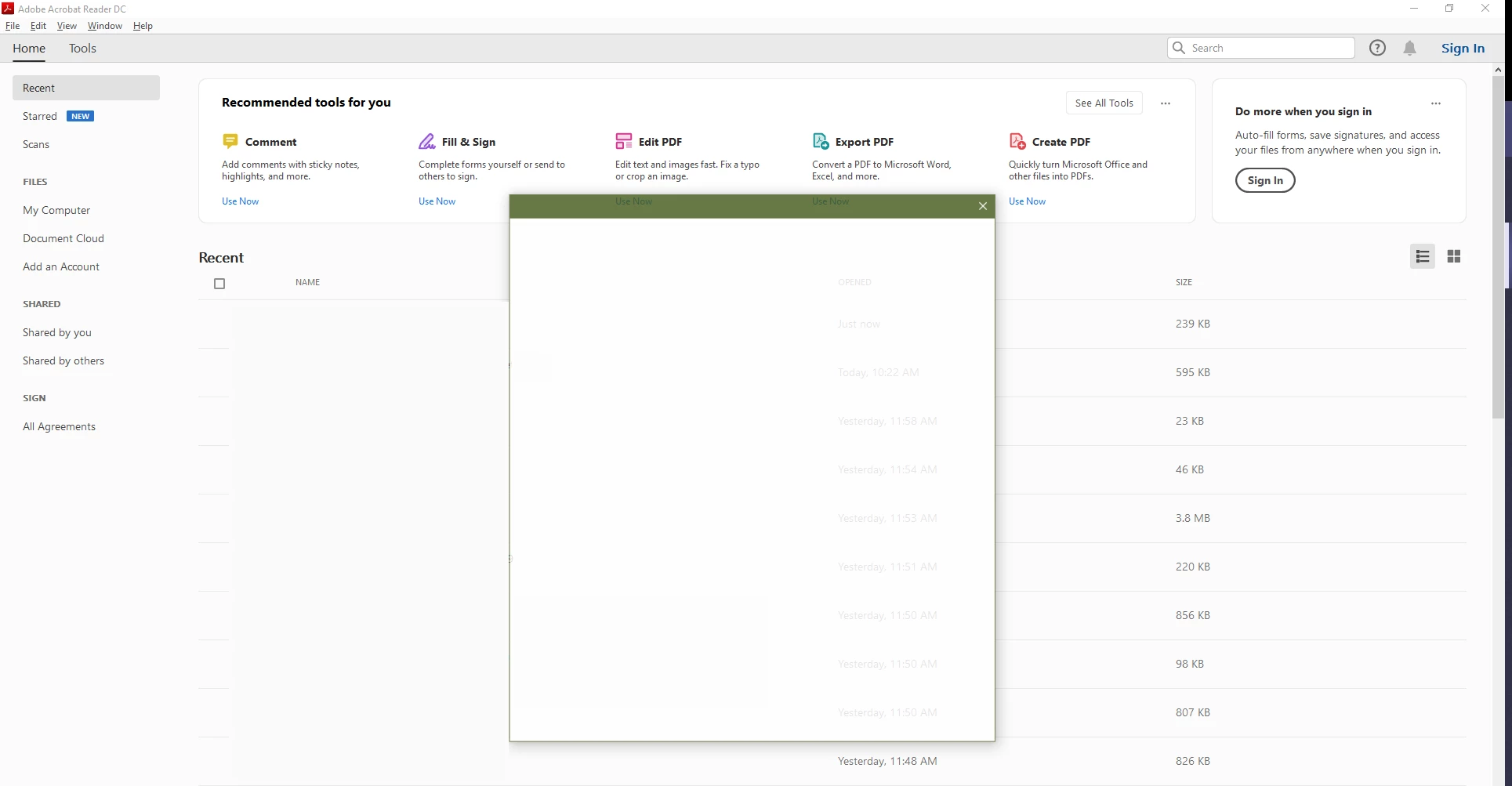
I didn't have this problem until sometime in Sept-2019. I was logged in and using it without issue.
Then one day, started Adobe Reader, i was logged in, i saw the Adobe Application flash and log me out (meaning, in the top right, it no longer showed my image, just "sign in") and from then, I was not able to sign in. Needless to say - I have Internet and it's working quite fine.
I've uninstalled and re-installed Adobe reader (even used the clean uninstall tool).
I can login to https://cloud.acrobat.com and that's actually how I Fill & Sign documents now since on my specific machine, it doesn't work.
No firewall rules exist to block Adobe. I've disable Windows Firewall and Windows Defender and it still doesn't work.
No other firewall or antivirus is on the machine - it's a brand new laptop.
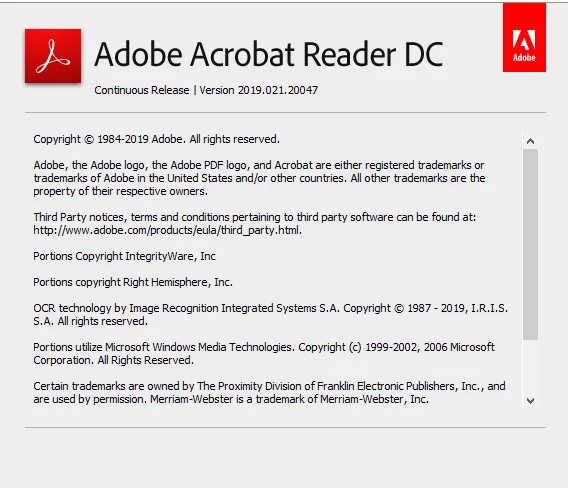
The version information is below - any help would be appreciated.
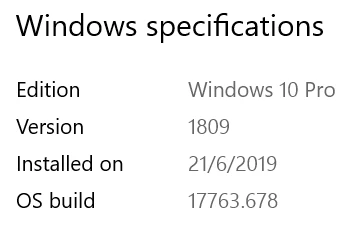
This is on Windows 10
 AdChoices