


Participant
November 2, 2021
Answered

Acrobat DC continually crashes in the background

  • November 2, 2021
  • 1 reply
  • 680 views

Adobe acrobat DC continually throws a popup dialog "An internal error has occurred".

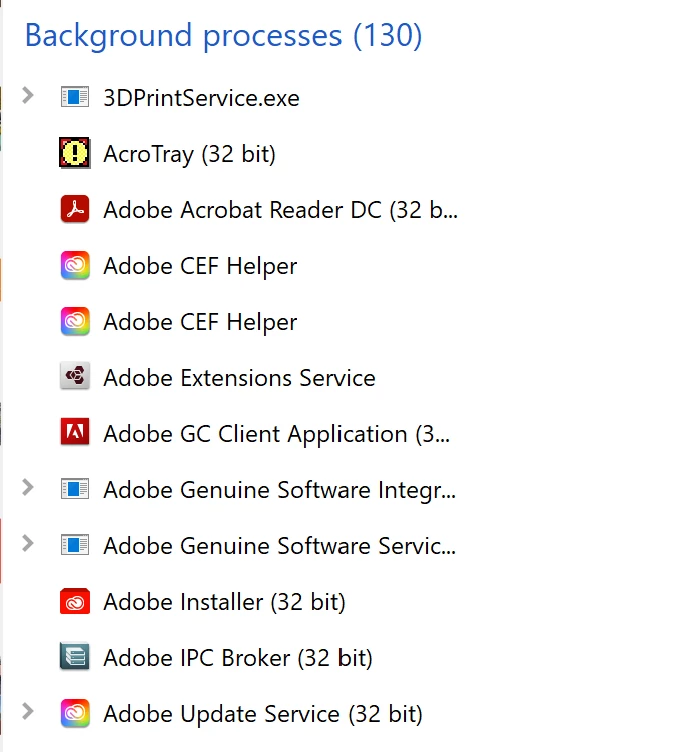
There's no other information. I'm not actually using it: it is running in the background. There's nothing in notifications or the windows logs. It happens every few minutes, so it's pretty annoying.

Any ideas on how to fix? 
This topic has been closed for replies.
Correct answer Doug5FAA

Those didn't seem to apply, so I just uninstalled it. Recently I reinstalled it, and it seems to be working fine this time.

1 reply

Amal.
Community Manager
Community Manager
November 2, 2021

Hi Doug


Hope you are doing well and sorry to hear that. As described you  are getting the error 'An internal error has occured'


Please go through the correct answers marked in the similar discussions listed below and see if that works for you.

- https://community.adobe.com/t5/acrobat-reader-discussions/acrobat-reader-quot-an-internal-error-occurred-quot-popup-after-installing-windows-10-chrome-also/td-p/7542640

- https://answers.acrobatusers.com/internal-error-occurred-q93177.aspx


Let us know how it goes.


Regards

Amal

Doug5FAAAuthorCorrect answer
Participant
November 21, 2021

Those didn't seem to apply, so I just uninstalled it. Recently I reinstalled it, and it seems to be working fine this time.