
Pregunta
Acrobat free version not opening files
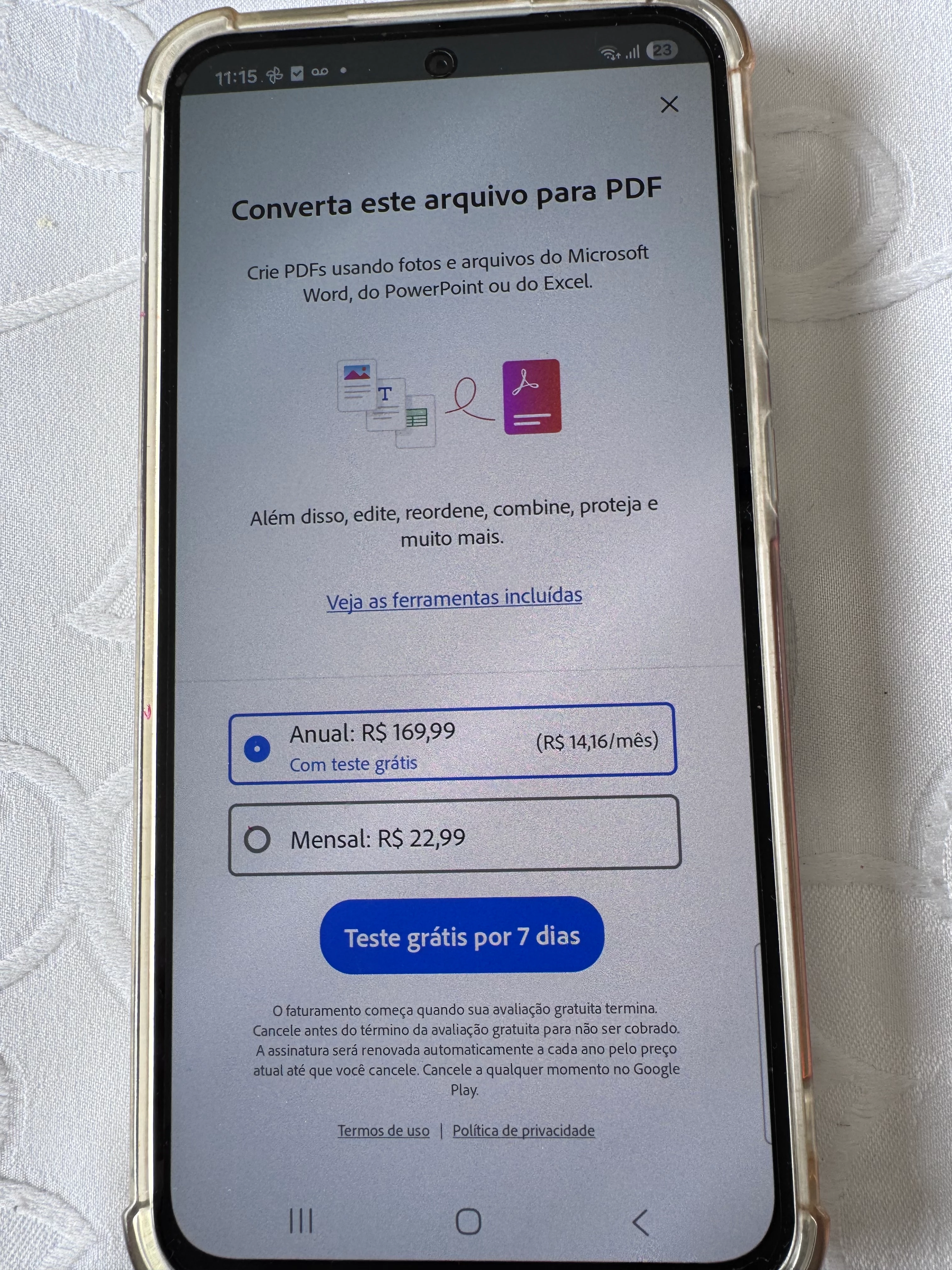
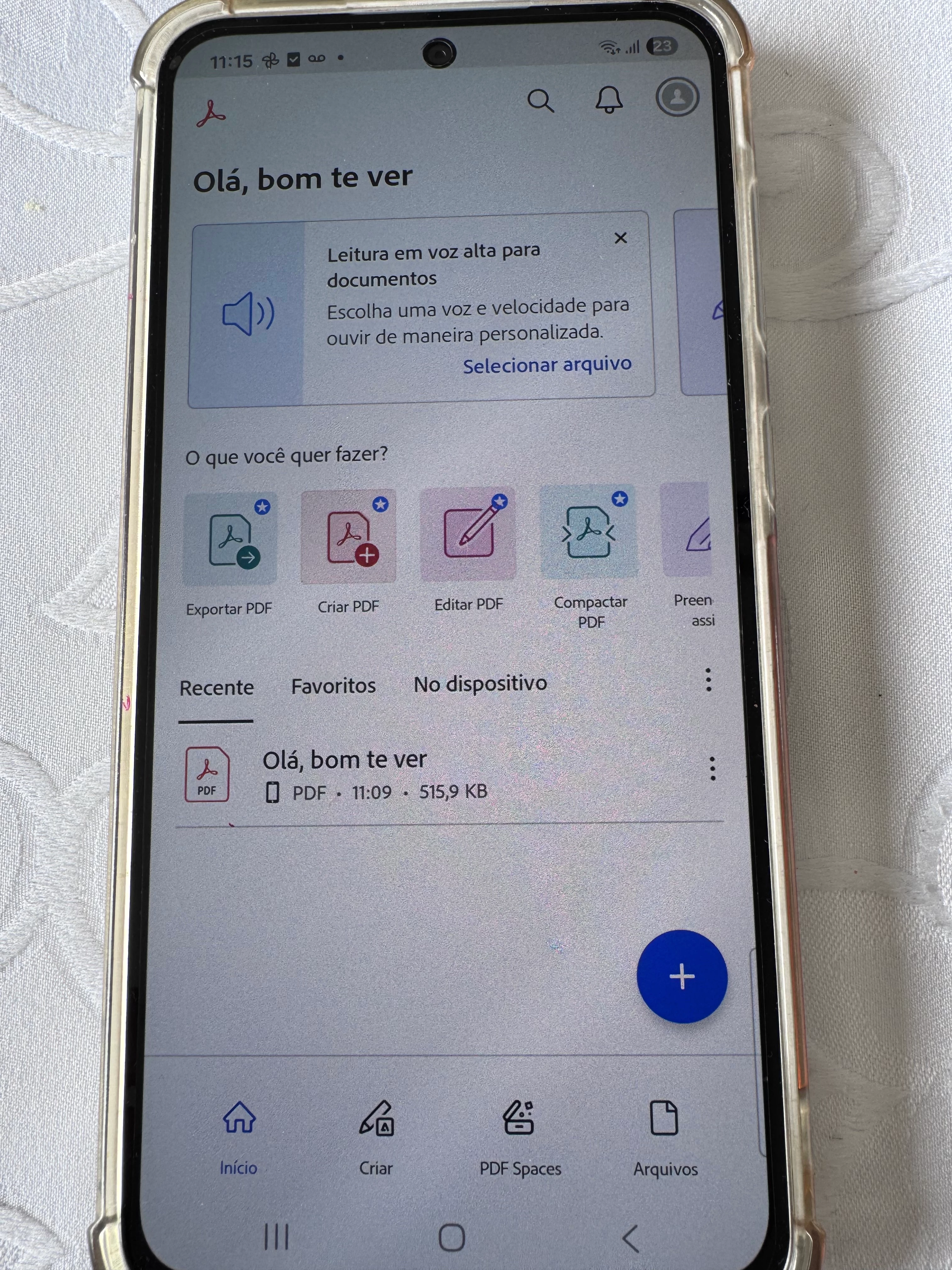
I downloaded Adobe Acrobat on an Android device to open simple pdf files. When attempting to open a file using Acrobat, it takes me to a screen asking to select a paid plan, which I have no need for. I've followed steps found in this forum to force close the app and restart the device, as well as clearing the app's cache then restarting again all to no avail.
Acrobat version 25.12.0.42491
Device: Galaxy A36 5G
Model: SM-A366E/DS
Serial number: RQCY409AZ7R
Image 1 shows payment screen when attempting to open a file
Image 2 shows what I see after closing out of payment screen instead of opening the file.
Also attaching a video of the process.


 AdChoices