
Participant
March 31, 2023
Question

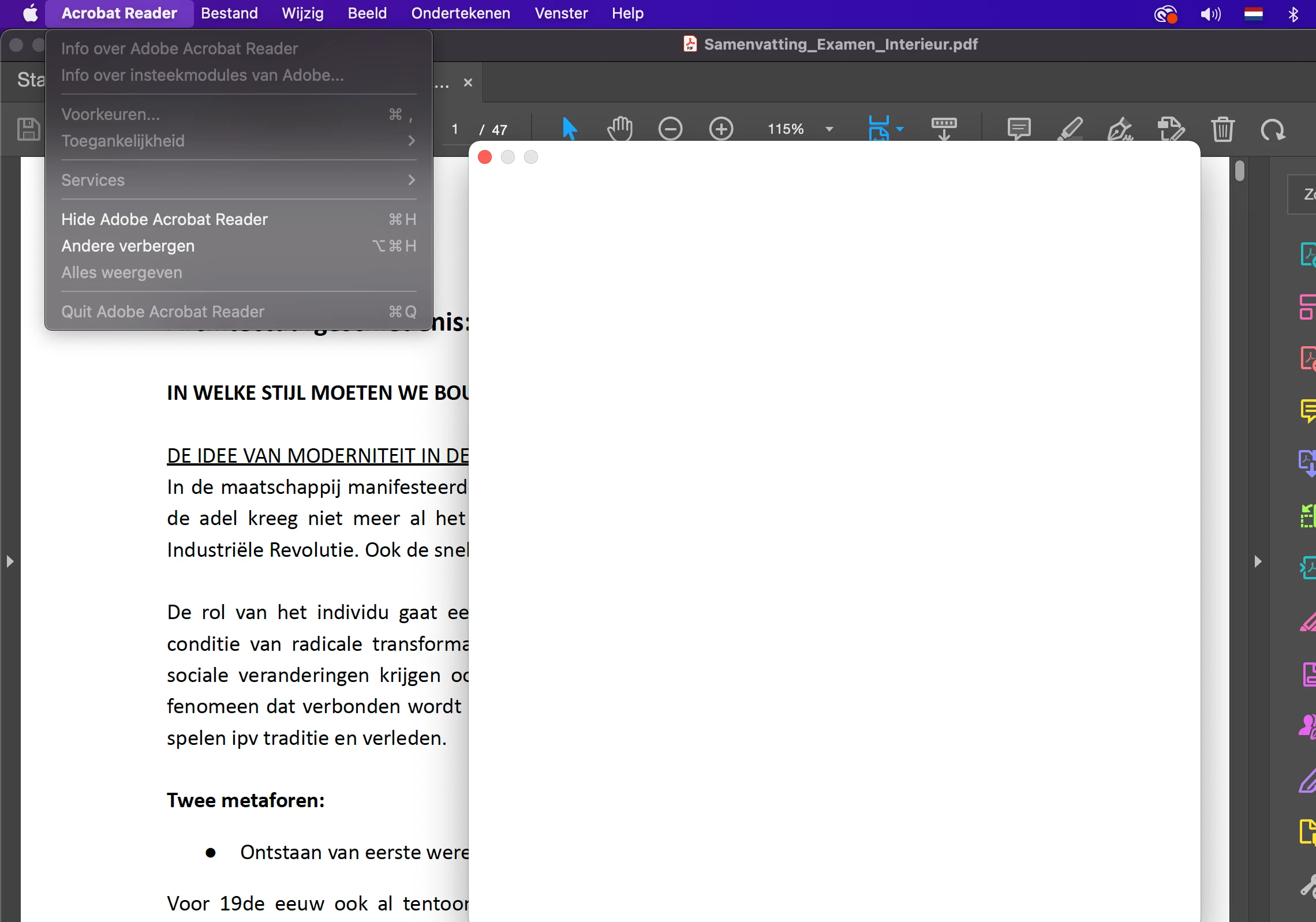
Acrobat freezes

  • March 31, 2023
  • 1 reply
  • 325 views

Hi,

For a while now my acrobat reader is frozen. I cannot close this app or do anything in it. Does somebody know how I can fix this because I would like to update my computer. I have a Macbook Pro 2022.

Hopefully somebody can help this helpless student.

Greetings Isa
This topic has been closed for replies.

1 reply

Meenakshi Negi
Community Manager
Community Manager
March 31, 2023

Hi isa291729968l4m,


Thank you for reaching out.


If the application is frozen and cannot be closed, try to force quit.

Press these three keys together: Option (or Alt), Command, Esc (Escape). Or choose Force Quit from the Apple menu in the corner of your screen.

Please try the troubleshooting steps suggested on the following help page: https://helpx.adobe.com/x-productkb/global/troubleshoot-system-errors-freezes-mac.html.


If that does not help, try removing the application and running the cleaner tool (https://www.adobe.com/devnet-docs/acrobatetk/tools/Labs/cleaner.html).

Reboot the machine and install Acrobat Reader from the following page: https://get.adobe.com/reader/enterprise/.


Let us know if you need any help.


Thanks,

Meenakshi