Hi @marsze,
Hope you are doing well. Sorry for the trouble with using Acrobat.
To enable you to launch Acrobat for the first instance, can you try the steps below:
Right-click on the app icon > Properties > Compatibility > check the checkbox saying "Run this app in compatibility mode for" > select Windows 8 > Apply > OK.
Once done, try launching Acrobat.
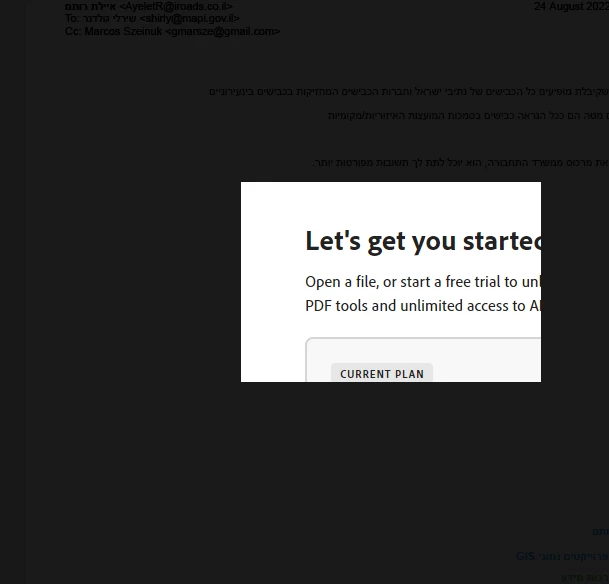
If it works, go to Menu > Preferences > General > under the section "Messages from/to Adobe," uncheck the checkbox saying "Show me messages when I launch Acrobat."
Once done, reset the compatibility settings by following the initial steps and try launching Acrobat again.
Let us know how it goes.



 AdChoices