

Acrobat Reader can't open files annotated with Apple product
Here's the scenario. 1.) student scans and submits homework. 2.) teacher adds annotations to the PDF to "grade" the work. 3.) teacher submits updated PDF.
The student's original PDF scan opens fine. We are unable to open the teacher updated PDF from the teacher in Acrobat Reader. We get the following error message: "An error exists on this page. Acrobat may not display the page correctly. Please contact the person who created the PDF document to correct the problem." It's the standard, generic Acrobat error. I can open the PDF in Firefox and Chrome, however.
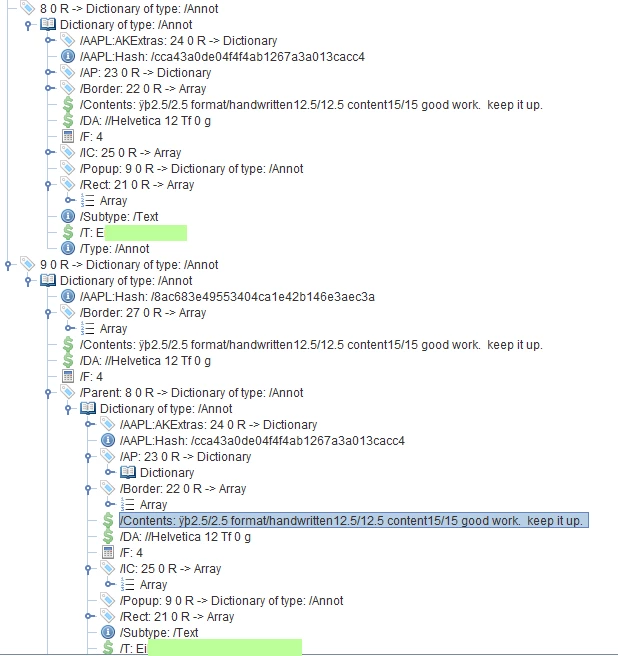
Unfortunately I don't know the teacher's setup, but was able to open the PDF in iText RUPS (below) and found that she is using either some Apple product to add a PDF annotation. That is the only change to the document that I see.
Does Reader have problems with Apple's PDF additions? Is there a setting that will allow me to open up the PDF in Acrobat on Windows?
Tested on: Acrobat Reader DC 19.010.20098 on Windows 10 1809


 AdChoices