
Acrobat Reader DC for iPad - PDF Image Not Loading
Today, I have had stability issues using Acrobat Reader DC on iPad.
Two issues really - not sure if they are related:
1. I was reviewing architectural drawings as PDFs today. Everytime I zoom in or move to another area on the plan, the image becomes blurry and looks like it is trying to reload in the new area, but never does. I can open and quickly zoom to a new area and it reloads to a sharp image. Then, when I move, it gets blurry and never reloads. I ended up having to open, make comments in 1 area. Then, save/close. Reopen zoom to new area. Repeat. It was very time consuming! PDF was only 5.6MB, so I don't think it was size related. I was working from Dropbox, but even when I moved the PDF to my iPad, it still didn't work. Could it be a settings issue on my iPad? Acrobat issue?
2. Also, this morning Acrobat would crash a split second after trying to open the app. I tried to open many times, so finally deleted and redownloaded it. Opens, but now having the issue aboove - #1.
Attaching a screen shot of the blurred PDF. 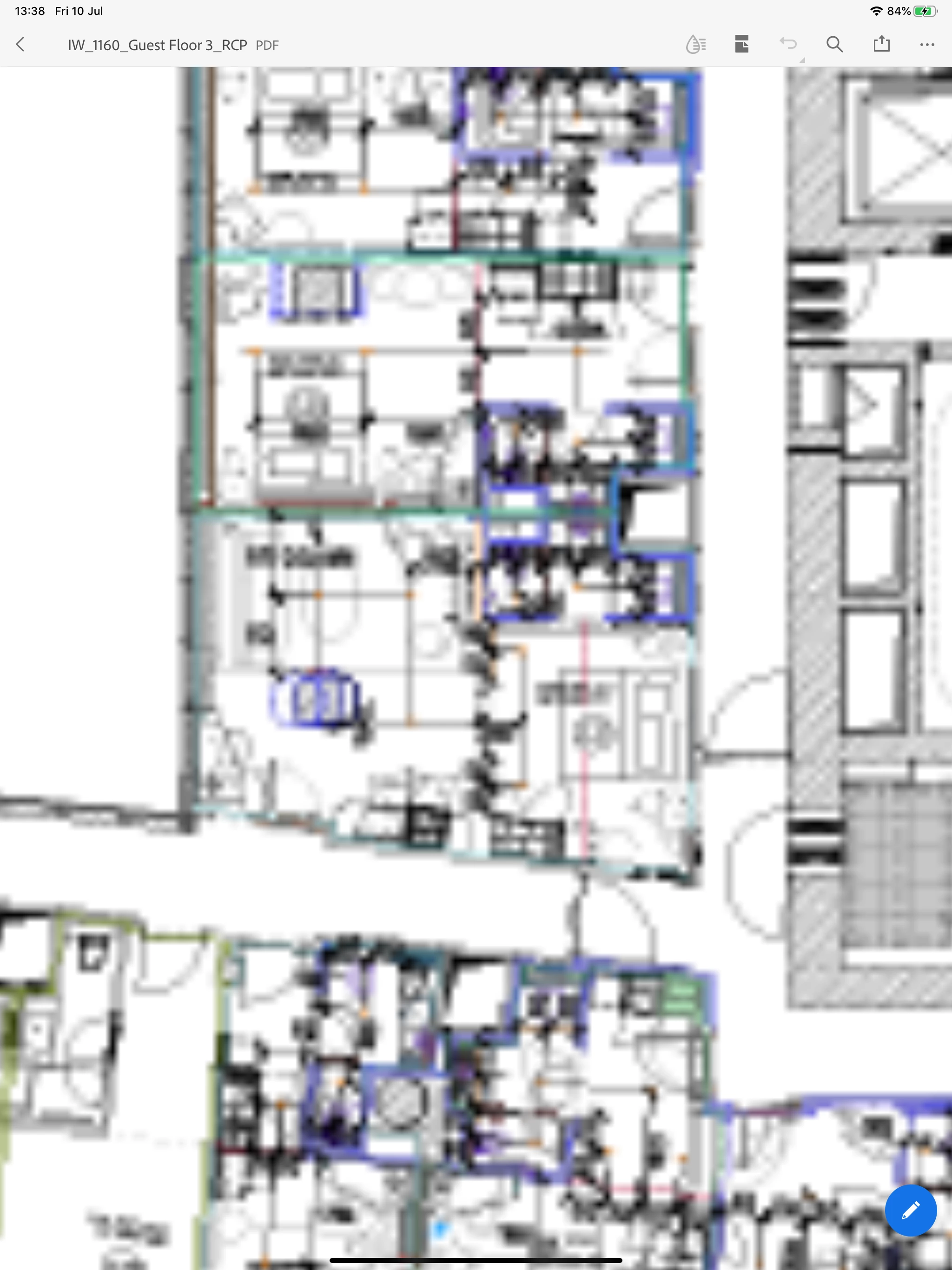
 AdChoices