
Known Participant
September 6, 2017
Answered

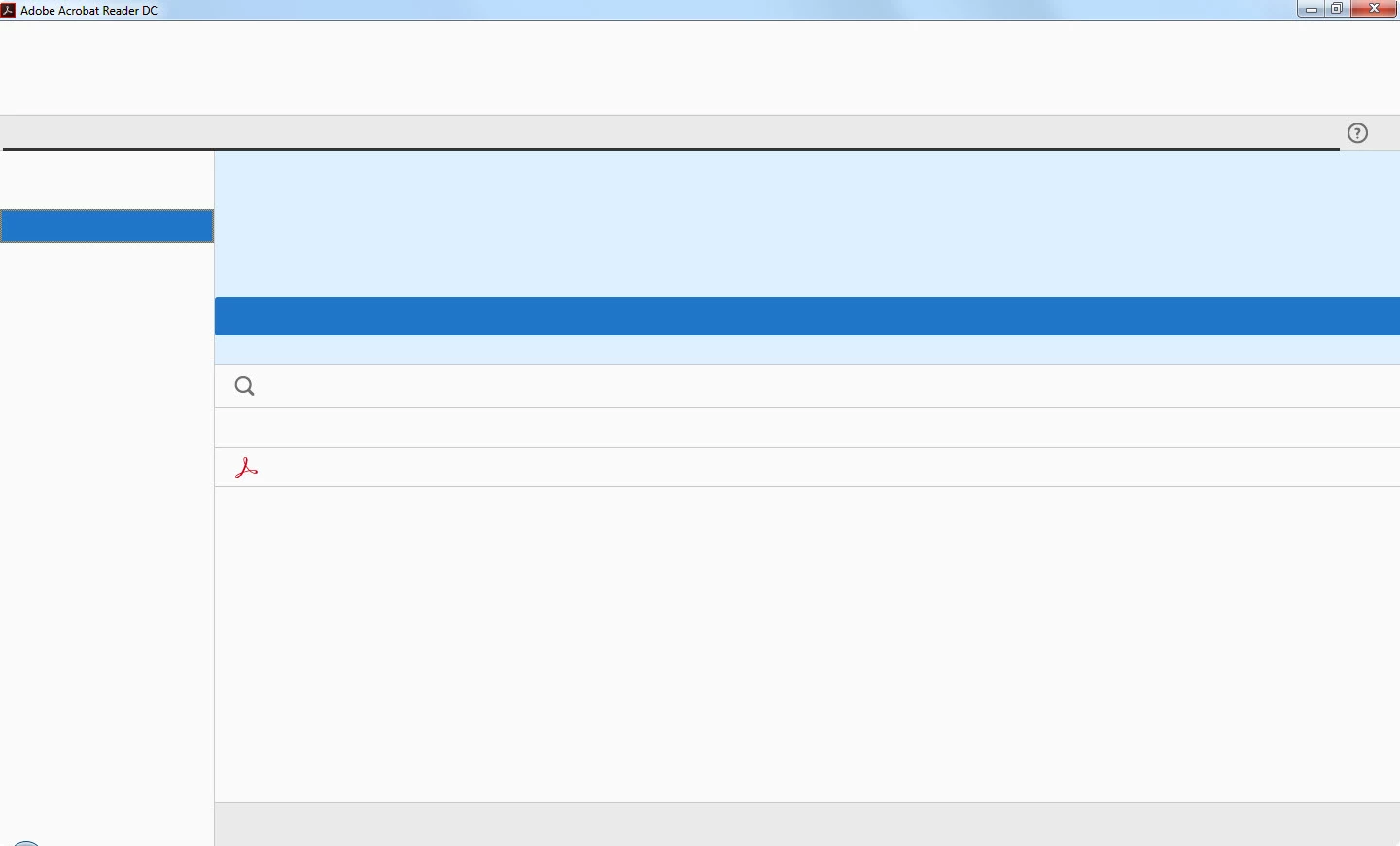
Acrobat Reader DC has a blank interface, no menus, no controls.

  • September 6, 2017
  • 2 replies
  • 4843 views

Acrobat Reader DC on my computer now has a mostly empty interface. I'm running Windows 7 Pro, 8GB RAM, Acres of HDD, Avast Internet Security, Malwarebytes Premium, and a ton of other software. Acrobat Reader seemed to work fine until today. Not sure what changed. I can't even see in the interface enough (see attached screen grab) to see any menus or anything.

I get this just opening Reader, with no PDF open:
PDFs do seem to open, but I still can't function. I can't see menus or any controls in Reader. See?:
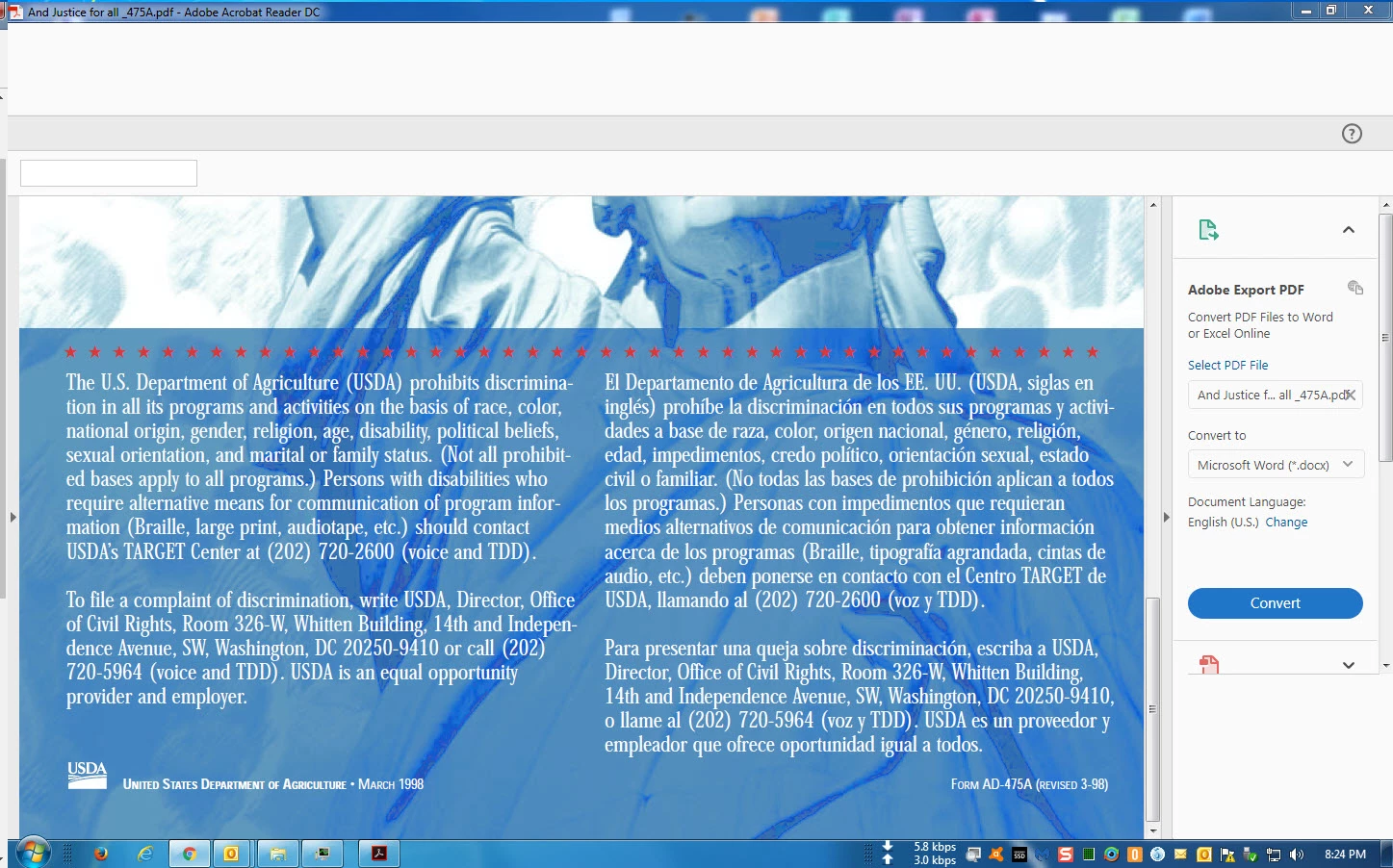
Anybody got any ideas? I've already uninstalled/reinstalled after redownloading from the Adobe site. Same results. I've cleared temp files out of Internet Options and out of Google Chrome. Same results. Anybody seen this before?

Thanks in advance for any pointers.

--Bill

    This topic has been closed for replies.
    Correct answer sawyer sutton

    I've uncheck the box "Turn on real-time protection" in Microsoft Security Essentials and the problem continue!!!!

    HELP me!!!!


    Odd. The way it worked for us...

    uninstall Avast

    disable real time protection in  Microsoft Security Essentials

    disable CC-cleaner

    Test Adobe Reader

    reboot.

    Test Adober Reader again

    reinstall Avast.

    Shawn

    2 replies

    fabienl9928731
    Participant
    October 4, 2017

    Hello.

    There was an Avast update today.

    I tried to install back Acrobat Reader DC just after it (and cutting avast system for 10 minutes during installation) and Reader is back to normal !

    Hope this would help.

    Inspiring
    September 6, 2017

    Did you notice if you have recently installed Windows updates? I have 2 users with the same problem. I followed the steps at Adobe to verify that the required fonts are still installed. I'm going to check on what updates may have come down yesterday.

    - Shawn

    Part 2.

    I found some Windows updates that were installed on 9/5/17. I made note of the KB#'s but it doesn't matter as removing them did not correct the issue. I'm going to try and contact Adobe support and see if they are aware of any solutions.

    -Shawn

    billbledAuthor
    Known Participant
    September 6, 2017

    Hi,

    I didn't see any Windows updates - but I did have an Avast Internet Security update and a Malwarebytes Premium update in the last 2 days. Currently I'm on:

    Avast Internet Security: Program version: 17.6.2310 (build 17.6.3625.0), Virus definitions: 170906-4

    Malwarebytes Premium: version: 3.2.2.2018, component package 1.0.188, update package version 1.0.2741

    I have no idea how to tell if either of those updates screwed this up. I have tried shutting both of them down temporarily and my Reader Interface problem still exists.