Participant
February 10, 2020
Question

Acrobat Reader DC PC based problem with W10

  • February 10, 2020
  • 3 replies
  • 558 views

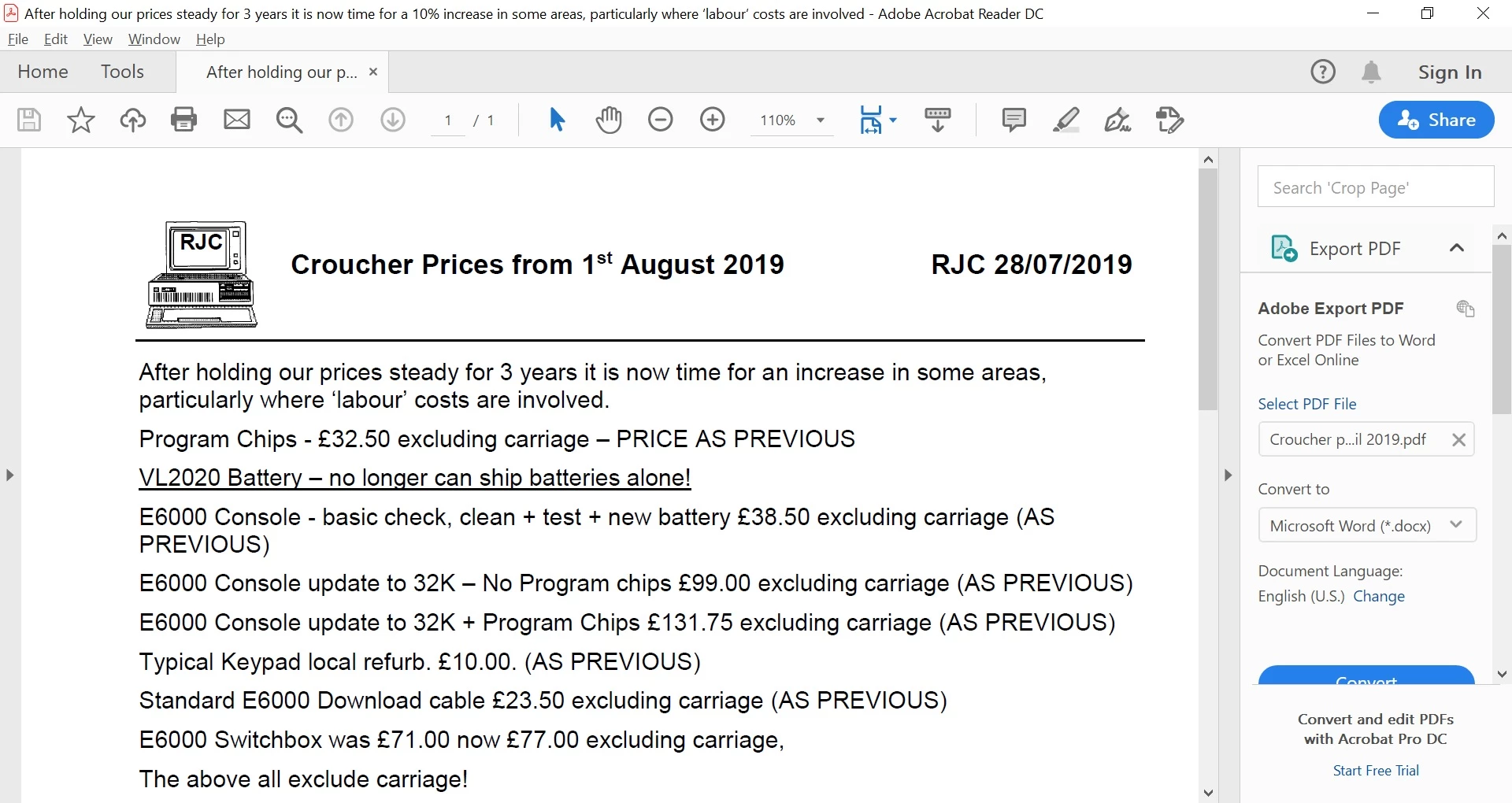
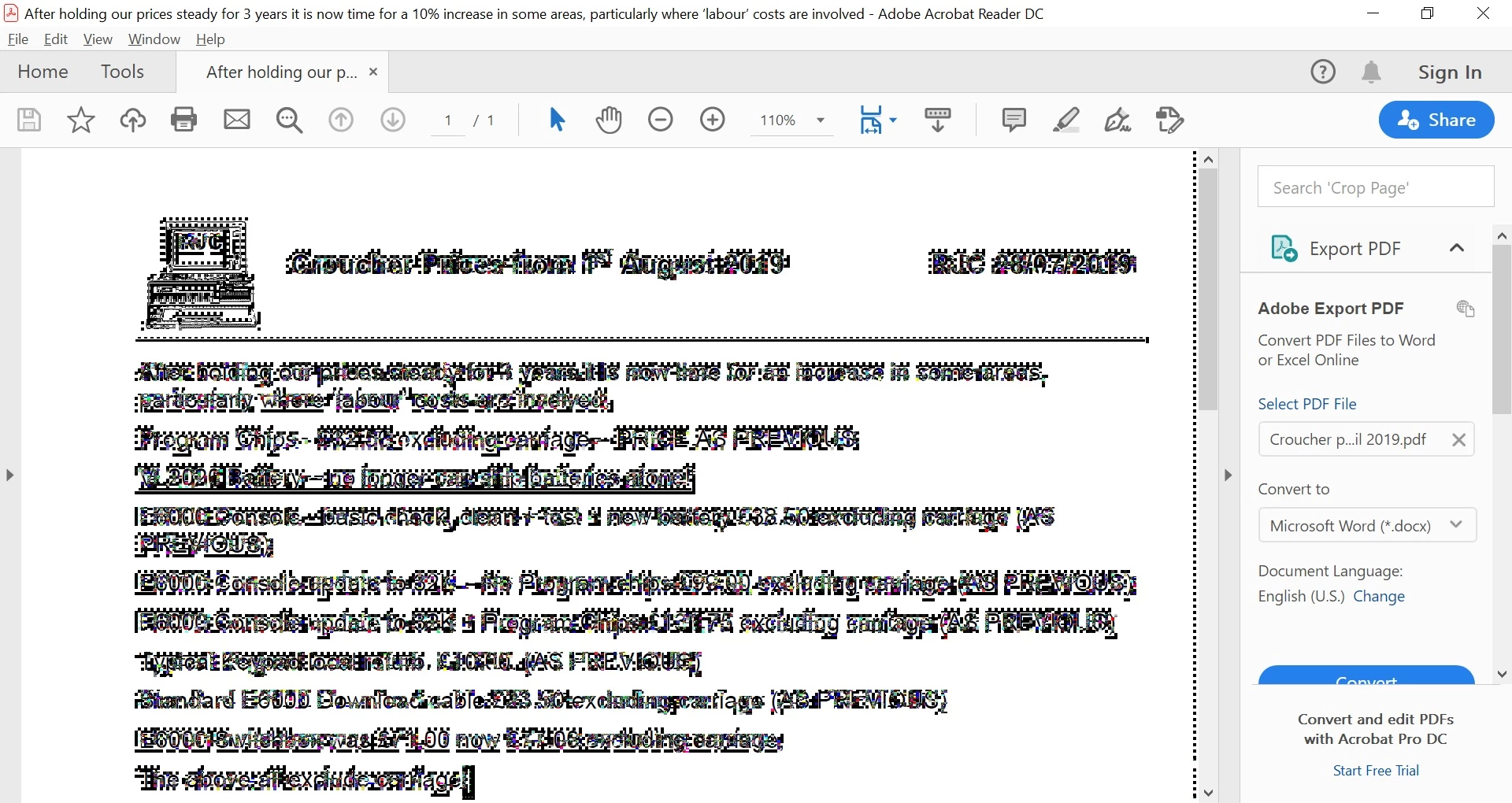
I have used Acrobat Reader DC on many PC's and have suddenly hit a re-occurring fault on this latest Lenovo Laptop with latest version of W10 and Acrobat Reader DC - please note that this does not seem to ever happen with Acrobat X Reader, Foxit Reader or other types of Reader tried - including  Microsoft Edge.  I have attached JPG's below. One way of getting from non-distorted to distorted is yo point and click in the text area - another way to undistort is to scroll the text/page off screen and back.

Any advice please? - note DC only seems to go like this on this PC - have 3 others here and all OK.


Thanks
 

This topic has been closed for replies.

3 replies

JR Boulay
Community Expert
Community Expert
January 1, 2022

MOVED TO THE ACROBAT READER FORUM

Acrobate du PDF, InDesigner et Photoshopographe
Participant
January 1, 2022

I face the exact same issue with my Lenovo ThinkPad. Tried almost all the suggested fixes given in community forums. Still no difference.

Dave__M
Community Expert
Community Expert
February 10, 2020

Wow!  That's crazy.  OK - a few things I would check out.  Does it happen with any PDF, or just a particular one?  If you change magnification, does it make the distortion go away?  Is the screen resolution set beyond the recommended resolution?  Does a PDF that shows oddly show properly on other machines?  In the preferences, is your Page Display set to Smooth text/LCD Laptop, or something else?

Any more info you can share might help troubleshoot your issue.  This one's a new one to me, but screen redraw issues can pop up unexpectdly and cause this sort of anomoly.  


My best,

Dave

RJC_pooleAuthor
Participant
February 11, 2020
Hi Dave,

Yes it is a bit crazy - got this laptop in late November and it played up
then so went Acrobat Reader X and the rest - all OK apart from DC on this
machine - this and the rest are W10 Home and one W10 Professional.

Typically any PDF file that involves text - rather than scanned or image -
will show this problem. As an example if you look at an old scanned PDF OK
but if you convert it from image to make it 'searchable' then problem
arises.

Magnification appears to have no effect on problem - just the size etc.

Resolution - seems to make little difference - however what is displayed
may vary - as an example just tried to reduce open window size and
distortion became similar but flashing black and white background?

Page display was set for LCD but all 3 options and the sub-options seem to
have no positive effect.

Have never seen this before but it is consistent with DC from the download
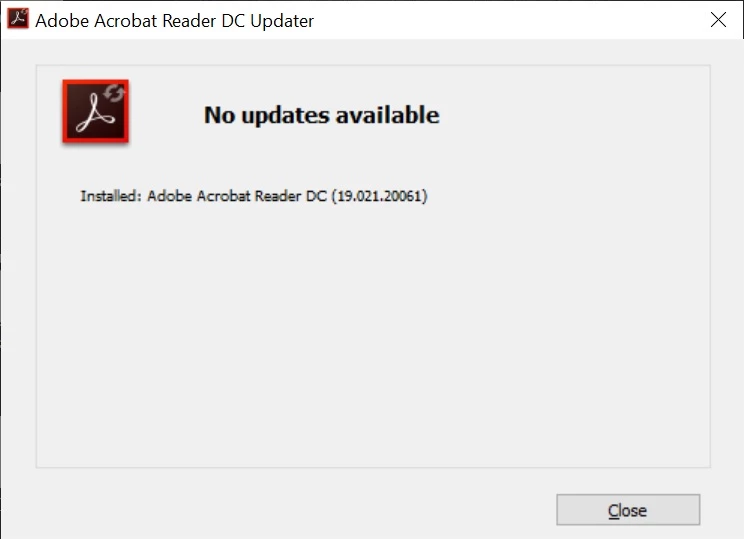
date *Version 2019.021.20058 *and its most recent update 200061 + only this
particular PC.today.

Regards

Richard Croucher