
Acrobat reader does not work on mac
Hello, I really need your help.
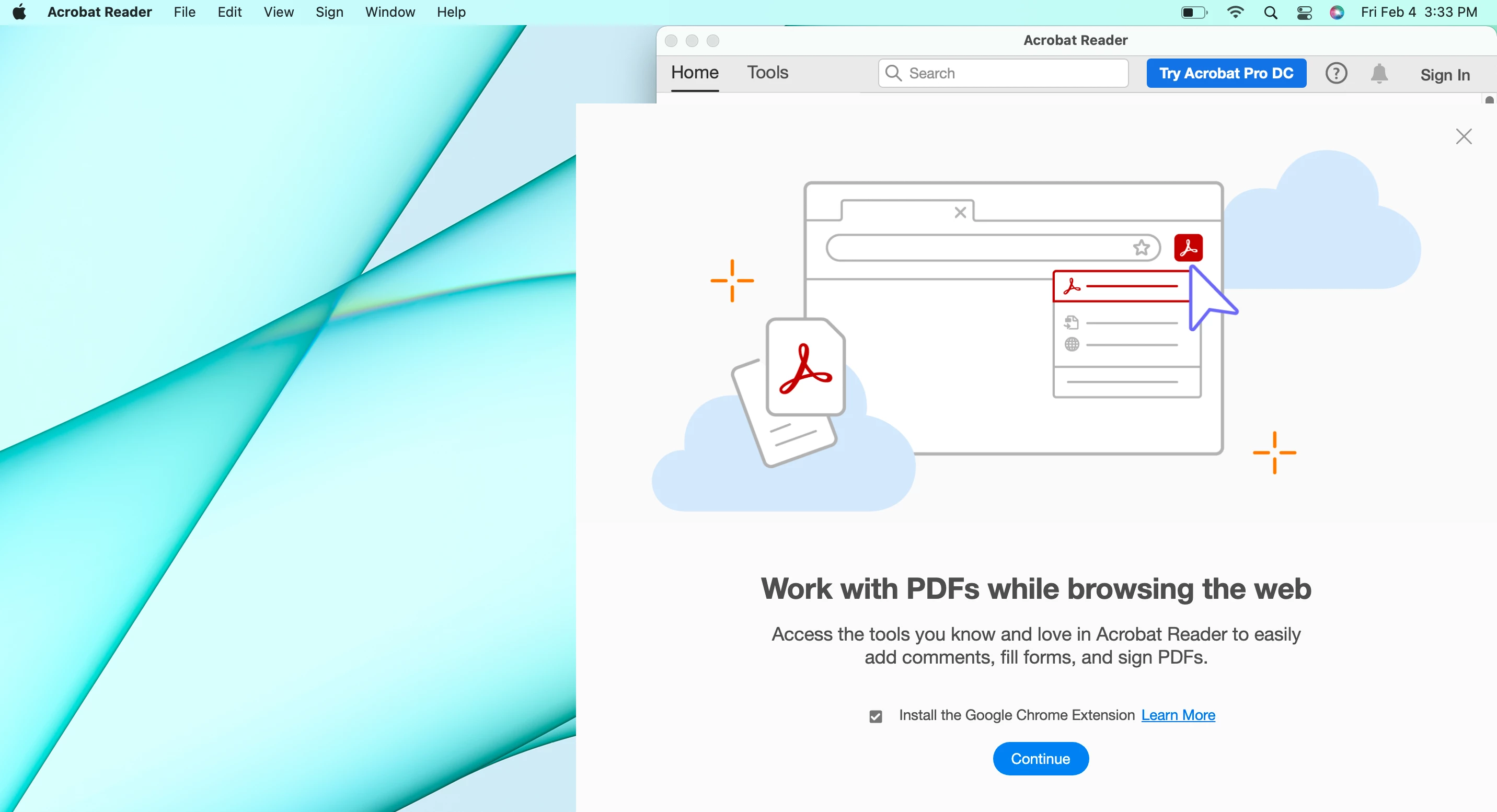
Every time I start the acrobat reader app a window pops up with a prompt "Work with PDFs while browsing the web." See the screenshot.
As far as I can tell it is not possible to exit out of this popul window and use the app. All of the controls in the pop-up do not work
- The X in the upper-right
- The Continue Button
- The Learn More link
- The checkbox
The Application won't quit or minimize- I have to use the Mac's Force Quit to exit out of the app.
I'm on Mac oS Monterey. I know the issue is not with the mac itself as this mac is brand new and I was using this app perfectly for the past three days and this issue just started today.
I've uninstalled and re-installed the application. No change.
Thanks for your help!


 AdChoices