

Question
Acrobat Reader Keeps Quitting
Hello.
Until about a week ago, Adobe was working fine on my MacBook Pro. I could read a PDF by simply clicking on it.
Now, each time I try to open a PDF, I am asked to sign in. When I do, it immediately receive the error message, "Acrobat Reader quit unexpectedly." I've changed passwords and there is no change. Apple tech support suggested I uninstall Adobe by double-clicking on the file "Adobe AIR Uninstaller." When I did so, nothing happened. Apple also suggested I speak with Adobe directly and connected me. When my call back finally came, I was told I could only get help by email, as I am not a paid subscriber. I do have the latest updates and Apple OS 10.13.4.
How do I get Adobe to work again? I do hope you can help me! 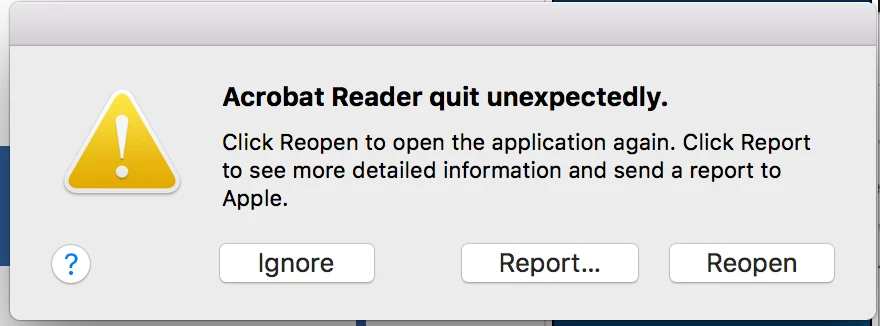


 AdChoices