
AndyAtPBZinc
Known Participant
January 2, 2026
Question

Acrobat Reader refuses to see/use/show installed Google font (Roboto Slab)

  • January 2, 2026
  • 2 replies
  • 190 views

Specs for end-user PC: Dell laptop w/ Windows 11 Acrobat Reader v2024.003.20180

Downloaded from Google Fonts and Installed on Windows, listed in Control Panel Fonts

  • Roboto Condensed 
  • Roboto Slab

This laptop/pc is for testing and also the same environment that other users in the company will be in when accessing and using the fillable pdf in question. (all pc in the co network have Reader and those 2 fonts installed)
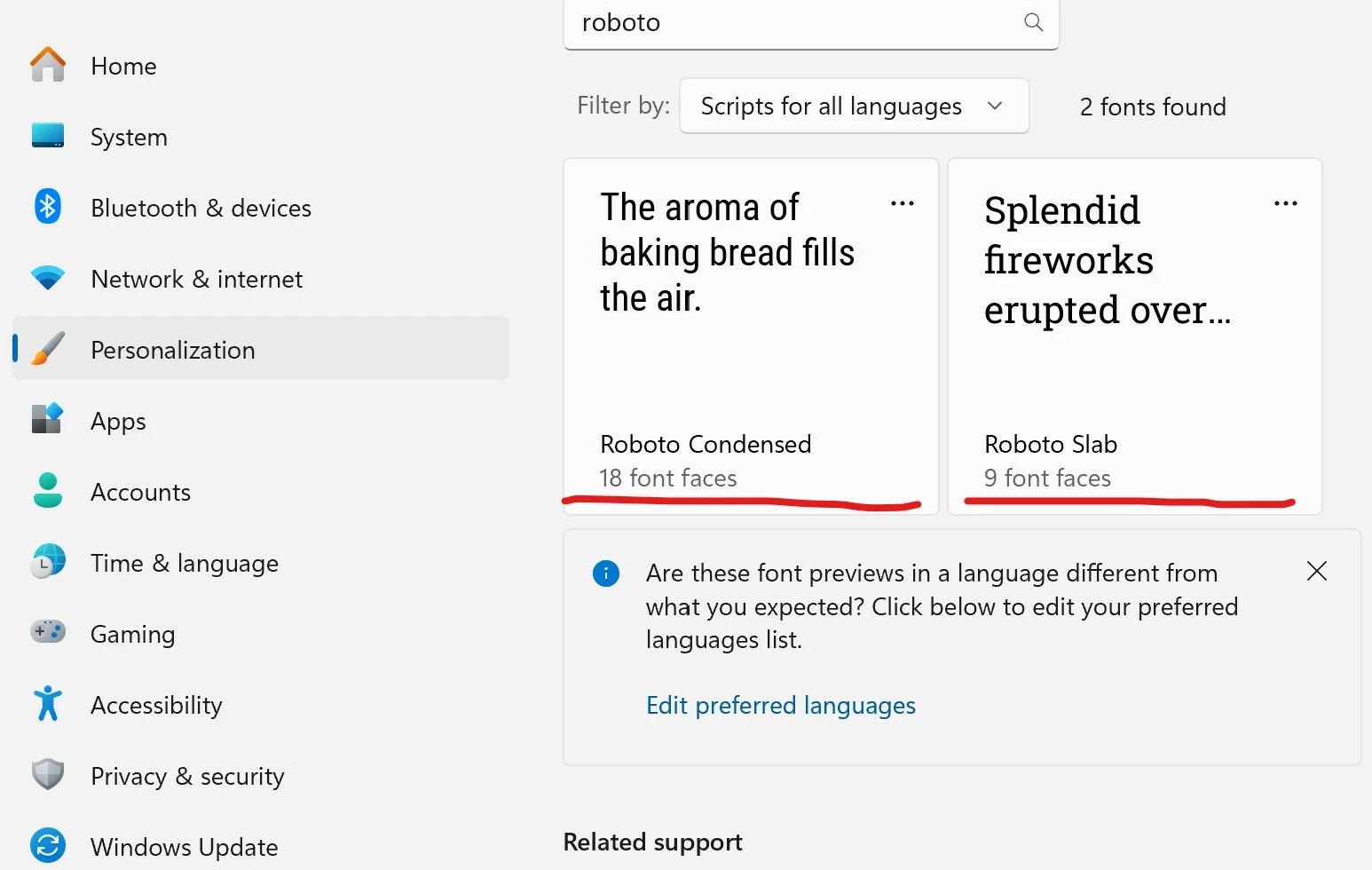
 InstalledFonts.jpg

More context: The PC from which the fillable form pdf was created and deployed from, is a custom/for-design PC with Windows 11 and Adobe CC suite of apps, including Acrobat Reader v2025.001.20997, Adobe Acrobat 64bit v25.001.20577 and Indesign 2025 v20.4.1

The fillable form pdf was created in Indesign and then further refined in Acrobat;  Fonts confirmed/set in the fields AND also confirmed to be embedded in the pdf... Properties > Fonts!) This font listing appears in all three enviros... (Acrobat and Reader on the designer PC and also in Acrobat Reader on the testing laptop... 
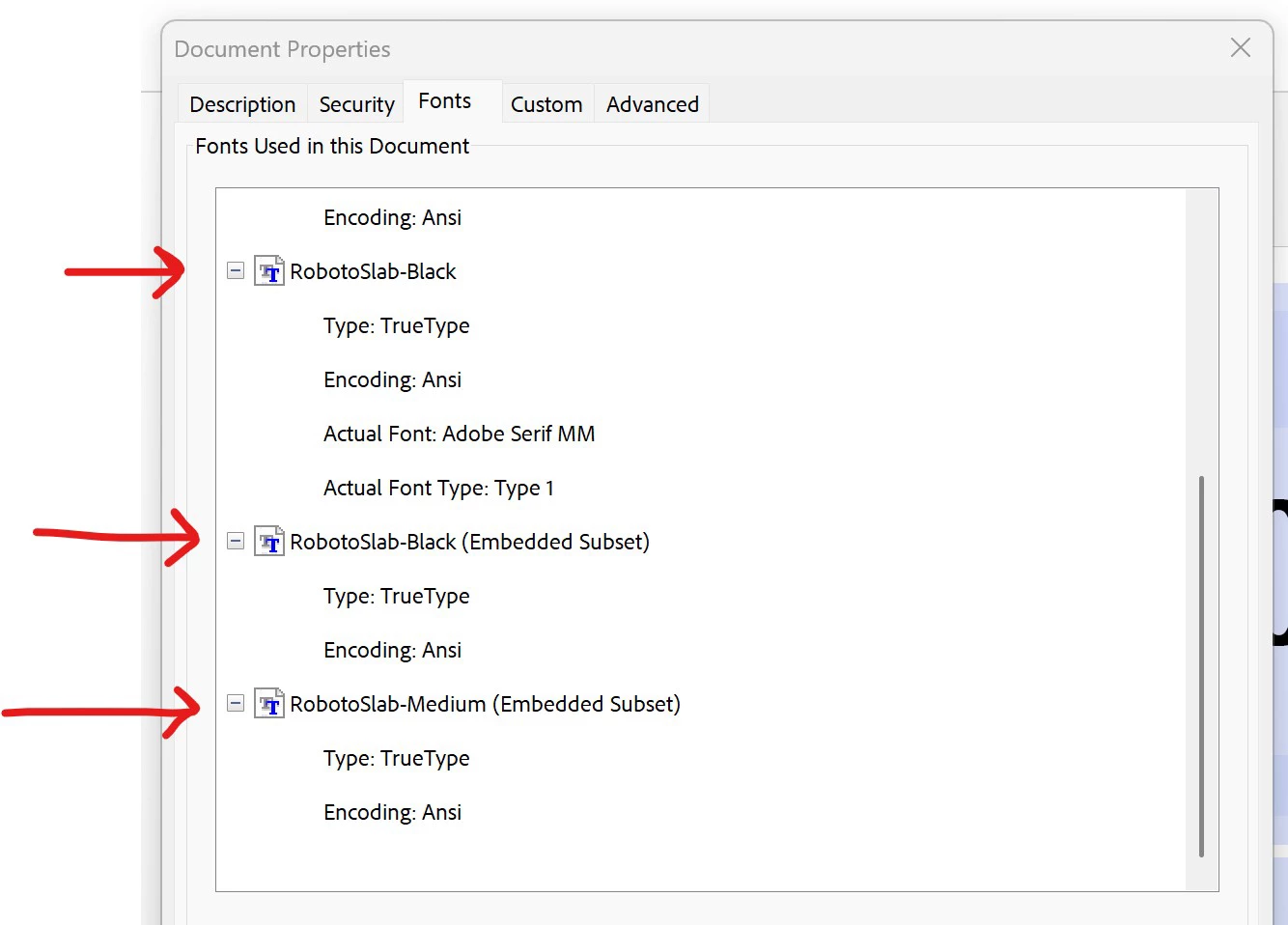
ReaderInstalledFonts.jpg


BUT...a big problem is manifesting and I have no idea how or why or how to fix... it makes no logical sense.

When I open the pdf in Reader, in the end-user environment (pc, laptop, doesn't matter) the Roboto Slab fonts are clearly being replaced with something else...  It refuses to display the correct font in the form field - even though it's installed on the pc; even though it shows in the list of embedded fonts; and even if you open up the properties Ctrl+E, where again it shows as Roboto-Slab Black and if you try to change it/select it in the drop-down... it refuses to display the right font...

Here is the correct display... (designer PC with Acrobat and Reader... this view is in Reader; Properties>Fonts looks the same as well)
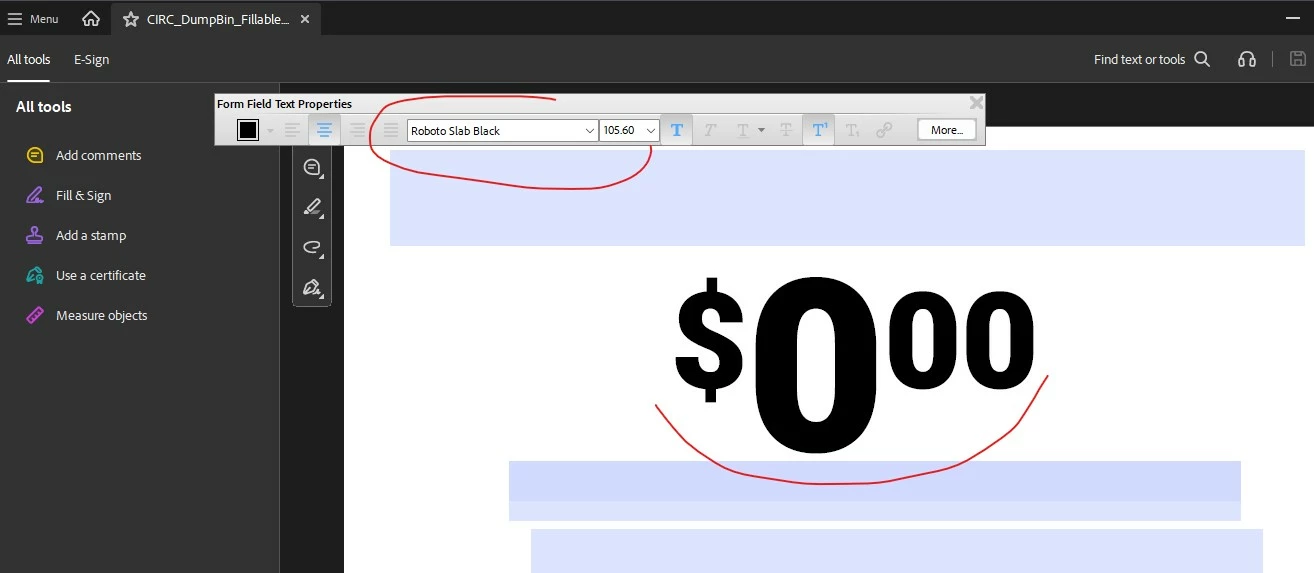
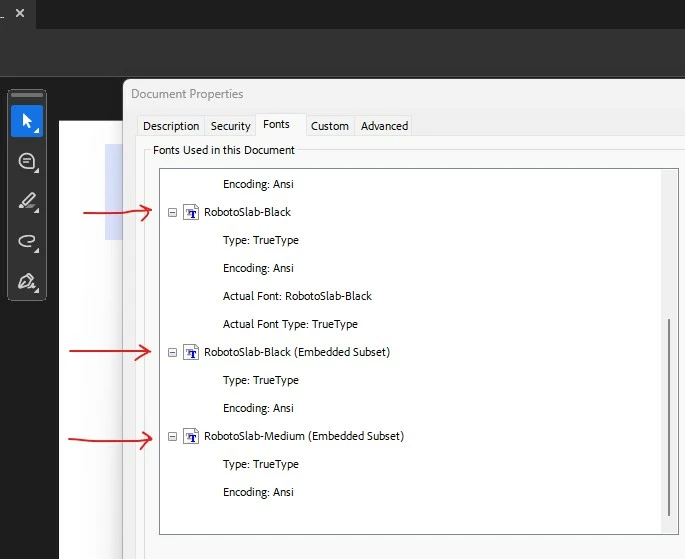
correctFont.jpgembeddedFontsDesignReader.jpg


And then here is the same file, on the end-user PC/laptop, showing some other font entirely... I have no idea what that is, but it isn't Roboto...(but the Properties says it is!) I don't think it's any Roboto font... 
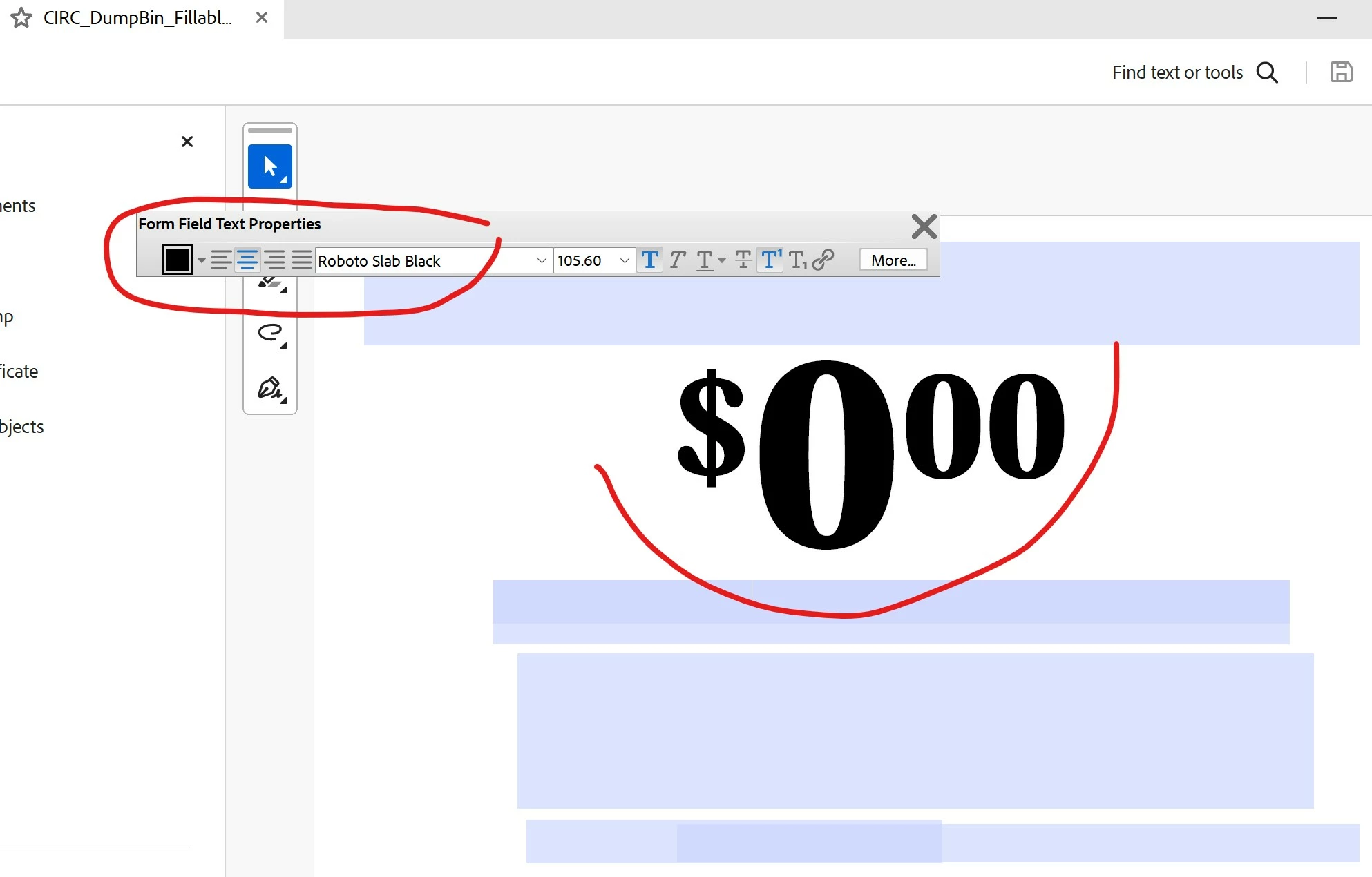
incorrectFontReader.jpg


Any ideas! What the ___ is going on. This makes no sense other than maybe some typical Windows buffoonery with fonts...

(The Roboto Condensed fonts have no issues at all, just the 1-2 Roboto Slab fonts I'm using in the design and the finished fillable pdf)


2 replies

AndyAtPBZinc
Known Participant
January 5, 2026

I discovered something... maybe an answer? But if I - when working in Indesign, set the 2 problem fields (In Buttons & Forms) to another font, export it and then in Acrobat, in Prepare Forms, set the fields to the correct font (Roboto Slab), save and open on a machine with those installed... it displays correctly.  I tried both ways and as soon as you set the fields in Indesign to that Roboto Slab font (the correct one I want), then no matter what you do in Acrobat, the field won't use/display? the correct font... weird... lesson could be to do as little setting up the fields in Indesign as possible? (ie setting the font in the field in Indesign is what seems to create the problem...)

Jeffrey_A_Wright
Legend
January 2, 2026

Thanks for posting, Andy. Are you only encountering problems using the Roboto family of fonts? Can you use a different font without any problems? What permissions were provided by the font creator for the Roberto font? Do they allow the font to be embedded for editing? Please see https://adobe.ly/44RxBDJ for more information about font permissions. ^JW

AndyAtPBZinc
Known Participant
January 2, 2026

I did not try other fonts yet... Sure I could go with a vastly over-used, imo Windows font, but the Robota Slab had the look I was aiming for and also had more than just a few faces (has 9) which is the flexibility I was also aiming for. It also needed to be open-source/Google (free?), easily accessible. So at this point, I'm pretty committed to that one...

The font comes from Google and I'm not sure where to see permissions. On Google fonts is there a place I can find that info, for a particular font? (That would be helpful, especially if I do need to search for something else...)

And if anyone has suggestions of a similar looking font with similar number of faces, I would definitely look into it (and dig for permissions specs this time, if I can find them).

Jeffrey_A_Wright
Legend
January 2, 2026

Thanks for the update, Andy. I am sorry, I am not familiar with the Google font foundry, so you will want to check with them about how you can verify the permissions for the font. The behavior sounds like the font may be restricted from embedding, which could be why the font is not displaying properly. A quick test will be to try an embeddable font to see if you experience the same behavior.


You have a full CC subscription, which includes access to 1000s of fonts that you can embed in your PDF. Please go to https://adobe.ly/4qAEO3p to search for fonts.


You can also use the Match Font tool in Photoshop, which is also included with your subscription, to find the closest available version. Please see https://adobe.ly/4qAEOAr for more information. ^JW