
Acrobat - White box after install
I originall was having an issue where many of the buttons for tools and navigation were invisible. I was able to use Acrobat without issue yesterday but starting today the buttons were there but the icons never loaded. I was able to hover over the icons and see a box surround where the button should be and if I hovered there the tooltip would appear explaining what the button did. Clicking the space also worked so this looked to be a purely visual bug.
I ran a repair. No change
Rolled back to the classic UI and many of the icons were still missing but now when I try to click on anything I saw a warning saying "an internal error occurred".
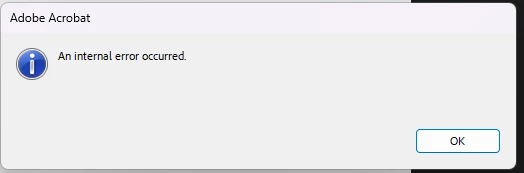
For example if I selected 'File' at the top left I would get that error and after selecting Ok the box reappeared. If I selected Ok ~10 times the error box eventually stopped appearing and the File menu would drop down but I was unable to interact with it without it causing the error to reappear.
I uninstalled Acrobat, restarted, reinstalled from the Download link on Adobe.com
This installed Acrobat and CC
after the re-install Acrobat opens to this page which is mostly a white box
I uninstalled Acrobat and CC then ran the creative cloud cleanup tool then restarted
https://helpx.adobe.com/creative-cloud/kb/cc-cleaner-tool-installation-problems.html
I then downloaded the standalone Pro copy for acrobat since I don't want or need CC
https://helpx.adobe.com/acrobat/kb/download-64-bit-installer.html
I am getting the same issue with this install as well
After opening the app and letting it sit for 5ish mins I got a prompt to sign into my Adobe profile which I was able to do without issue. This prompt appeared in a separate box like normal and there were no visual bugs on the popup.
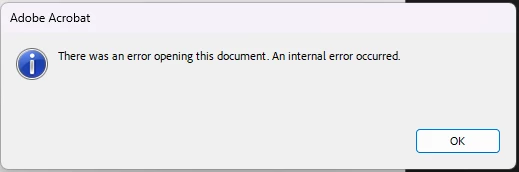
I tried opening a .pdf instead of the app itself to see if maybe opening a file would work but I see this error saying "There was an error opening this document. An internal error occurred."
The attachment is a screen recording of what the experience looks like in the current situation
Edition Windows 11 Pro N
Version 23H2
Installed on 4/7/2023
OS build 22631.3737
Experience Windows Feature Experience Pack 1000.22700.1009.0
I've checked my update history and haven't had any new installs/updates to the rest of my environment in the last week.


 AdChoices