
Participant
February 20, 2025
Question

Adding PKCS#11 module

  • February 20, 2025
  • 2 replies
  • 890 views

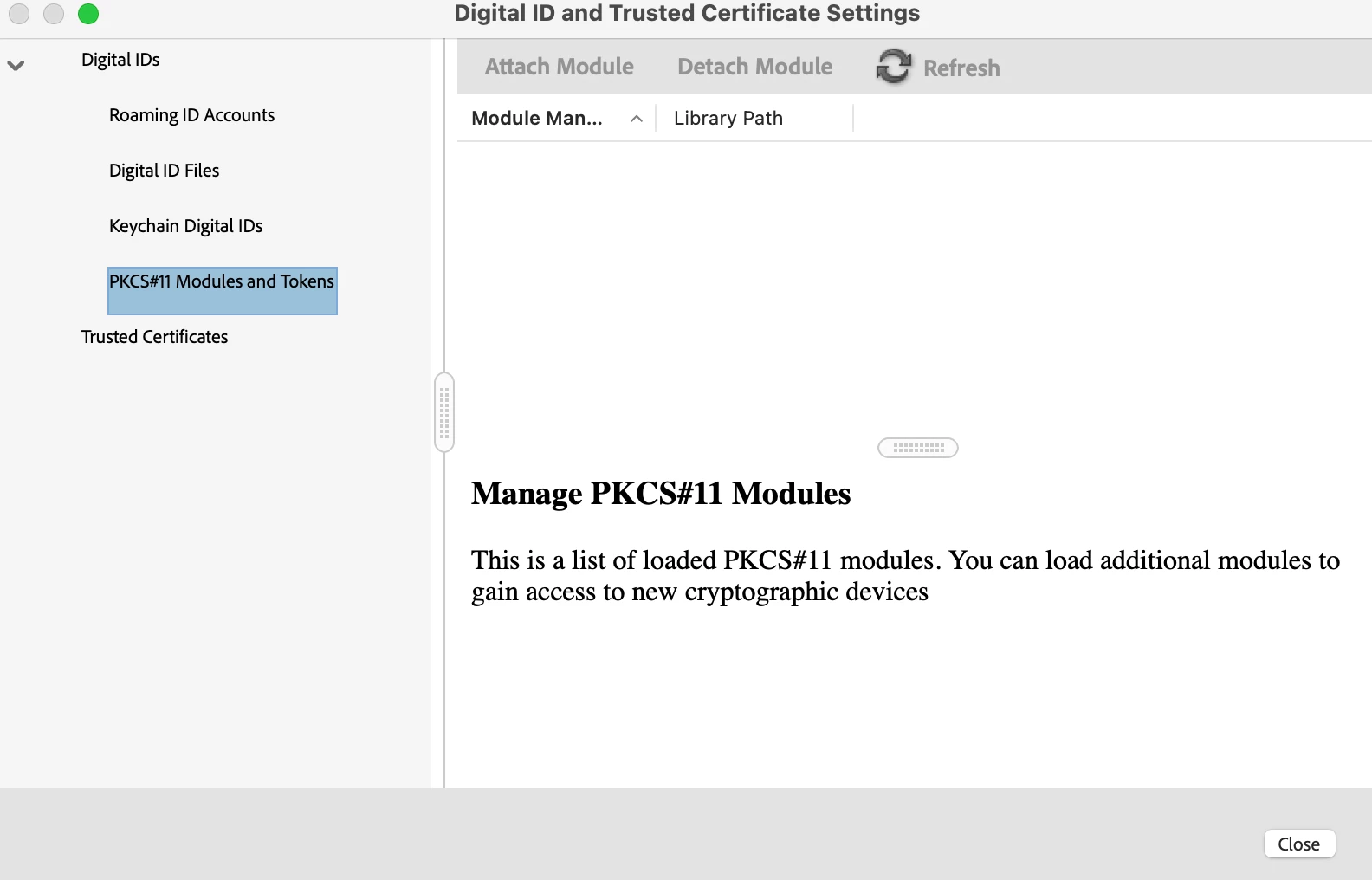
I am trying to setup digital signature on Macbook Air with M3 chip. It is not beeing detected automatically during "Configure a Digital ID for signing" -> "Use a signature Creation Device". I understand that workaround is to Attach Module in Preferences -> Signatures -> PKCS#11 Modules and Tokens.  The button Attach Module is not active. Is there any way to solve this? Macos 15.3.1, AcrobatReader Build: 24.5.20414.0.


2 replies

Participant
March 12, 2025

Same problem, how can I add my signature, button Attach Module (Dołącz moduł in polish version) is not active. Last year it was working with the same macbook and signature. Please help!

Souvik Sadhu
Community Manager
Community Manager
April 25, 2025

Hi @Piotr_KRK,


Hope you are doing well. Sorry for the trouble with Acrobat.


We released an update to the application which has significant performance and stability enhancements.

Would you mind letting us know if the workflow works with the latest version (2025.001.20458)?


If not, please share a few pieces of information for further investigation:

1. The OS details of your device;

2. Please help us gather logs from your machine: https://adobe.ly/4l1gBRA. Please make sure Procmon is selected. You can upload logs using this tool and share your Unique log ID with us. 


Look forward to hearing from you.


Regards,
Souvik.

Participant
March 3, 2025

I'm having the same problem. Any workarounds...? Thanks!