
August 31, 2022
Question

Adobe Acrobat Reader DC did not install successfully

  • August 31, 2022
  • 1 reply
  • 799 views

Hi all,

On a RDS we are trying to install Adobe Acrobat Reader DC. When I download the installer from the Adobe website for our OS (WS 2016), I run the installer as administrator and the green progress bar goes until 100% and then says installation finished. After that a Edge page opens up showing the following:
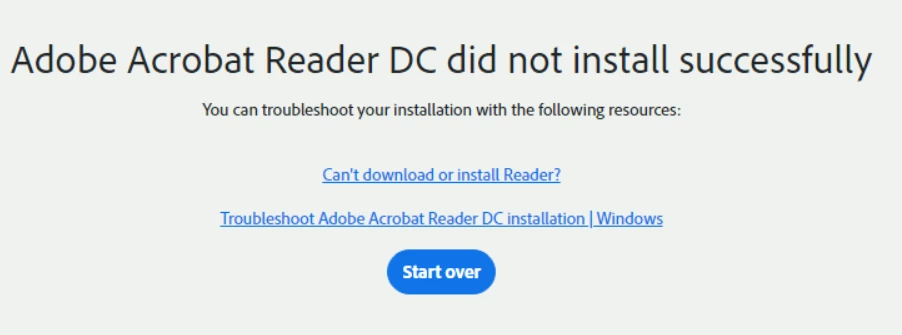

I already followed the troubleshooting steps but that didn't fix it yet.

Has anyone else had this before and managed to fix it?

Thank you.

This topic has been closed for replies.

1 reply

AkanchhaS8194121
Legend
August 31, 2022

Hi @25891348 


Sorry to hear about the trouble caused.

Since the message is showing that, Acrobat Reader's installation isn't going completed. Then we need to try this one more time following the steps mentioned below-

Run this cleaner tool to remove the existing installer and application’s files traces:

https://www.adobe.com/devnet-docs/acrobatetk/tools/Labs/cleaner.html

Download the Acrobat Reader DC installer from here:

https://get.adobe.com/reader/enterprise/


Let us know if it still doesn't work.


Thanks,

Akanchha