
Question
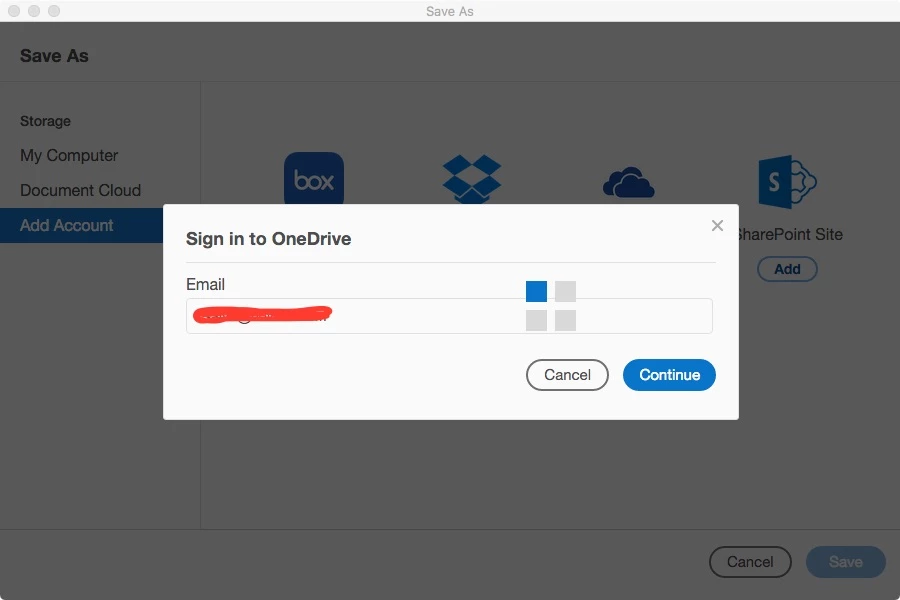
Adobe Acrobat Reader DC for Mac hangs with OneDrive
Hi everyone!
I decided to save an edited (with several comments) PDF document to my OneDrive.
As this was the first time, I was requested to connect Acrobat Reader to my OneDrive account. While doing this, I entered my email account, then pressed "NEXT" and then Acrobat entered an endless loop (with beautiful grey and blue squares dancing) and never asked for my password.
I can't figure out how to cancel the process, so I can save my document somewhere else safer.
I don't want to "Force Quit" because I could loose my comments.
Anyone has an idea of how to "cancel" the process and save my file somewhere else?
Regards,
Claudio
 AdChoices