

Adobe acrobat reader DC has stopped working
Hello fellow adobe users and developers,
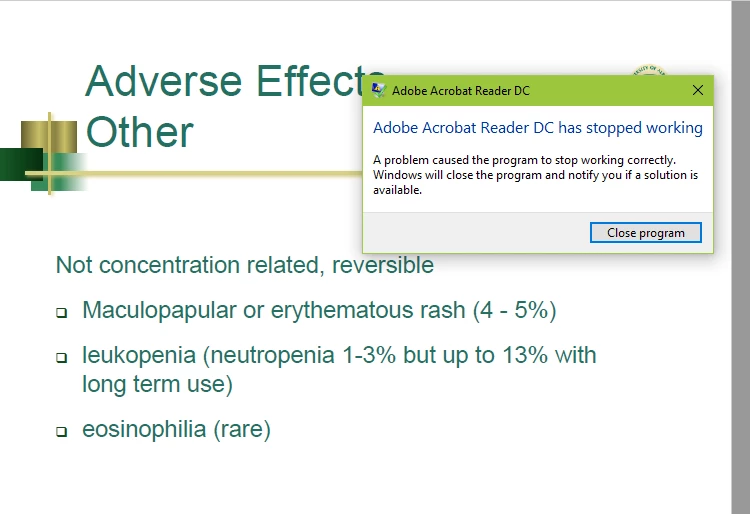
I have been using adobe for a number of years and since September this year (not sure if it correlates with an update) I will periodically get the error depicted in the image below. This is very frustrating to me as I use adobe to take notes in class and sometimes this results in lost notes and rage (lol). Some days adobe works fine and I do not get any errors causing the forced shutdown. Other days I will get error after error and basically be unable to use the program. Currently I seem to be getting allot of errors while using dual monitors. For example, I have adobe running on both screens at once (error rate about once every 30 mins).
What have I tried?
-I tried deleting the program and reinstalling the most recent version.
-Currently there are no available updates for my version of adobe
Any help with this would be immensely appreciated as I love using adobe for school but this constant error rate business is a bit to much these days..
Cheers


 AdChoices