
Participant
February 19, 2019
Question

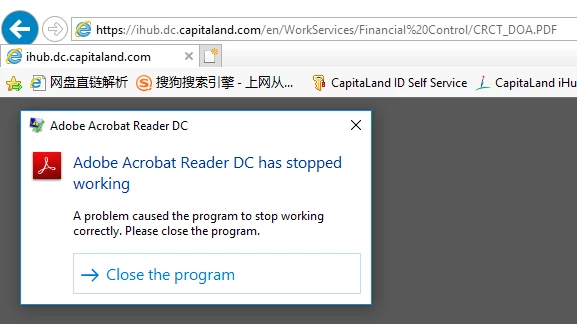
adobe acrobat reader dc has stopped working

  • February 19, 2019
  • 1 reply
  • 779 views

the adobe reader can't  review the PDF document file on website after update the new versions(19.010.20091) and lower versions of the software has not the problem, could you please fix this bug?
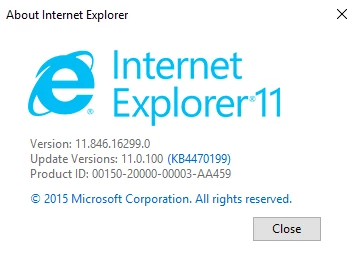
PS, Internet Explorer versions:
This topic has been closed for replies.

1 reply

AnandSri
Community Manager
Community Manager
February 19, 2019

Hello Andyz,

We're sorry for the trouble you had with Adobe Reader, please reboot the machine once and white list the domina/URL and the PDF file location where it's hosted in Adobe Reader's Preferences. navigate to Edit>Preferences>Security(enhanced) and add the host and the folder path>click OK, restart the application and check.

For testing purpose only: Please disable the ' Protected mode at startup' and 'Enhanced Security' from Edit>Preferences>Security(enhanced)>Click OK and restart the application and check.

Let us know how it goes and share your observation.

Thanks,

Anand Sri.

Participant
February 20, 2019

hi Anand,

thanks for your quick response, i have follow your steps but still cannot review the PDF file on website, have any other suggestion for fix this issue? thanks.

best regards,

Andy