
Adobe Acrobat Reader DC Newer version already installed
Hi,
I know I'm not the first having this issue but I've tried so many things to install Adobe Acrobat Reader DC (like following instructions of ten differents forum topics) but nothing works !
For now, here is a list of what I've already tried :
1. Downloading the setup with this link : https://get.adobe.com/fr/reader
I get an error when I'm at 55% of the installation saying me that "A newer version is already installed"
2. Downloading different versions of AdobeAcrobatCleaner and run it to clean to remove Acrobat DC or Reader DC + restart my PC
With the version of 2015, the program crashes and do not answer so I downloaded an other version of it, it runs perfectly saying that Adobe Acrobat/Reader has been successfully removed from the machine. I retried to download and install Acrobat, but I still get the same issue.
3. Downloading Adobe Acrobat from ftp : ftp://ftp.adobe.com/pub/adobe/reader/win/AcrobatDC/1900820081/
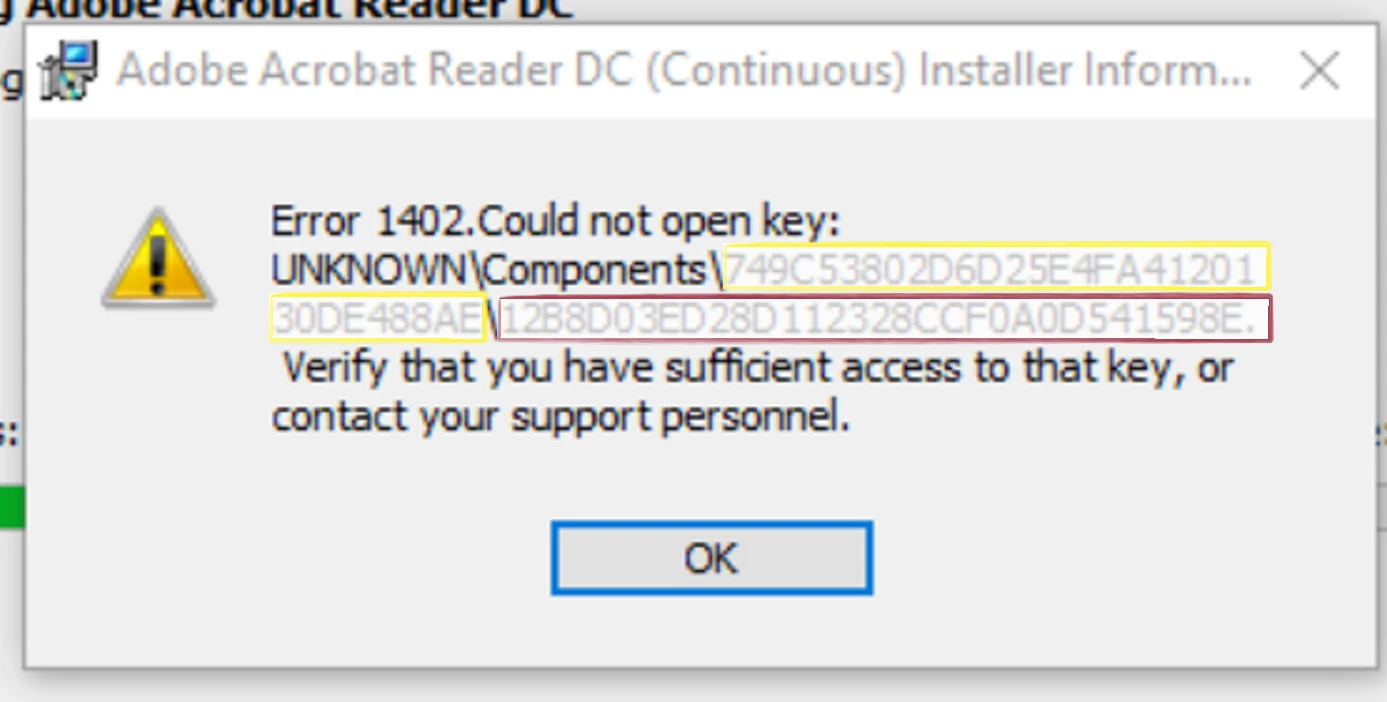
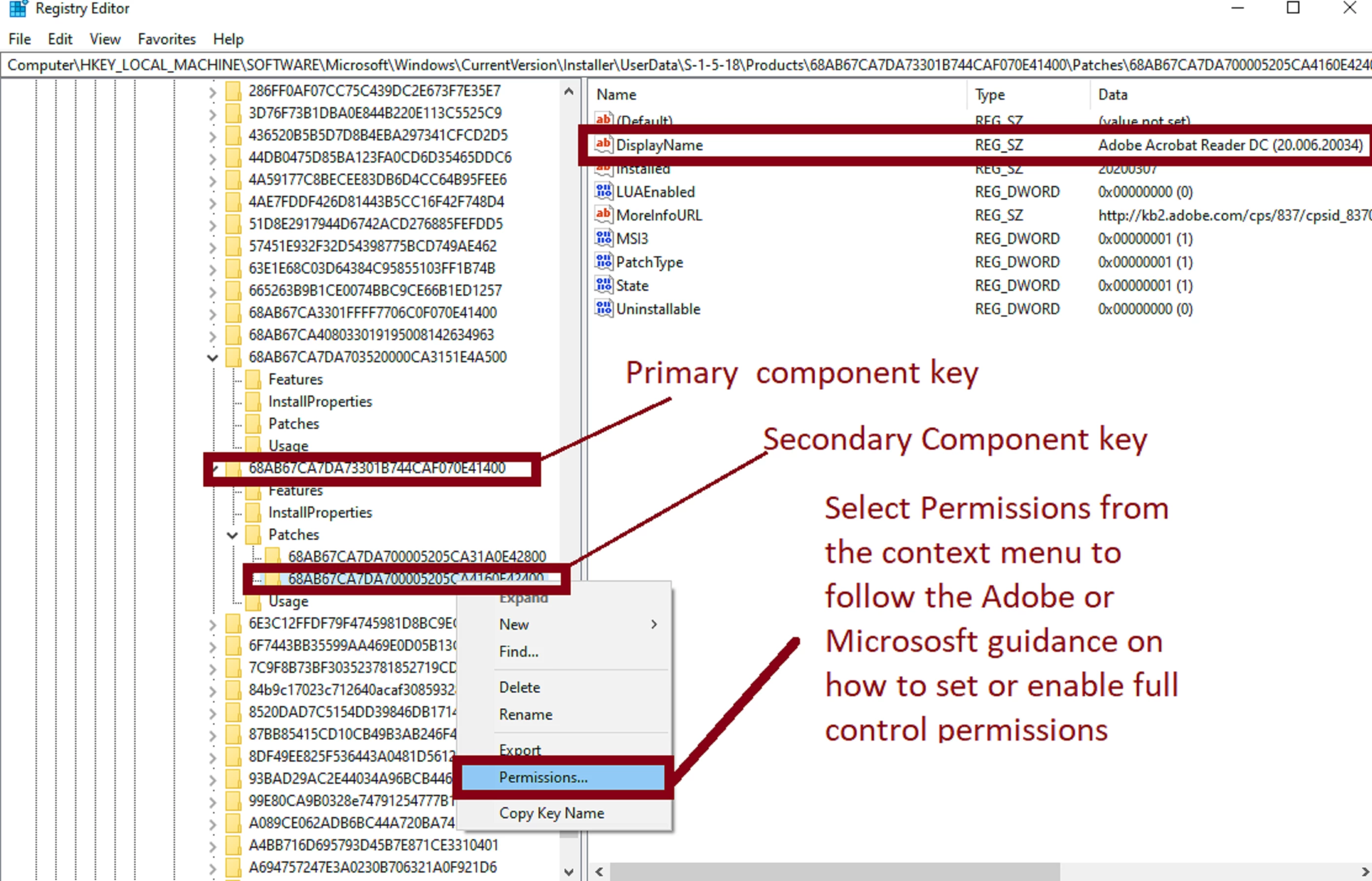
When I run the setup, after choosing the location of the installation, the installation stop and a message appears saying that it is "Impossible to open the key UNKNOWN\Components\...\68AB67CA7DA... . Verify that you have the rights for this key or contact your technical support service" (translated from french)
And that's it I think, I don't know what to do now... It is impossible to install this software...
Hope you can give some help with it, I would appreciate.
Thank you
Benjamin
 AdChoices