


Participant
July 13, 2021
Question

Adobe Acrobat Reader DC Render / Artifacting issue

  • July 13, 2021
  • 3 replies
  • 771 views

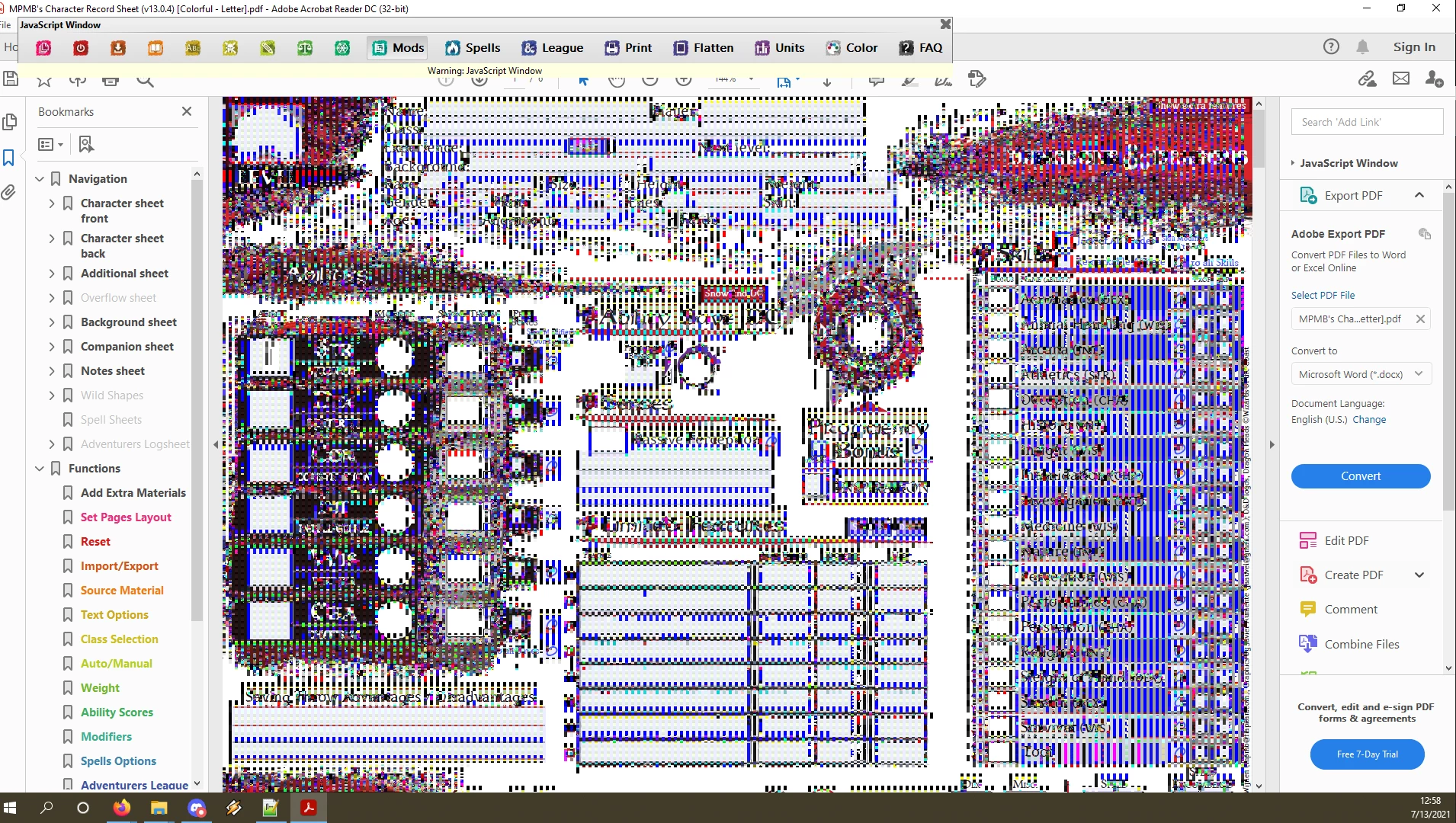
Whenever I open a PDF in Acrobat Reader DC, they diplay like the image attached at the bottom.

I can make the artifacts disappear for a few seconds sometimes by hitting CTRL+A and selecting the whole document, or clicking on an element in the displayed PDF. I contacted support and they had me uninstall and reinstall the application, but that did not resolve the issue. The cleaner they asked me to run did not even seem to recognize that I had the application installed on my machine. Please help!
This topic is closed to new replies. Start a new post to keep the conversation going.

3 replies

JR Boulay
Community Expert
Community Expert
July 14, 2021

MOVED TO THE ACROBAT READER FORUM

Acrobate du PDF, InDesigner et Photoshopographe
Adobe Employee
July 22, 2021

Hi Robert,

Please let us know if the way suggested by Amal worked for you or not.


Regards,

Sweta Karn

Amal.
Legend
July 14, 2021

Hi Robert


Hope you are doing well and sorry for the trouble and the delay in response.


Please check out the correct answer marked in a similar discussion https://community.adobe.com/t5/acrobat-reader/screen-turns-to-black-and-white-dots-using-adobe-acrobat-reader-dc-19-021-20061/m-p/10909009 and see if that works for you.


Regards

Amal