


Adobe Acrobat Reader DC search/find functionality (Crtr F) does not work anymore
Issue
Adobe Acrobat Reader DC search/find functionality within pdf files does not work anymore.
Doesn’t matter whether I try keyboard Ctrl F, or the look-up button in the document
The issue is not specific for one pdf file, but it occurs with all pdfs (where this had never occurred before).
The advanced search does not work either.
My Versions
Windows Windows 10, version 1903 Successfully installed on 16-Jun-19
Adobe 19.012.20035 installed on 15-Jun-19
McAfee just reported that all my applications are up to date...
Behaviour
Simple find
When the Find box is displayed

then immediately a Windows error message pops up
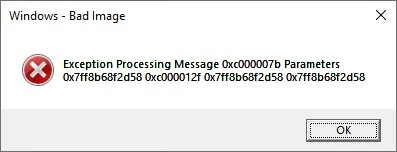
and when you press OK, the whole pdf crashes/closes.
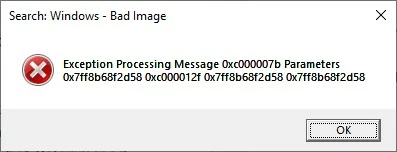
The Exception Processing Message and the Parameters are always the same, only the pop-up title differs (it differs with the document that you are trying this on? it differs when using the button or the Ctrl F? am not sure what causes the different titles)
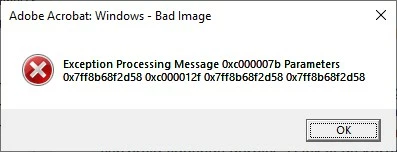
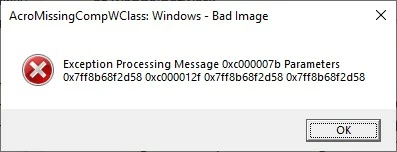
Advanced search
When I use the advanced search (say that I want to search in the current document only, so don’t change the default), I can type a word, and select that I want whole words only, but then when I press Search, I get the error pop-up again, with the same Exception Processing Message and same Parameters again and only a different title in the pop-up
Would like to know what's causing this issue, or rather: how to solve it.
Thanks.
 AdChoices