
Participant
July 30, 2024
Question

Adobe Acrobat Reader - Doesn't Sign Me In

  • July 30, 2024
  • 1 reply
  • 2907 views

Hello, as the title says, Adobe Acrobat Reader does NOT sign me in. Otherwise meaning, I cannot gain access to my account. It is a fresh install, the latest version, Windows 10, and simply put, I can't get passed the "Sign In" button. I have just purchased a 7-day Free Trial, as I'm needing to sign important documents in order to find work, and I otherwise cannot without being able to sign in. 

I was succesfully able to sign one document, however a different document I've attached to an email shows this:
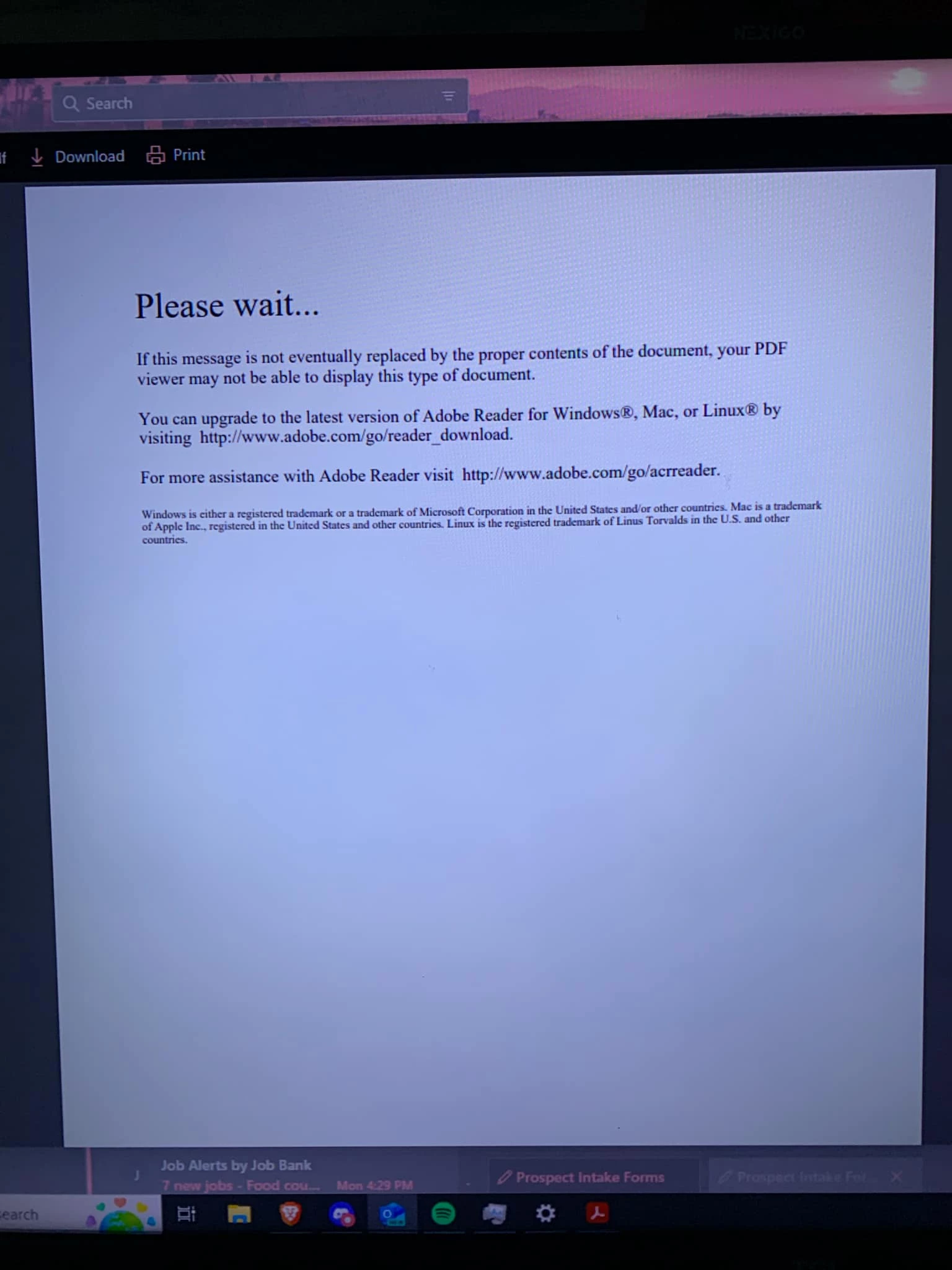
 

So therefore I needed to get Acrobat Pro to convert the file to Docx, which I've purchase the 7-day free trial, however I cannot sign in. This is very frustrating, as I'm in dire need of work as I've been out of work for over 15 months now. If any advice or help can be given in order to remedy this situation, it would be very very much appreciated.


Kind regards,

Nicholas. 

1 reply

creative explorer
Community Expert
Community Expert
July 31, 2024

@Nick3890313281pe Acrobat Reader is free, so, you likely downloaded the 7-day Acrobat Standard or the Pro software. You need to make sure you sign into the correct email account that you sign up with the 7-day Acrobat Standard or the Pro. It won't work properly if you don't (I should know, I have two accounts, one for work and for school)...

I would clear my cookies, cache and history and go back to https://www.adobe.com/home to sign in. 


m
Meenakshi_Negi
Legend
July 31, 2024

Hi Nick3890313281pe,


Thank you for reaching out.


Please try removing the application using the steps suggested and reinstall the Acrobat trial version with the link shared below:

-Remove the application and run the cleaner tool (https://adobe.ly/3AepqEM).
-Reboot the machine
-Install Adobe Acrobat from the following page: https://adobe.ly/3LNMuwQ


Let us know how it goes.


Thanks,

Meenakshi