


Adobe Acrobat Reader Glitch
When I have multiple PDFs open for longer than 30 minutes, all of a sudden I get an alert that I cannot view them any longer. Yes, I can trouble shoot and individually sanitize the documents or reduce each file's size by compressing the PDF, but I should not have to. This would take me alot of time for when I have many documents open. And it doesn't just happen with certain formats, it is whenever I have many documents open in Acrobat. This is a glitch in the software and I was wondering if anyone has experienced this before and can please help me.
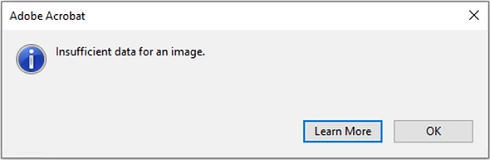
This is an image of the error alert I recieve.
Moving from Using the Community (which is about the forums) to the correct forum... Mod
To ask in the forum for your program please start at https://community.adobe.com/
 AdChoices