
Participant
October 4, 2020
Question

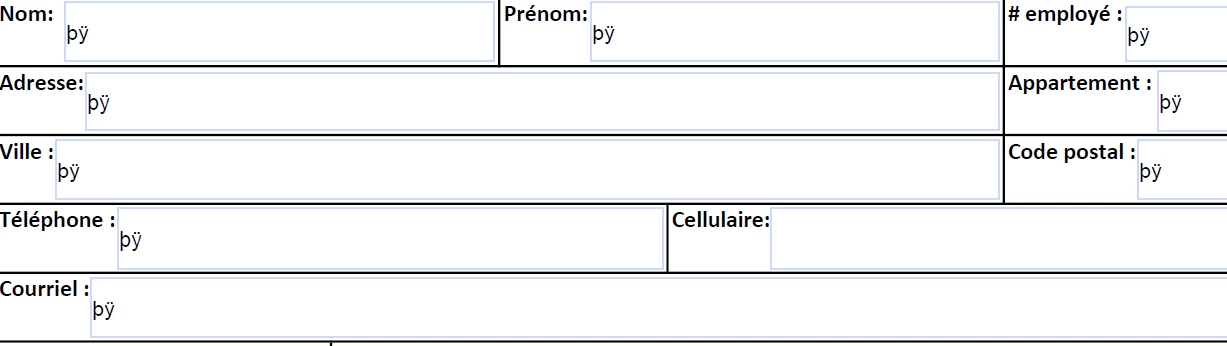
Adobe Acrobat Reader - text is hidden
  • October 4, 2020
  • 2 replies
  • 342 views


Hello everyone,


I work for a company and i have to send documents to people applying for jobs. 


Some of the documents i receive are crypted, same as you can see in the picture. Now, i can click on it and see the information. So my question is  : How can i turn off the crypting and see directly the information ?


I speak french too. Thankyou ! 

This topic has been closed for replies.

2 replies

try67
Community Expert
Community Expert
October 5, 2020

Did you create the form? Do you have Acrobat? If so, you can probably fix it by exporting the form data to an external file (FDF, for example) and then import it back it. This issue usually happens when the form is filled-in in a non-Adobe application.

Bernd Alheit
Community Expert
Community Expert
October 5, 2020

You can't change this with Acrobat Reader.