
Adobe Acrobate DC Login Error
Hello,
I am a graduate student and tried to install the Creative Cloud using my academic login as suggested by my University. Unfortunately, as I am an online graduate student, I was subsequently told that I probably would not be able to access the Creative Cloud because I was not using the University's servers. I uninstalled the Creative Cloud program and used the Adobe Acrobat Cleaner tool to remove the Adobe Acrobat Reader DC version that was unsuccessfully associated with my University account. Unfortunately, when I reinstalled Adobe Acrobat DC and tried to log in with my personal account, I received an "Access Denied" error, as displayed in the attached screenshot. This error persists even when I click on the "sign in with an Adobe ID" and input my persona;l account credentials. I need guidance on correcting this error to allow me to log in to Adobe Acrobat Reader DC with my personal account. Any assistance would be appreciated!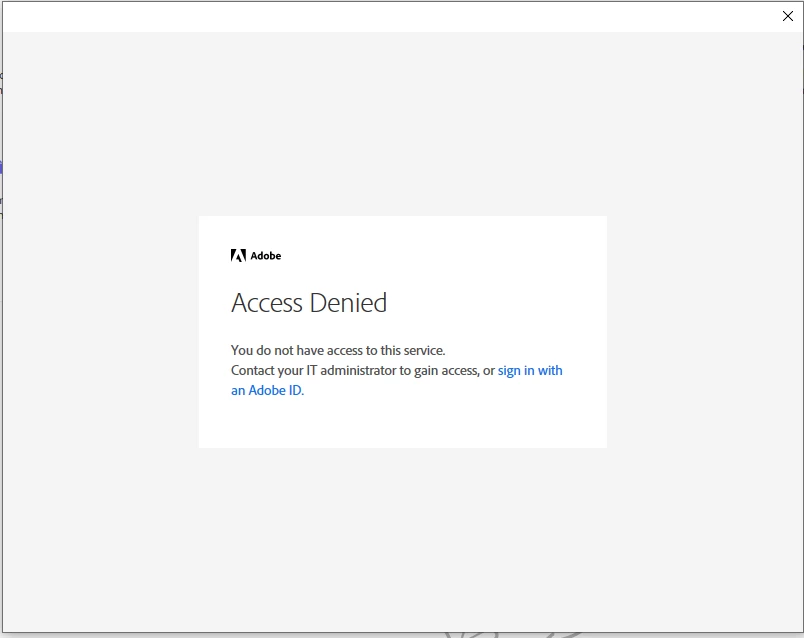


 AdChoices