
Adobe Freezing When Using Fill & Sign
I've seen countless posts all the way back to 2020 about this issue while searching the Adobe community and it's hard to believe this is still an issue after 5+ years of users reporting the exact same issue.
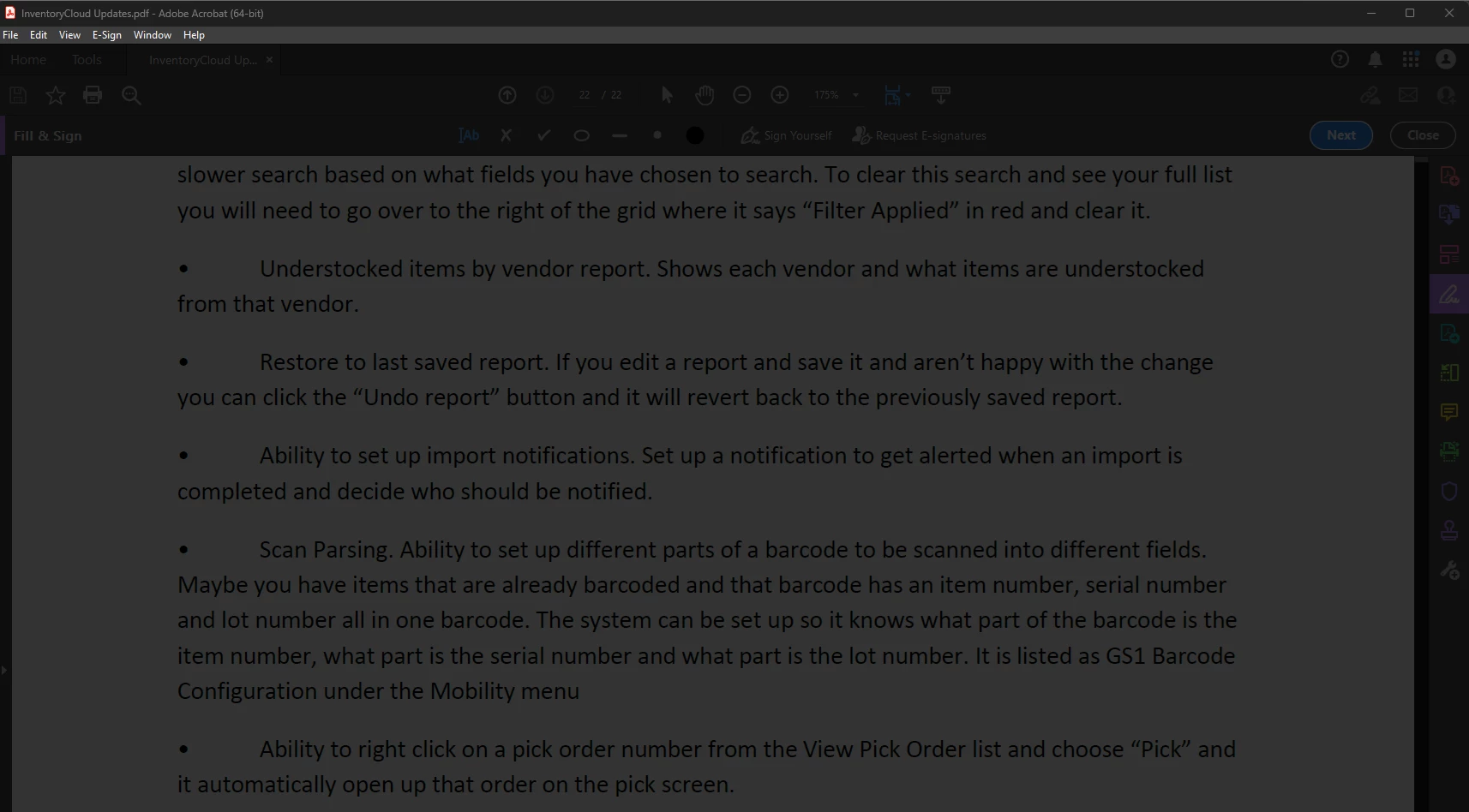
Several users in our office, including myself, are unable to use the fill & sign tool. After clicking "Sign Yourself" then clicking "Add Signature," Adobe greys out and freezes. It acts as if you're supposed to see a popup or a new window but nothing happens even after letting it sit for a while. The only way to close Adobe at this point is to kill it with task manager.
We're alll using Adobe Acrobat Standard (64-bit) version 25.001.20813 on Windows 11 PCs.
I've done all the suggested troubleshooting from multiple past posts including the following:
- Signing out and signing back into my Adobe Account.
- Updating Adobe to the latest & greatest.
- Repairing Adobe.
- Uninstalling Adobe using the Adobe Cleaner Tools and reinstalling.
- Uninstalling then deleting all folders and files in C:\Users\irickenberg\AppData\Local\Adobe, C:\Users\irickenberg\AppData\LocalLow\Adobe, C:\Users\irickenberg\AppData\Roaming\Adobe, C:\Program Files\Adobe, C:\Program Files (x86)\Adobe, C:\Program Files\Common Files\Adobe, sd well as C:\Program Files (x86)\Common Files\Adobe, deleting the Adobe folder in HKEY_CURRENT_USER\Software & HKEY_LOCAL_MACHINE\Software from the registry. Then reinstalled.
- Deleting acrobat_fss_signature_initials, acrobat_fss_signature_initialsi, & acrobat_fss_signature_initialsk from %AppData%\Adobe\Acrobat\DC\Security.
- Protected View is turned off.
- Use modern user interface is unchecked in Creation and Appearance Preferences.
- I've played with settings in Verification and Identities & Trusted Certificates in Digital Signatures settings. No luck after turning off each setting seperately.
Please do not suggest I do any of the above again or any simple "turn it off and back on" solutions. If support or any users have suggestions that have not been mentioned, please share.


 AdChoices