Question
Adobe PDF printing
Good day,
I would like to find out what the issue might be when trying to print a PDF document with 490 pages.
As soon as I try and print the pages I get the popup stating the Following:
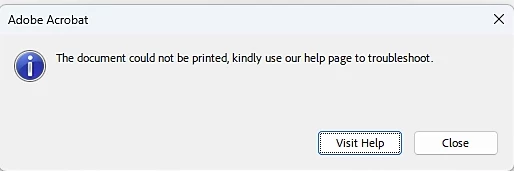
Please assist with a solution.

Good day,
I would like to find out what the issue might be when trying to print a PDF document with 490 pages.
As soon as I try and print the pages I get the popup stating the Following:
Please assist with a solution.
Already have an account? Login
Enter your E-mail address. We'll send you an e-mail with instructions to reset your password.


 AdChoices