Participant
August 14, 2023
Answered

Adobe Reader 填寫文字功能版本更新後存檔亂碼

  • August 14, 2023
  • 7 replies
  • 6297 views

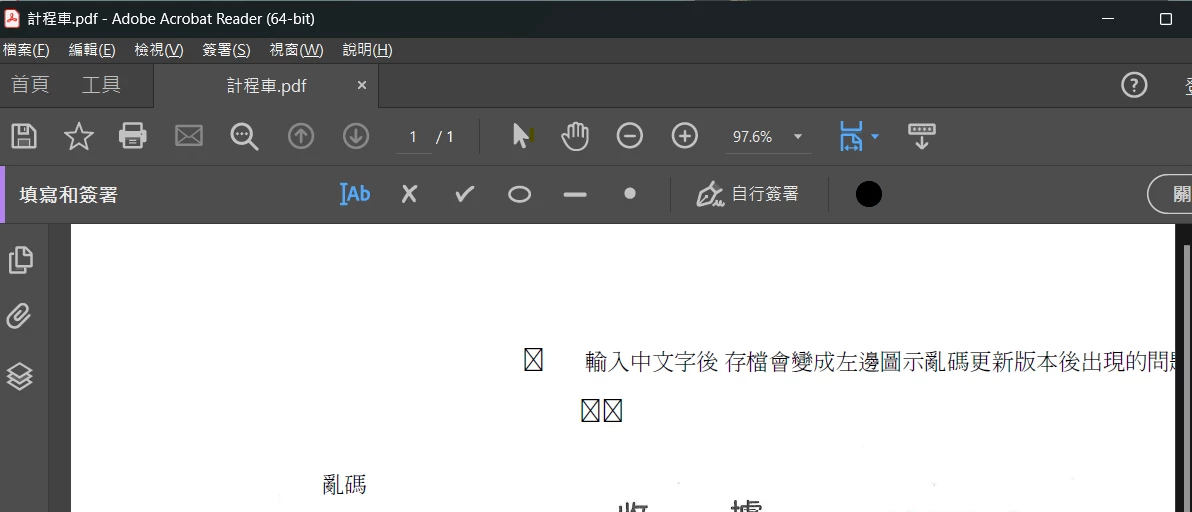
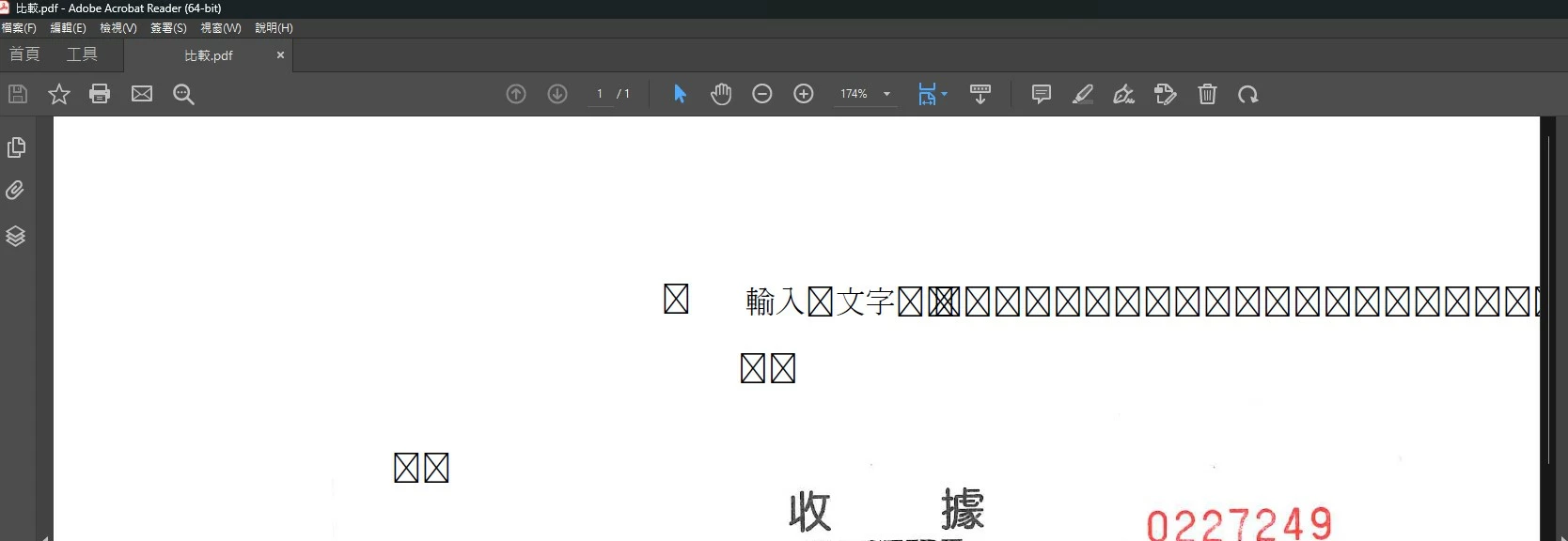
使用Adobe Reader 填寫功能輸入中文字,存檔後原中文字顯示亂碼。
This topic has been closed for replies.
Correct answer Vinod Dobhal

Hi All,


The font corruption issue has been fixed in the latest update of Adobe Acrobat 23.003.20284.2636a55. Please try updating the application to the latest version.


Thanks,

Vinod

7 replies

Vinod DobhalCorrect answer
Adobe Employee
August 24, 2023

Hi All,


The font corruption issue has been fixed in the latest update of Adobe Acrobat 23.003.20284.2636a55. Please try updating the application to the latest version.


Thanks,

Vinod

Participant
August 22, 2023

用註釋的文字功能就沒問題,不要用簽名裡的。

Participant
August 21, 2023

We meet the same problem, a week passed, have no updates been released.

Participant
August 23, 2023

It's ok now.

v. 2023.003.20284

Participant
August 23, 2023

請問官方有公告己解決嗎? 或者是您自己測試的結果? 謝謝分享!


Participating Frequently
August 17, 2023

Temporary solution, after input chinese text, use print , select Microsft Print to PDF (Windows 10/Windows 11 build in), print the document and save it. You can view the Chinese and also this version can input and view again the chinese text when reopen

Participant
August 22, 2023

dont use the [fill and sign] text function, just use the [comment] iinput text function

Participant
August 15, 2023

降版本可以解決

初步發現為字體問題

但是無法調整預設輸出字體是現在比較麻煩的地方

Participant
August 15, 2023

是呀,降版可暫 解決,但會自動升版.

Participant
August 15, 2023

要不要先防火牆上面先阻擋 Acrobat 自動更新的通道? 等新版本有解決再開啟....


Participant
August 15, 2023

今天公司也有遇到相同問題,想請問有解決方法嗎?

Participant
August 14, 2023

我們也是這樣,請問有解決的方案嗎