Thanks AMAMBO but I am trying to open a PDF file that has been on my computer already. When I purchased this computer from new 6 months ago the store had installed PDF Suite 20. I have just installed Acrobat and made default reader and uninstalled PDF Suite but noe neither are working.
If Acrobat is associated with the PDF files, try opening a local file. If that works, the file type is correctly associated.
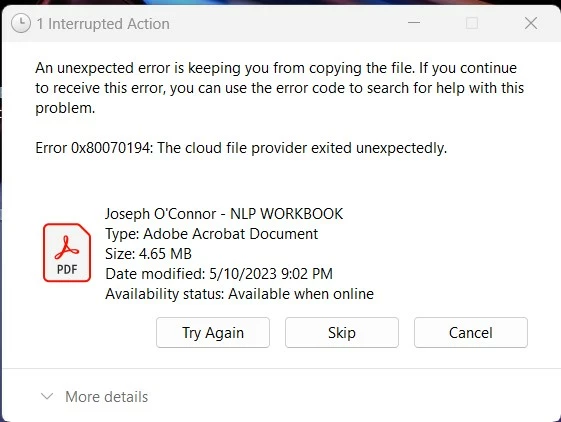
Then try copying your cloud file to a local disk (you use a classic copy operation, you do not double-click the PDF file to open it in Acrobat). If that fails, you have a problem with your cloud system.
Open a Word file from the cloud. Does that work? (You can also open an Excel or PowerPoint. It's not relevant what you open. It needs to be a non Adobe application format, to prove the concept.)
Only as a last test, you open your PDF file from the cloud.
(report back at any stage, where the operation fails)
ABAMBO | Hard- and Software Engineer | Photographer

 AdChoices