
Adobe Reader has stopped working
Log Name: Application
Adobe Reader keeps crashing after an update on 04/12/2024.
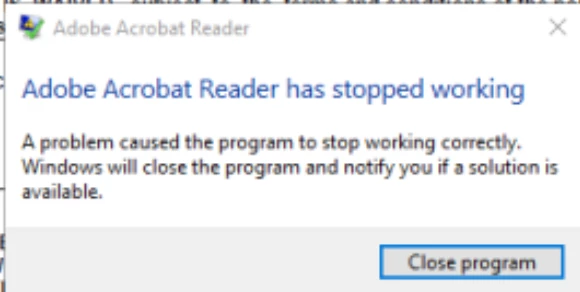
How can I resolve this issue?
Source: Application Error
Date: 4/16/2024 4:54:23 PM
Event ID: 1000
Task Category: (100)
Level: Error
Keywords: Classic
User: N/A
Computer: RDS.domain.com
Description:
Faulting application name: AcroRd32.exe, version: 24.2.20687.0, time stamp: 0x66171c08
Faulting module name: AcroRd32.dll, version: 24.2.20687.0, time stamp: 0x66171c02
Exception code: 0xc000041d
Fault offset: 0x00404d8c
Faulting process id: 0x8074
Faulting application start time: 0x01da904038013197
Faulting application path: C:\Program Files (x86)\Adobe\Acrobat Reader DC\Reader\AcroRd32.exe
Faulting module path: C:\Program Files (x86)\Adobe\Acrobat Reader DC\Reader\AcroRd32.dll
Report Id: 9ece0810-29e2-467c-942d-390c34d91fac
Faulting package full name:
Faulting package-relative application ID:
Event Xml:
<Event xmlns="http://schemas.microsoft.com/win/2004/08/events/event">
<System>
<Provider Name="Application Error" />
<EventID Qualifiers="0">1000</EventID>
<Level>2</Level>
<Task>100</Task>
<Keywords>0x80000000000000</Keywords>
<TimeCreated SystemTime="2024-04-16T20:54:23.487735300Z" />
<EventRecordID>1382329</EventRecordID>
<Channel>Application</Channel>
<Computer>RDS.domain.com</Computer>
<Security />
</System>
<EventData>
<Data>AcroRd32.exe</Data>
<Data>24.2.20687.0</Data>
<Data>66171c08</Data>
<Data>AcroRd32.dll</Data>
<Data>24.2.20687.0</Data>
<Data>66171c02</Data>


 AdChoices