Participant
July 20, 2018
Question

Adobe Reader XI Can't Display comments

  • July 20, 2018
  • 1 reply
  • 426 views

My greetins to all user in this community, I have a issue that I can't resolve about display comments with text. When I open the document, the text box appears without text so, I can't read nothing cause Its looks like the text are hidden. Look the image below
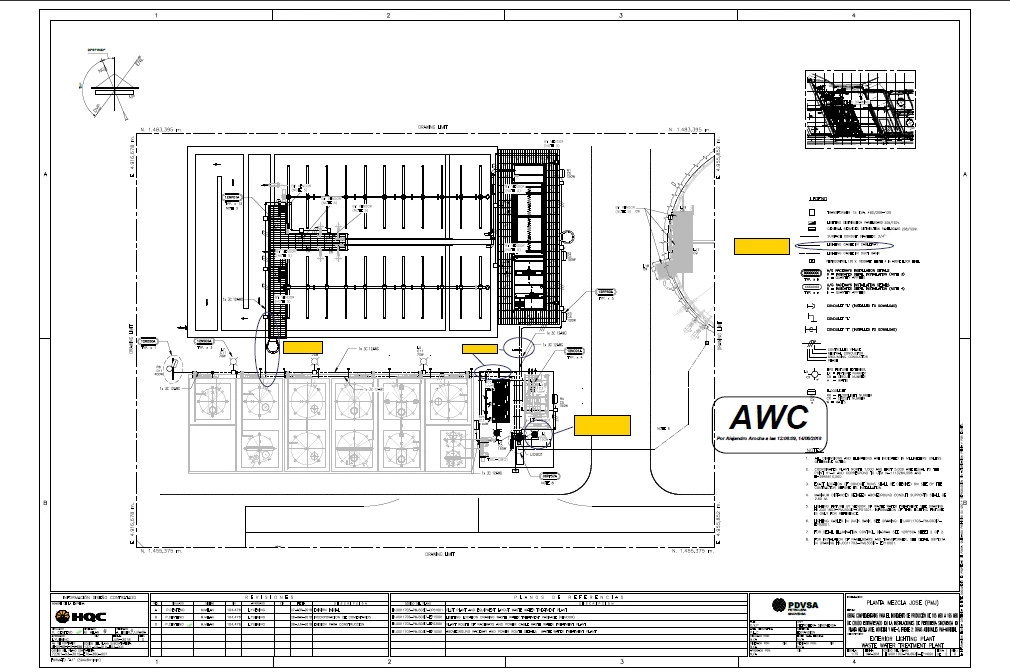
The yellow box are comments, inside they should have the comments (writte by some person). The rare of this is if I display the document in preview like this:
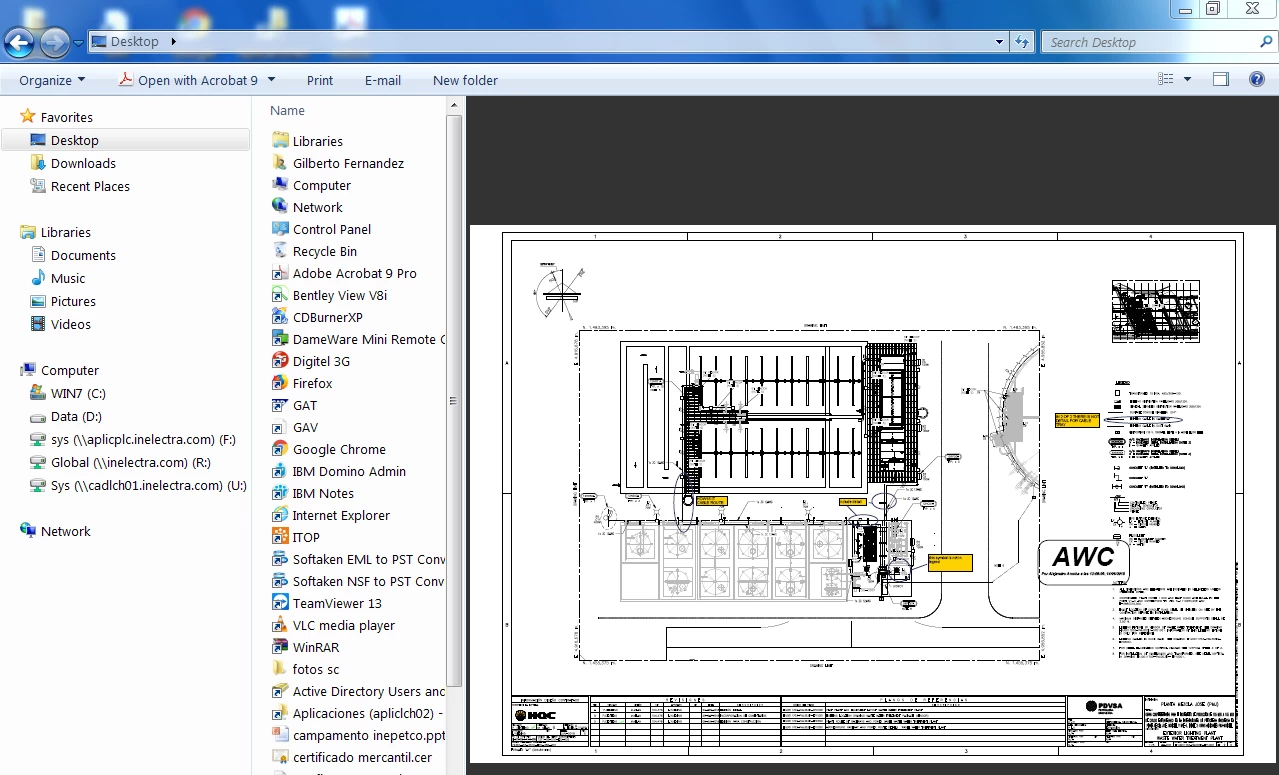
They display correctly but no when I open the document. If any body knows how to solve this, I really appreciate his help.

This topic has been closed for replies.

1 reply

AnandSri
Legend
July 20, 2018

Hello Gilbertof,

We're sorry for the trouble you had while viewing comments in a PDF, Make sure that you have opened the PDF in Adobe Reader desktop application and then please navigate to the comment panel in the right and look under the Comments List. Do you see the sticky notes/comments there?

If you are not able to see the comments, then it seems that the PDF file is flattened and have removed or it got removed all the information related to the comments and turning them  into a pop-up or a static image on the PDF page.

Try the steps mentioned in the article View, reply, print comments in Adobe Acrobat

Check for any pending updates of installed Adobe Reader from help>check for updates, reboot the machine after installing any updates.

Have you tried checking comments in other PDF files or is it specific to one PDF? Adobe Reader 11 is an old version and security and updates are no longer available and this may cause some issue with the features.

Install the latest version of Adobe Reader from Adobe - Adobe Acrobat Reader DC Distribution and check.

If it is specific to one PDF, is it possible to share the PDF file with us so that we can test it at our end?

To share the file, please use Adobe Send feature, login to https://cloud.acrobat.com/send using your Adobe ID(email) and password, upload the file, share the link to files via private message only, How Do I Send Private Message

Let us know how it goes and share your observation.

Thanks,

Anand Sri.