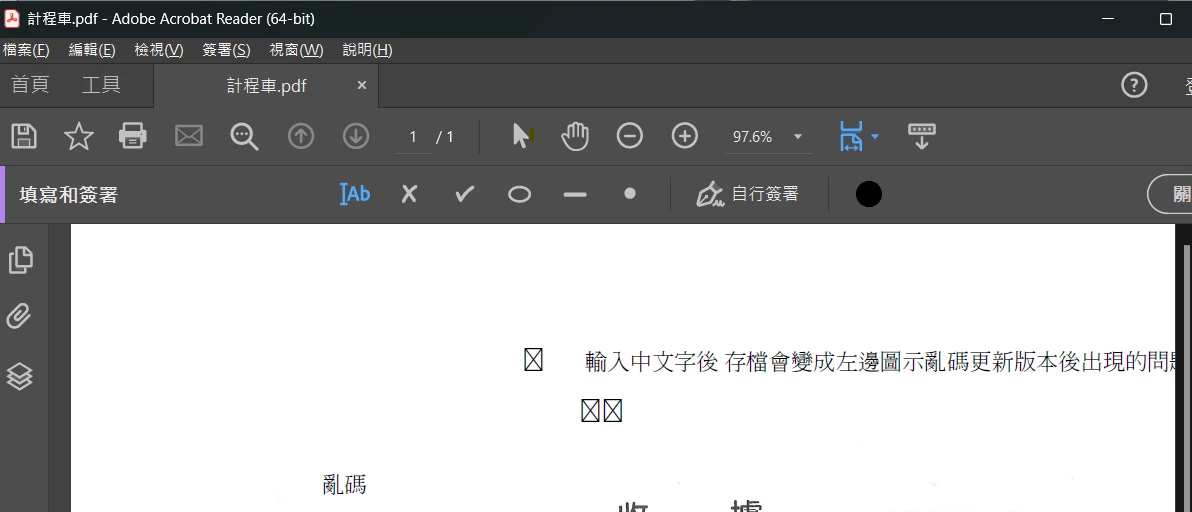
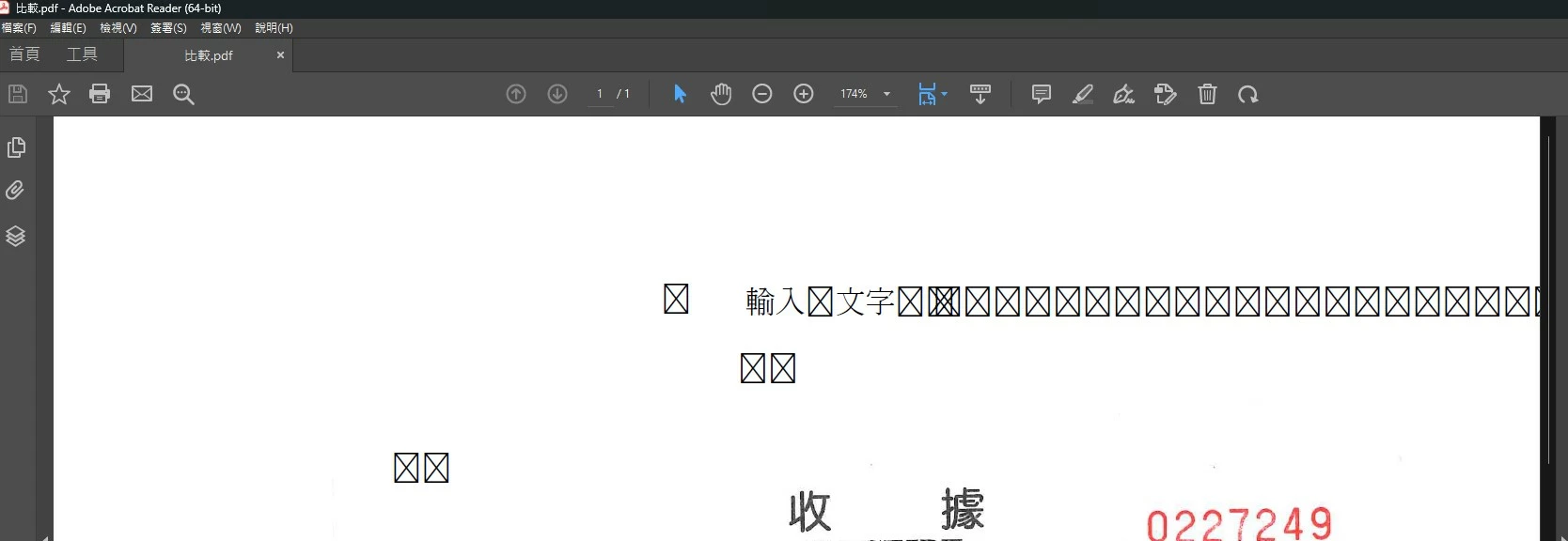
The font corruption issue has been fixed in the latest update of Adobe Acrobat 23.003.20284.2636a55. Please try updating the application to the latest version.
The font corruption issue has been fixed in the latest update of Adobe Acrobat 23.003.20284.2636a55. Please try updating the application to the latest version.
Temporary solution, after input chinese text, use print , select Microsft Print to PDF (Windows 10/Windows 11 build in), print the document and save it. You can view the Chinese and also this version can input and view again the chinese text when reopen

 AdChoices