carlosff82
Participant
February 26, 2019
Answered

Advanced search doesn't open in Acrobat Reader

  • February 26, 2019
  • 2 replies
  • 1799 views

Hello:

I'm facing the following problem and I didn't find any post similar to my problem.

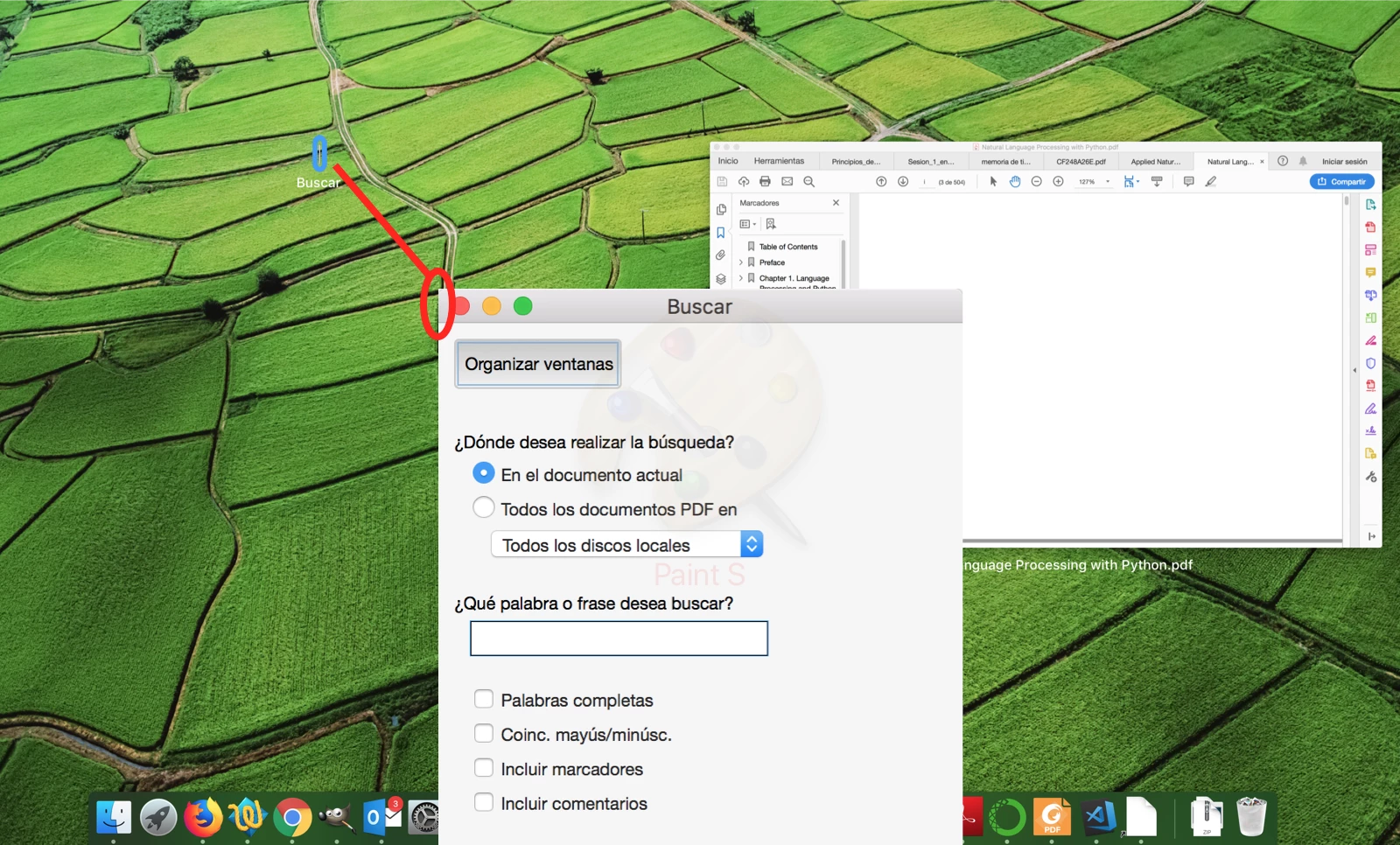
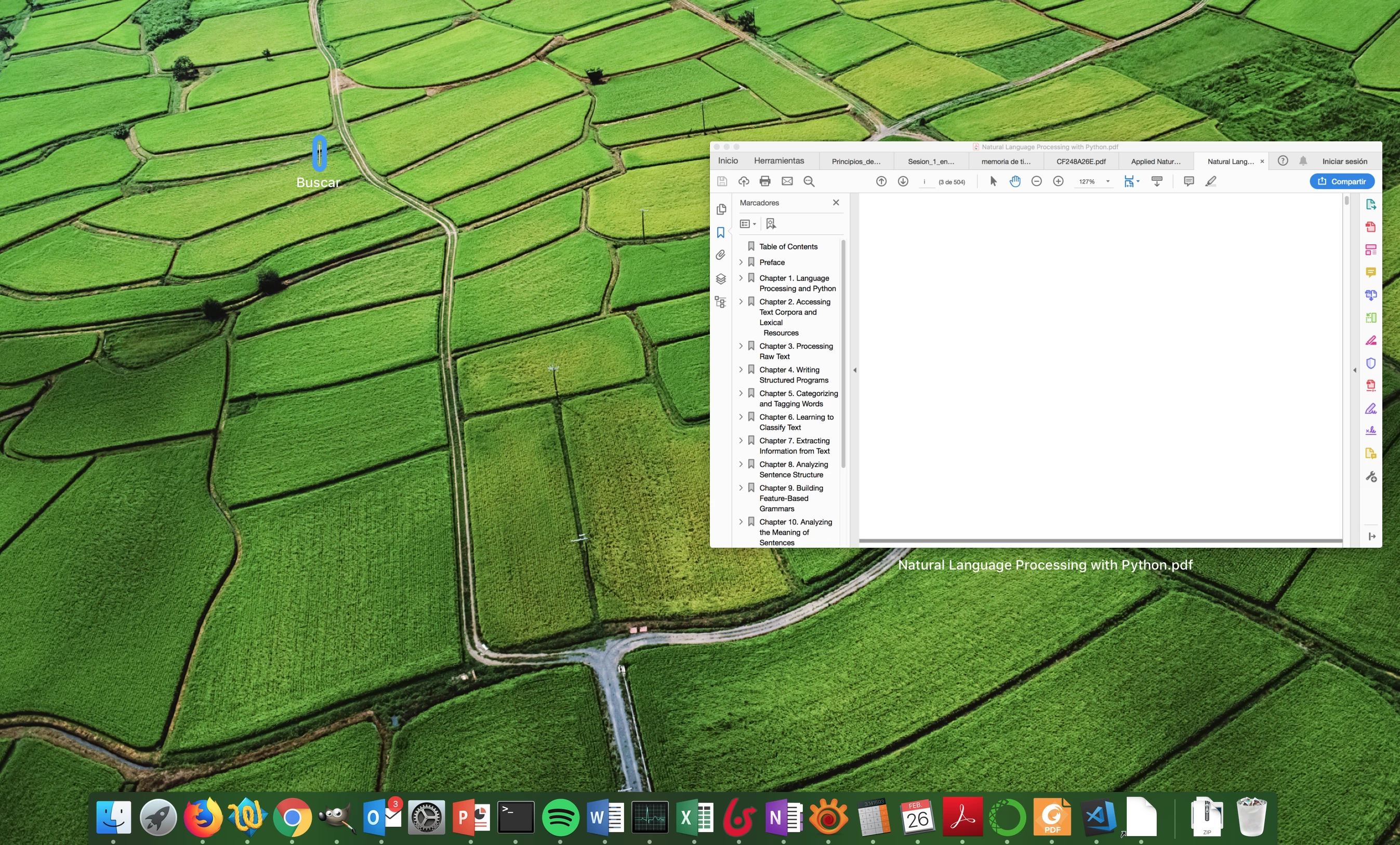
When I try to open de "advance search" window, which I use a lot in my personal Windows system and works perfectly, in my work's MAC system the tool doesn't open, and if i use the trackpad to see all the application's windows, I see a small line  (screenshot attached below) that seems to be the search window but I cannot do anything, and when clicking over it, i get the main Acrobat window.

¿Does anybody have the same problem? ¿Workaround? ¿Is it a problem of configuration of my system?

Thanks

Technical details:

MACOS HighSierra 10.13.4

Acrobat Version: 2019.010.20098

Architecture: x86_64

Build: 19.10.20098.316574

AGM: 4.30.84

CoolType: 5.14.5

JP2K: 1.2.2.42832
    This topic has been closed for replies.
    Correct answer carlosff82

    Hi Anand:

    Thanks for your reply. The problem use to happened with any file. I restarted the system and it continued. But, I noticed the small bar at the low-left corner of the screen, almost invisible due to proximity of the edge, and turned out that I could maximize it, and it corresponded to the top-left of the advanced search window. How did it got there and with that size?? I have no idea. I cannot re-shrink the window to a small bar and the minimum size I can shrink it now is the space used by the system window controls (the red, yellow and green buttons), so I guess that there was a problem with Acrobat as I suppose that none window should get smaller than that control area.

    Anyway, I solved the problem and I'm replying just to help somebody that could face the same problem.

    Thanks

    2 replies

    Participant
    December 1, 2019

    Thank you so much for posting this fix! The same thing happened to me: it seemed as if the Advanced Search function had stopped working. Instead, there was a tiny line at the bottom left corner of my MacBook screen. When I pulled it right I was able to click on the expand button and it's now the normal size again.

    Super grateful for this. 

    AnandSri
    Legend
    February 26, 2019

    Hello Carlosff,

    We're sorry for the trouble you had with Adobe Reader and the Advanced Search option. Please reboot the machine once and launch Adobe Reader and try accessing the Advanced Search feature from Edit > Advanced Search or Shift+Command+F and see if this brings the Advanced Search Window?

    Are you not getting the Advanced search option in a specific PDF file or is it with all the PDF file? I tried replicating the issue at my end and I am able to access the Advanced search option through Edit > Advanced Search and Shift+Command+F.

    Have you tried accessing the advanced search option in a different PDF? If not, please try.

    The version of Adobe Reader you have the latest version, if you are not able to bring the advanced search option, then use Acrobat cleaner tool once to remove Adobe Reader Download Adobe Reader and Acrobat Cleaner Tool - Adobe Labs

    Reboot the machine and install Adobe Reader from Adobe - Adobe Acrobat Reader DC Distribution

    Let us know how it goes and share your findings.

    Thanks,

    Anand Sri.

    carlosff82
    carlosff82AuthorCorrect answer
    Participant
    February 27, 2019

    Hi Anand:

    Thanks for your reply. The problem use to happened with any file. I restarted the system and it continued. But, I noticed the small bar at the low-left corner of the screen, almost invisible due to proximity of the edge, and turned out that I could maximize it, and it corresponded to the top-left of the advanced search window. How did it got there and with that size?? I have no idea. I cannot re-shrink the window to a small bar and the minimum size I can shrink it now is the space used by the system window controls (the red, yellow and green buttons), so I guess that there was a problem with Acrobat as I suppose that none window should get smaller than that control area.

    Anyway, I solved the problem and I'm replying just to help somebody that could face the same problem.

    Thanks

    Legend
    March 7, 2019

    Thank you for sharing your findings, Carlosff!

    Surely will help others which may be looking for a solution to the issue.

    -Tariq Dar