Answered
After update to 21.001 can't comment in Thai font
After update to 21.001 can't comment in Thai font Error follow image

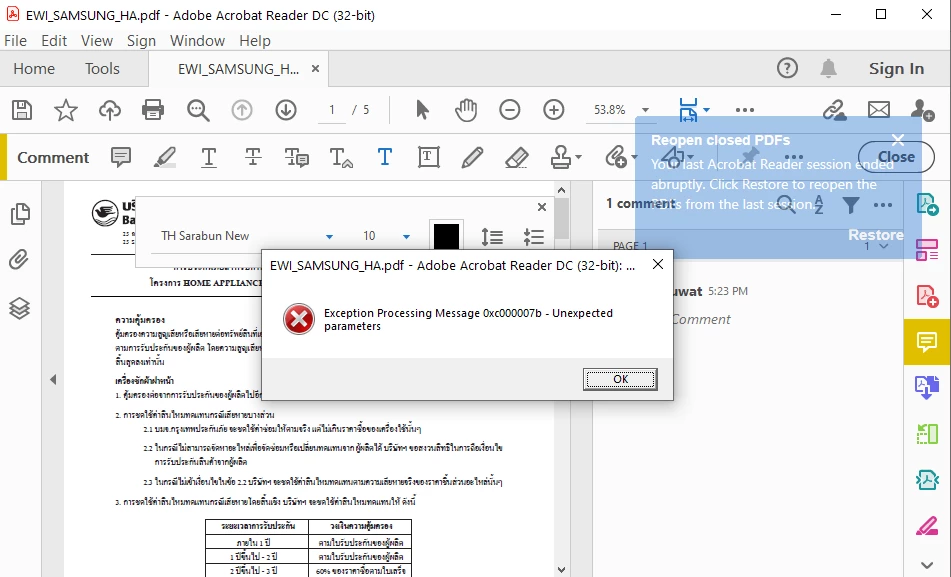

After update to 21.001 can't comment in Thai font Error follow image
Sorry about the issue. Can you please install the latest font pack from: https://helpx.adobe.com/acrobat/kb/windows-font-packs-32-bit-reader.html and see if it resolves the issue. Thanks.
Already have an account? Login
Enter your E-mail address. We'll send you an e-mail with instructions to reset your password.


 AdChoices