

Blank Page Thumbnails & Scaned files printing upside down
I have two questions.
I'm working on an iMac using Acrobat DC (Adobe CC).
FIRST
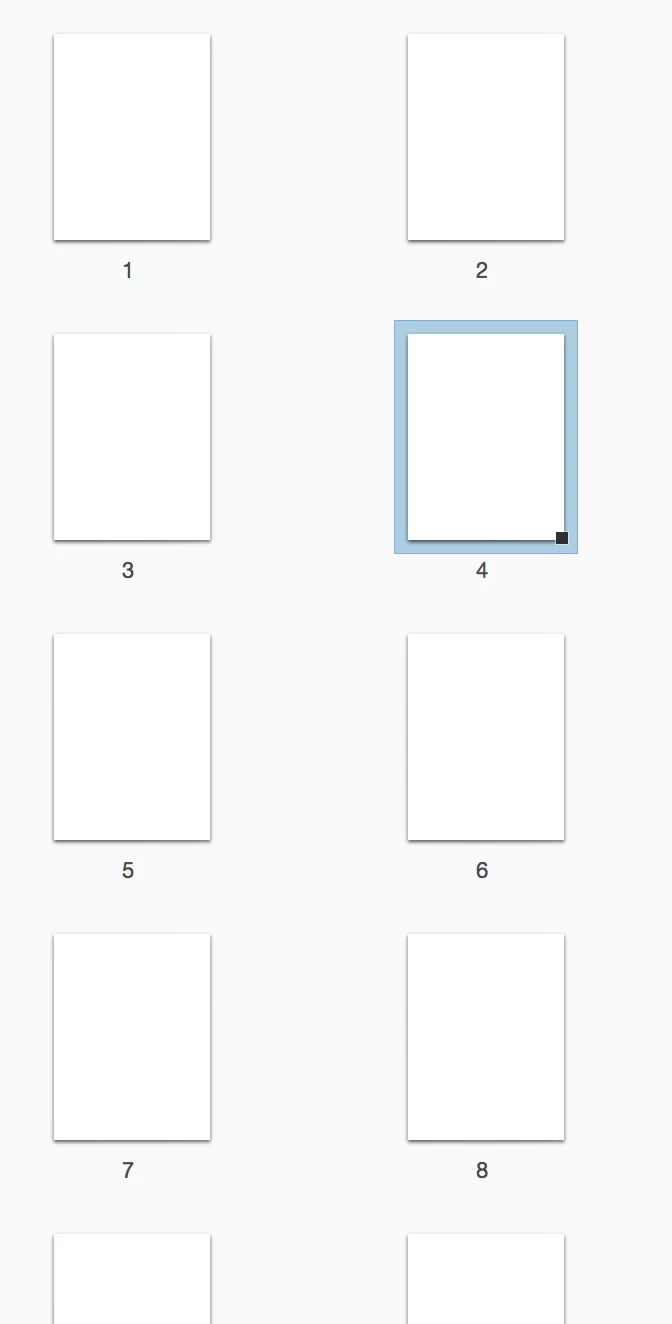
This is the issue that happens more than once a week. In Acrobat DC the page thumbnails in the page thumbnail side bar are blank - just white rectangles above their respective page number. Sometimes (not always) the thumbnails will load when I click on them but other times, especially when NONE of the thumbnails come up, clicking on them doesn't jog anything so all of the thumbnails remain empty looking. The document is fine, just the thumbnails don't behave. Here is a picture of what I mean:
SECOND question/comment
I scanned some sheet music for our digital library a while back. I scanned them upside down on our ricoh/savin copier which sent those files to me in a pdf format. When I open the file in Acrobat, each page appears right side up, even in the print preview, however, when I send it back to our printer, those pages and only those pages come out upside down. I don't know why some of the pages that I've scanned in that same way print right side up like the print preview shows but these are stubbornly printing upside down despite the correct looking preview. I've recently printed and re-scanned one of these schizophrenic files to create a new one and of course that one is perfect, but I'm wondering if there's something I have checked in the print dialog or some other setting that is making these scanned files look right when they aren't.
Any advice on either of these issues would be greatly appreciated.
Thanks.


 AdChoices