January 15, 2018
Answered

Blue squares for filling in a PDF

  • January 15, 2018
  • 2 replies
  • 4296 views

Hello,

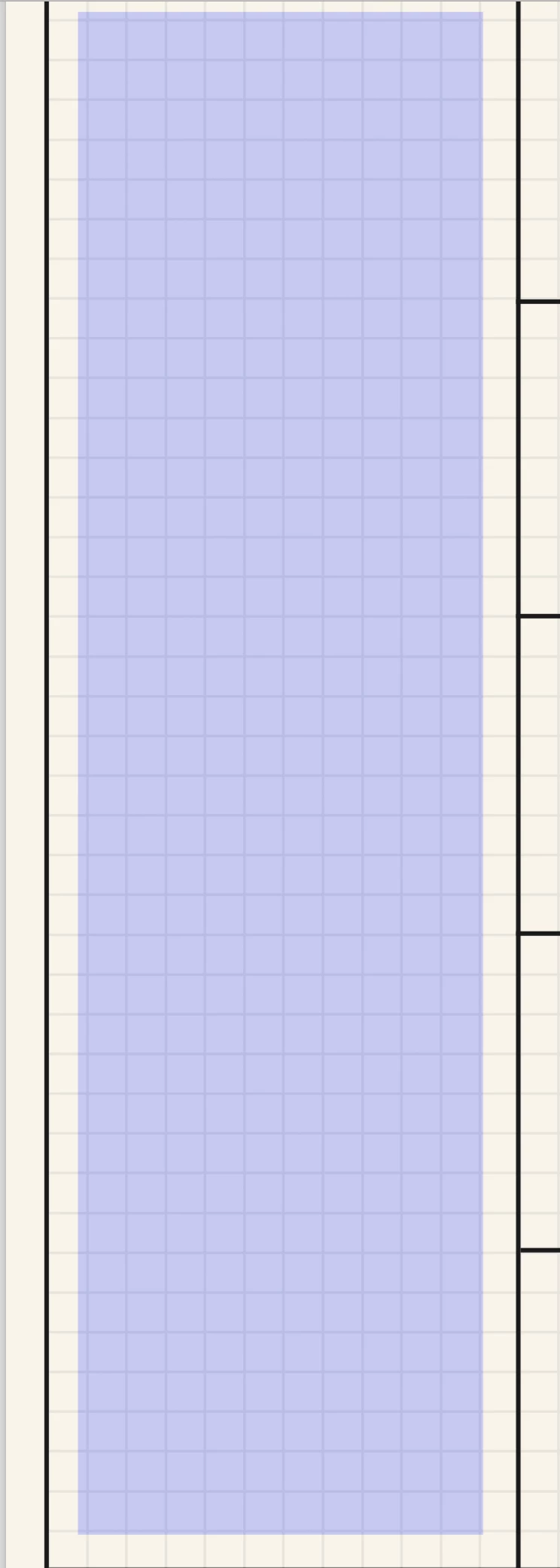
I am working with a PDF file where I can fill in info and the blue squares show me what spaces I can use for filling in info.

But the problem is that the squares won't disappear when I filled them in so my whole document is blue and this doesn't work nice.

My colleagues don't see the blue squares so I think its an option but can't find it myself.

Can anybody help me with this?

Thanks a lot

Jeff
    This topic has been closed for replies.
    Correct answer try67

    You can enable or disable it under Edit - Preferences - Forms. Tick off the "Show border hover color for fields" box.

    2 replies

    January 16, 2018

    Hi,

    Thanks a lot, its works

    try67
    Community Expert
    try67Community ExpertCorrect answer
    Community Expert
    January 15, 2018

    You can enable or disable it under Edit - Preferences - Forms. Tick off the "Show border hover color for fields" box.