Participant
March 14, 2023
Question

Booklet printing preview and paper print in wrong order in Adobe Acrobat

  • March 14, 2023
  • 1 reply
  • 1806 views

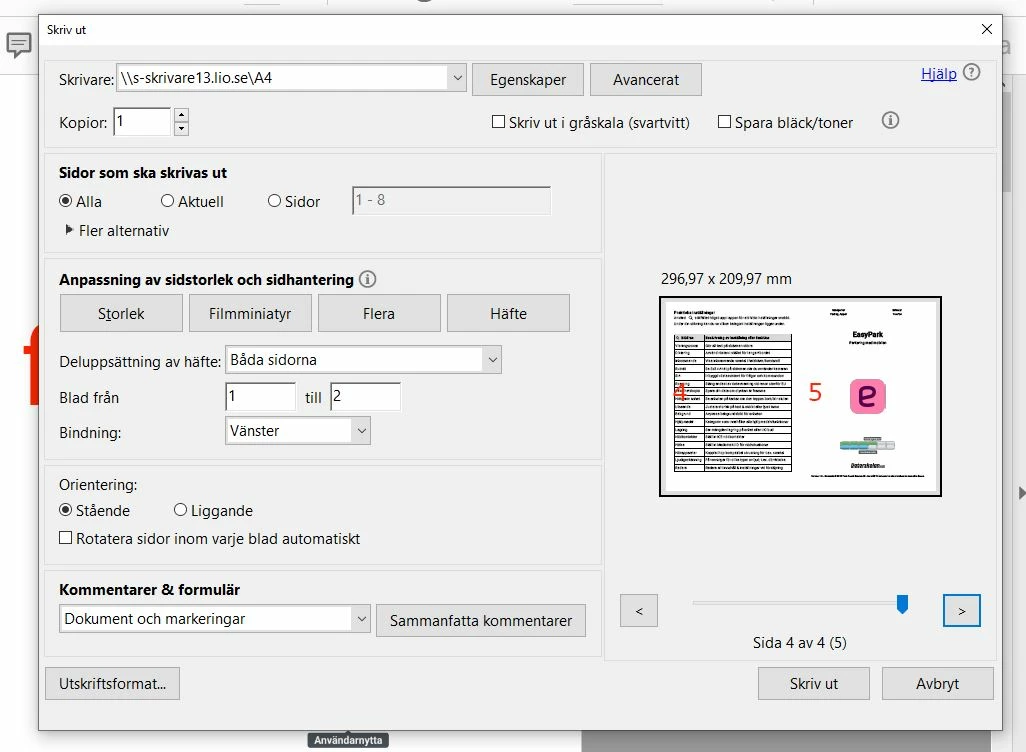
Hello! Experiencing issues with pages seemingly logically ordered, but not in the correct order anyways.


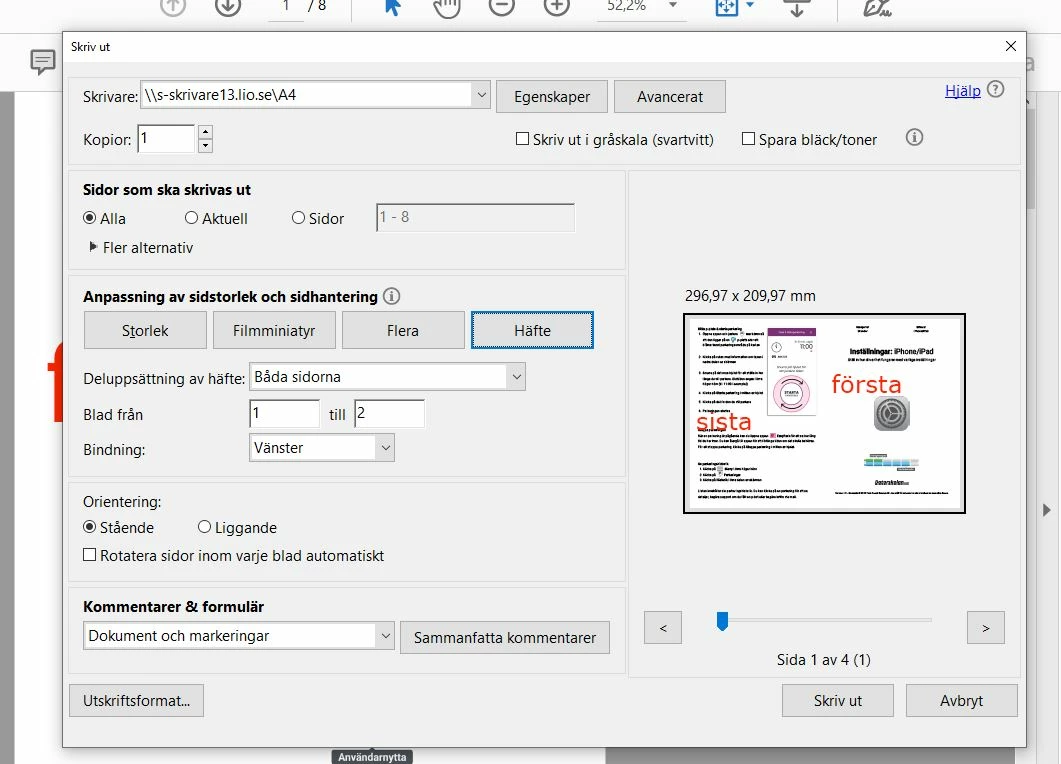
This is the first (första) and last (sista) page of a 8 page document
 

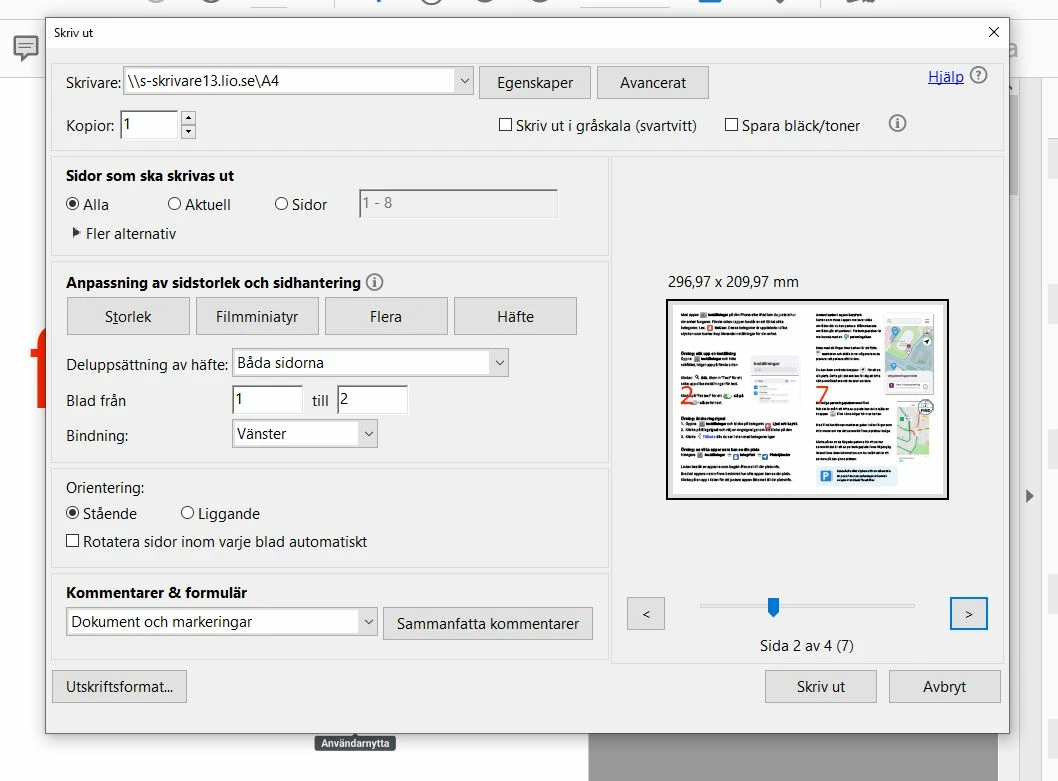
Then, pages 2 and 7 are shown.
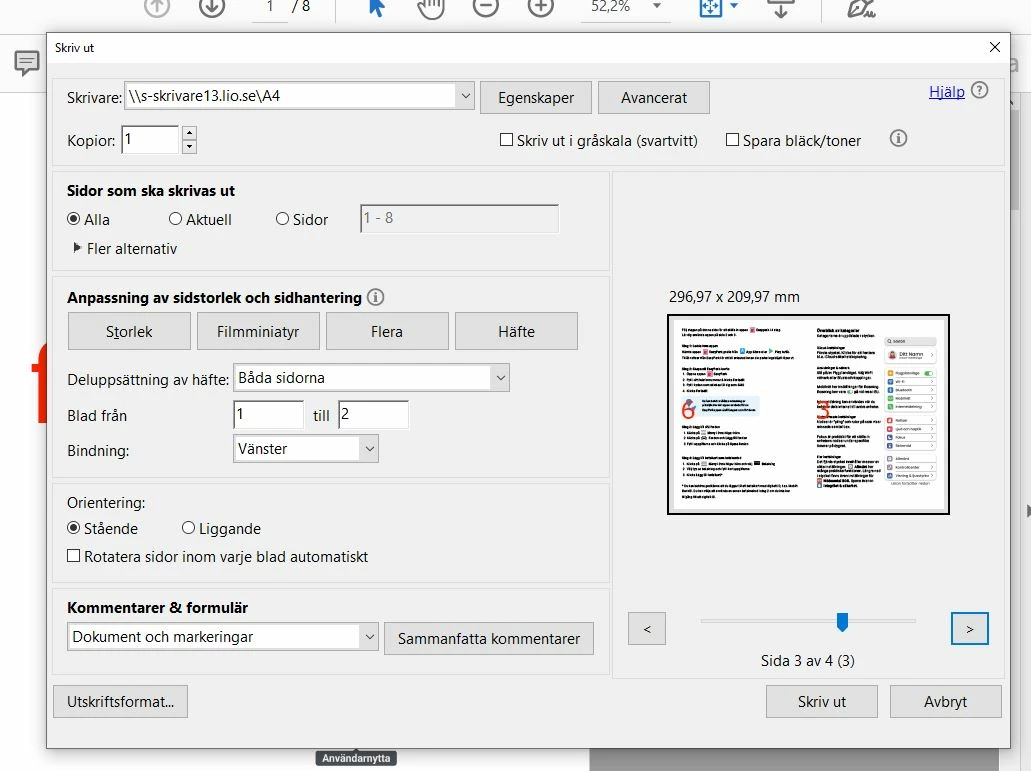
Lastly, these pages are also put in wrong order.


The issue occurs on all computers I've tried. Tried Windows and Mac.


Any idea of what might be the issue and solution?


This topic has been closed for replies.

1 reply

AkanchhaS8194121
Legend
March 14, 2023

Hi @rasmuss 


Thank you for sharing the screenshots. Looking at the Print Preview and Booklet print settings, everything seems to be correct.

Could you please share one of the files with us? We want to test the same on our end. 

Also, share the application version you are currently running.

Open Acrobat>help>About Acrobat (Win)

Adobe Acrobat>About Adobe Acrobat (Mac)


Thanks,

Akanchha 

rasmussAuthor
Participant
March 14, 2023

Hello! Thanks for confirming the settings are correct.

Sure thing. The test file is attached.

The issue occurs on all files I have merged.

This file has been merged with macOS Preview.

Other files previously tested have been merged using the ilovepdf.com merge feature.


Don't have access to the actual PC at the moment, but it is the latest version as it was downloaded last friday from the website.


Thank you very much for your help!

All the best,

Rasmus 


rasmussAuthor
Participant
March 22, 2023

Hello! Just wanted to check in if you have any suggestions of next steps?


/Rasmus